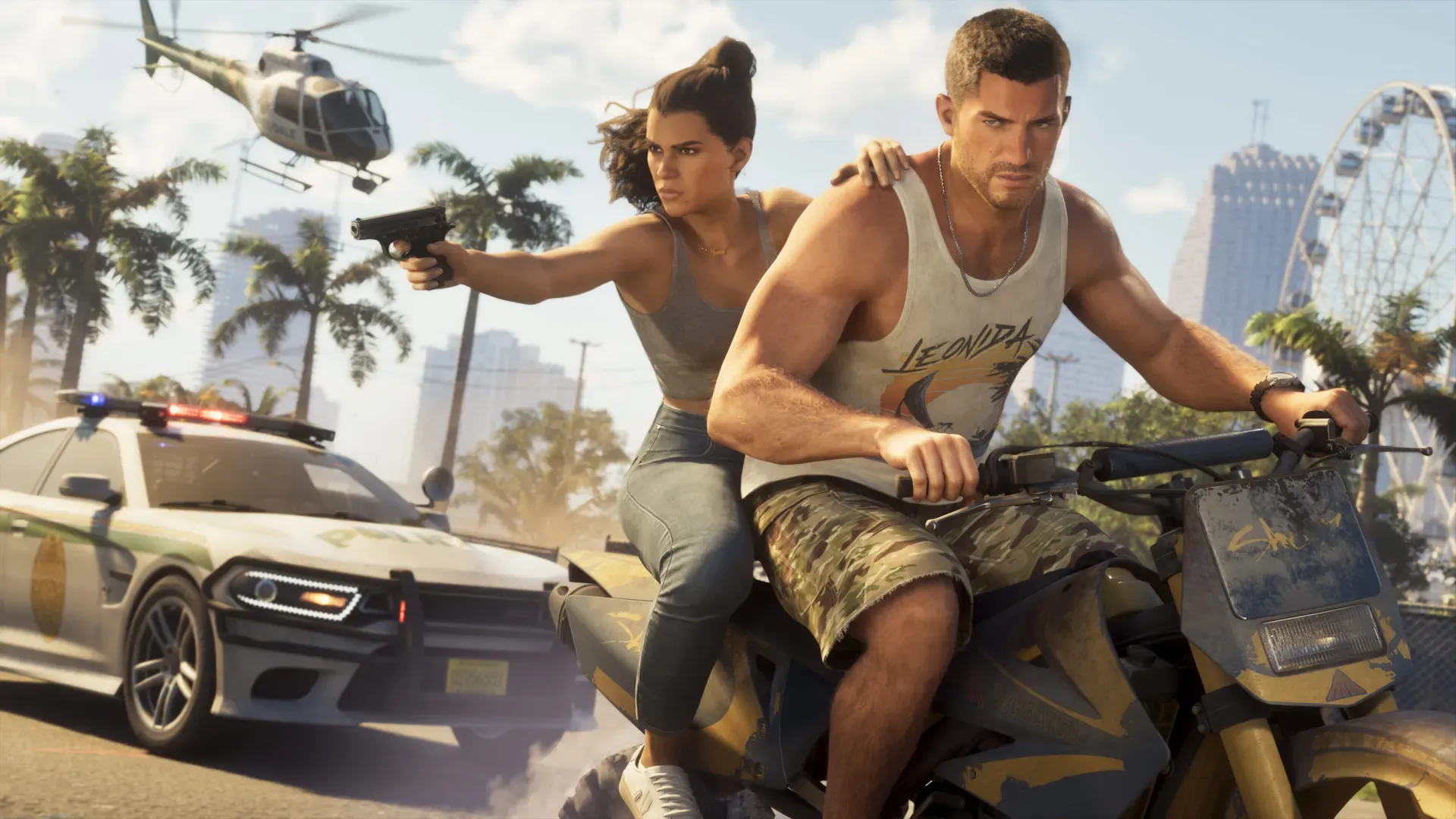

GTA 6 arrives on PS5 and Xbox Series X|S on 19 November 2026, and GTA V and GTA Online are still busy. That makes now a good time to start a GTA channel, and also a crowded one. This guide covers the set-up, the content that tends to work, how YouTube pays creators, and the rules from Rockstar and YouTube you need to know.
Checked against YouTube Help and Rockstar Support on 27 October 2026.
Step 1: set up the channel
- Clear channel name
- Profile picture
- Banner art (your own, not Rockstar’s logo)
- About section and links
- Upload or stream schedule
- Playlists for each series
Verify your account first
Verify your channel with a phone number. YouTube sends a code by text or voice call. Verification unlocks:
- videos longer than 15 minutes
- custom thumbnails
- live streaming
- copyright claim appeals
A phone number can only verify 2 channels a year.
Name, handle and description
All in YouTube Studio > Customization > Profile.
- Name. Short, easy to say and spell. Avoid putting “Rockstar” in it, which can look official. You can change your name twice in 14 days.
- Handle. Your @name. Also changeable twice in 14 days.
- Description. Say what you upload and how often, in the first line.
- Links. You can show up to 14. The first one appears next to the subscribe button.
- Contact email. For business enquiries.
Profile picture and banner
| Image | YouTube’s specs |
|---|---|
| Profile picture | JPG, GIF, BMP or PNG (no animated GIFs), up to 15 MB. Shown at 98x98 pixels, so keep it simple |
| Banner | At least 2048x1152 pixels, 16:9. Keep text and logos inside the central 1235x338 safe area. 2560x1440 recommended. Up to 6 MB |
| Video watermark | At least 150x150 pixels, square, under 1 MB |
Use your own artwork or your own gameplay screenshots. Don’t use Rockstar’s logos as your channel’s identity.
Step 2: pick a niche
GTA channels that grow usually do one thing well before they branch out. Some options:
| Niche | What it looks like | Watch out for |
|---|---|---|
| News | Updates, trailers, patch notes, event weeks | Use official sources like Rockstar Newswire. Label rumours clearly. Never show or describe leaks |
| Guides | Missions, money methods, collectibles, best cars, settings | Test everything yourself. Update or pin a comment when a patch changes things |
| Roleplay (RP) | Character-driven stories on community servers | FiveM is the biggest GTA V roleplay platform on PC. Its makers, Cfx.re, joined Rockstar in August 2023. Follow each server’s rules |
| Stunts and cinematics | Jumps, chases, edited films | Rockstar removes standalone cutscene uploads, so build your own scenes |
| Cars | Showcases, customisation, races, speed tests | Use names Rockstar uses. Mark anything you haven’t tested in game |
Starting at GTA 6’s launch? Guides and first-impression videos are where search demand will be highest in the first weeks. Avoid spoiling the story in titles and thumbnails.
Step 3: thumbnails and titles
Thumbnails
YouTube’s current recommendations:
- Size: 3840x2160 for videos, 2160x3840 for Shorts. Minimum width 640 pixels for videos.
- Format: JPG or PNG.
- File size: up to 50 MB from a computer, 2 MB from the mobile app.
- Aspect ratio: 16:9 for videos, 9:16 for Shorts.
Custom thumbnails need a verified account. Thumbnails must follow YouTube’s Community Guidelines, and a rejected thumbnail can bring a strike.
What tends to work for GTA:
- One clear subject: a car, a character, a location.
- Two or three words of text at most, big enough to read on a phone.
- A real moment from your video. A thumbnail that promises something the video doesn’t show loses viewers fast.
Titles
- Put the thing people search for first: “GTA 6 fastest car”, “GTA Online heist money”.
- Be specific: “How to get the X in GTA 6” beats “This car is insane”.
- Never put a story spoiler in a title. People will see it before they choose to watch.
Step 4: set an upload schedule you can keep
A schedule you keep beats an ambitious one you drop. One good video a week is enough to start.
- Batch record when you can, edit when you can’t.
- Post the same days each week so regular viewers know when to look.
- Use Shorts between long videos. See how to turn streams into Shorts.
YouTube can turn off monetisation for partner channels that haven’t uploaded a video or posted in the Posts tab for 6 months or more. From 1 February 2027 the new activity rules below replace this.
Step 5: the YouTube Partner Program
Current thresholds (until 31 January 2027)
Full YPP, including ad revenue:
- 1,000 subscribers and 4,000 qualified watch hours in the last 12 months, or
- 1,000 subscribers and 10 million qualified Shorts views in the last 90 days.
Watch hours from Shorts in the Shorts feed don’t count towards the 4,000 hours.
Expanded YPP (fan funding and Shopping, in eligible countries):
- 500 subscribers, 3 public uploads in the last 90 days and 3,000 qualified watch hours in the last 12 months, or
- 500 subscribers, 3 public uploads in the last 90 days and 3 million qualified Shorts views in the last 90 days.
Changes from 1 February 2027
YouTube has announced new entry thresholds for new applicants from 1 February 2027:
- 1,000 subscribers and 8,000 qualified watch hours in the last 365 days, or
- 1,000 subscribers and 20 million qualified Shorts views in the last 90 days.
Channels already in YPP keep their status. The 500-subscriber route for fan funding and Shopping stays the same. Existing partners must accept the updated terms in YouTube Studio by 31 January 2027 to keep earning from every feature. From the same date, earning from Shorts ads needs 10 million qualified Shorts views in the last 90 days, and partners must stay active: 1,000 qualified watch hours in 365 days, 1 million qualified Shorts views in 90 days, or 2 long videos or 5 Shorts every 90 days. Channels that fall below get a 90-day window to recover. Plan your channel with these higher numbers in mind.
What else you need
- Follow YouTube’s channel monetisation policies.
- Live in a country where YPP is available.
- No active Community Guidelines strikes.
- 2-Step Verification turned on for your Google account.
- Advanced features access on YouTube.
- One active AdSense for YouTube account linked to the channel.
To apply, go to YouTube Studio > Earn > Apply Now. YouTube says reviews typically take about a month. If you’re turned down, you can appeal within 21 days or reapply after 30 days (90 days after a second rejection).
Gameplay and “reused content”
YouTube reviews your whole channel. Its reused content policy covers videos that repeat content from YouTube or elsewhere without significant original commentary, editing, or educational or entertainment value. Compilations of other people’s clips with little or no narrative are not allowed to monetise.
For GTA, that means:
- Talk over your gameplay, explain what you are doing, or edit it into something new.
- Don’t upload other creators’ clips or Rockstar’s trailers as your own videos.
- Mass-produced, repetitive uploads fall under YouTube’s “inauthentic content” policy.
Rockstar’s video policy
Rockstar publishes a “Policy on posting copyrighted Rockstar Games material” on its support site. Below is our summary of it in our own words. Rockstar’s support site would not load for us on October 27, 2026, so check the original page for the current wording before you rely on it:
- Fans can generally use footage for non-commercial purposes, as long as they don’t deliberately spoil the plot for others. Take-Two owns the material and can ask for it to be taken down at any time.
- Leaked pre-release footage is removed, no matter how the copy was obtained. That includes early unboxing videos.
- Spoilers are a problem. Videos of endings or edited compilations of story scenes can be removed.
- Cutscenes are fine inside a full playthrough or a narrated let’s play. Standalone videos of the game’s cinematics are removed.
- In-game TV shows and similar entertainment posted on their own are flagged for removal.
- It doesn’t cover film, TV or streaming distribution deals, music videos, adverts or publishing. Licensing requests go to Take-Two at copyright@take2games.com.
- The list is not complete. Rockstar says it doesn’t cover every case and can change at any time.
The policy doesn’t spell out whether ad revenue from YouTube or Twitch counts as commercial use. Read the full page yourself, and contact Take-Two at the address above if you have a commercial plan beyond normal creator monetisation.
Read the original: Policy on posting copyrighted Rockstar Games material.
Online rules
Rockstar’s terms ban cheats, mod menus, unauthorised mods and exploits in its online games. Breaking them can lead to a suspension, a reset of your online progress or a permanent ban. Don’t film or promote any of it. Single-player mods and Rockstar-approved roleplay servers are a separate matter.
Music and copyright
GTA’s radio stations play real songs by real artists. Those songs still belong to their artists and labels, who can register them with YouTube’s Content ID.
What Content ID does
Rights holders upload their music to YouTube’s Content ID database. When your video matches it, you get a claim. The owner’s settings decide what happens:
- Block the video from being viewed.
- Monetise it by running ads, sometimes sharing revenue with you.
- Track its viewing figures.
These actions can differ by country. A video can be monetised in one place and blocked in another. YouTube says monetise is the most common policy for music claims. A claim usually doesn’t harm your channel, unlike a copyright strike.
For Shorts between 1 and 3 minutes long, any active claim blocks the Short.
What Rockstar says about the radio
Rockstar Support says GTA V radio tracks included in the Rockstar Editor can be used in videos shared to YouTube without risking a copyright strike on your channel. But the artists or labels who own those tracks may still monetise those videos or block them in some countries. Rockstar suggests using tracks from the game’s instrumental score to avoid this.
We haven’t found equivalent guidance for GTA 6 on Rockstar’s support site yet. We will update this guide when Rockstar publishes it.
How to handle a claim
In YouTube Studio > Content, filter by Claims to see claimed videos. Then you can:
- Leave it. If the claim is valid and you accept the owner earning from it.
- Erase the song, mute all audio in that part, trim the section, or replace it with a track from the YouTube Audio Library. These remove the claim.
- Share revenue with the music publisher, if you are in YPP and the claim allows it.
- Dispute only if you are sure you have the rights. A dispute without good reason can lead to a takedown request and a copyright strike.
The simplest fix is prevention: turn the radio down or off while recording, or record it on a separate audio track you can drop in editing.
Building a community
- Reply to comments in the first hours after a video goes up.
- Use the Posts tab for polls and updates between videos. Posts also count as activity for YPP.
- Go live for launches, patch days and big events. See how to stream GTA on YouTube.
- Moderate. Hold back spoilers and leak links in comments.
- Credit others. If a viewer finds something, name them in the video.
Next steps
- How to stream GTA on YouTube
- Capture cards and gear for streaming GTA
- How to stream GTA on PC with OBS