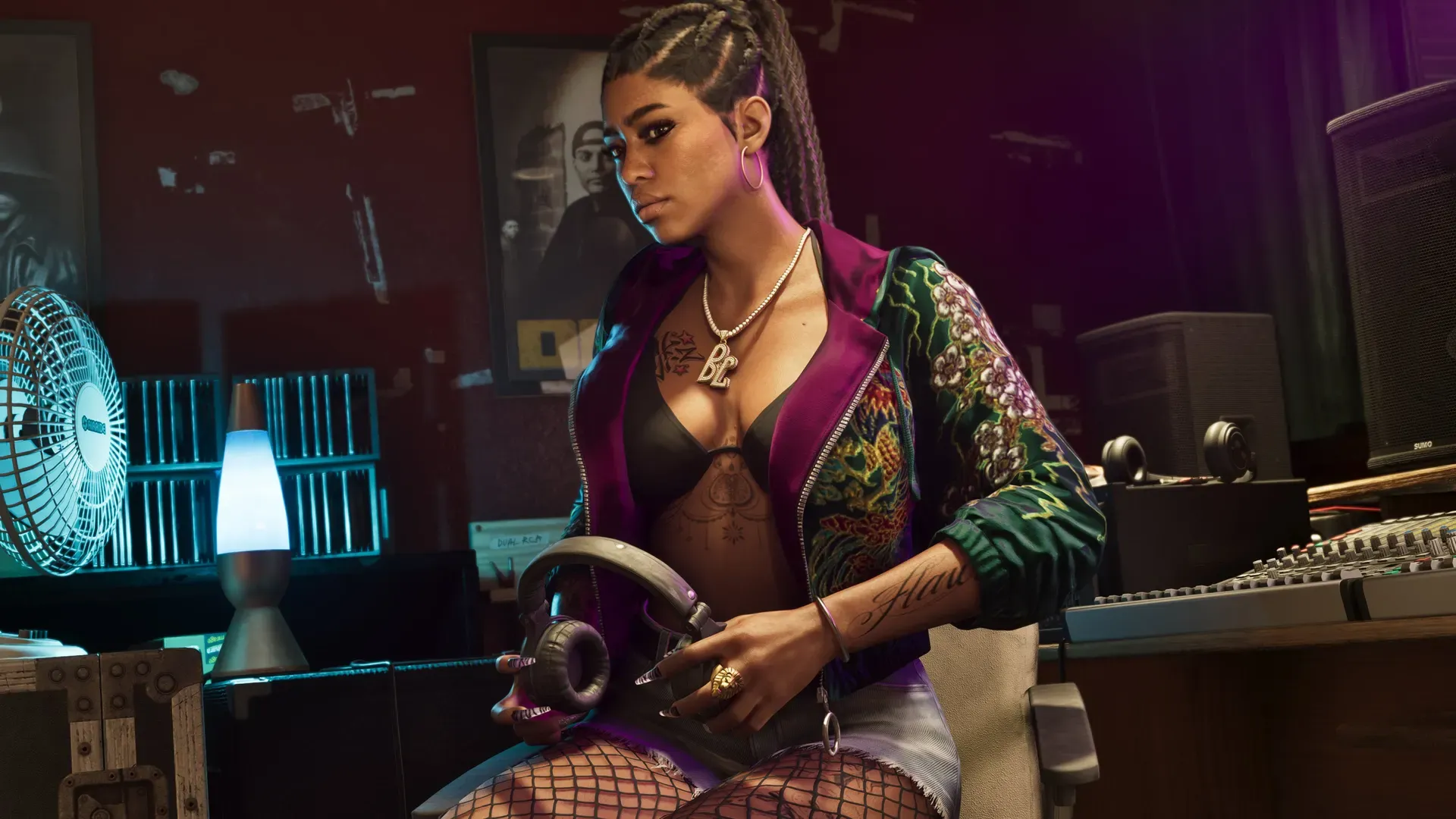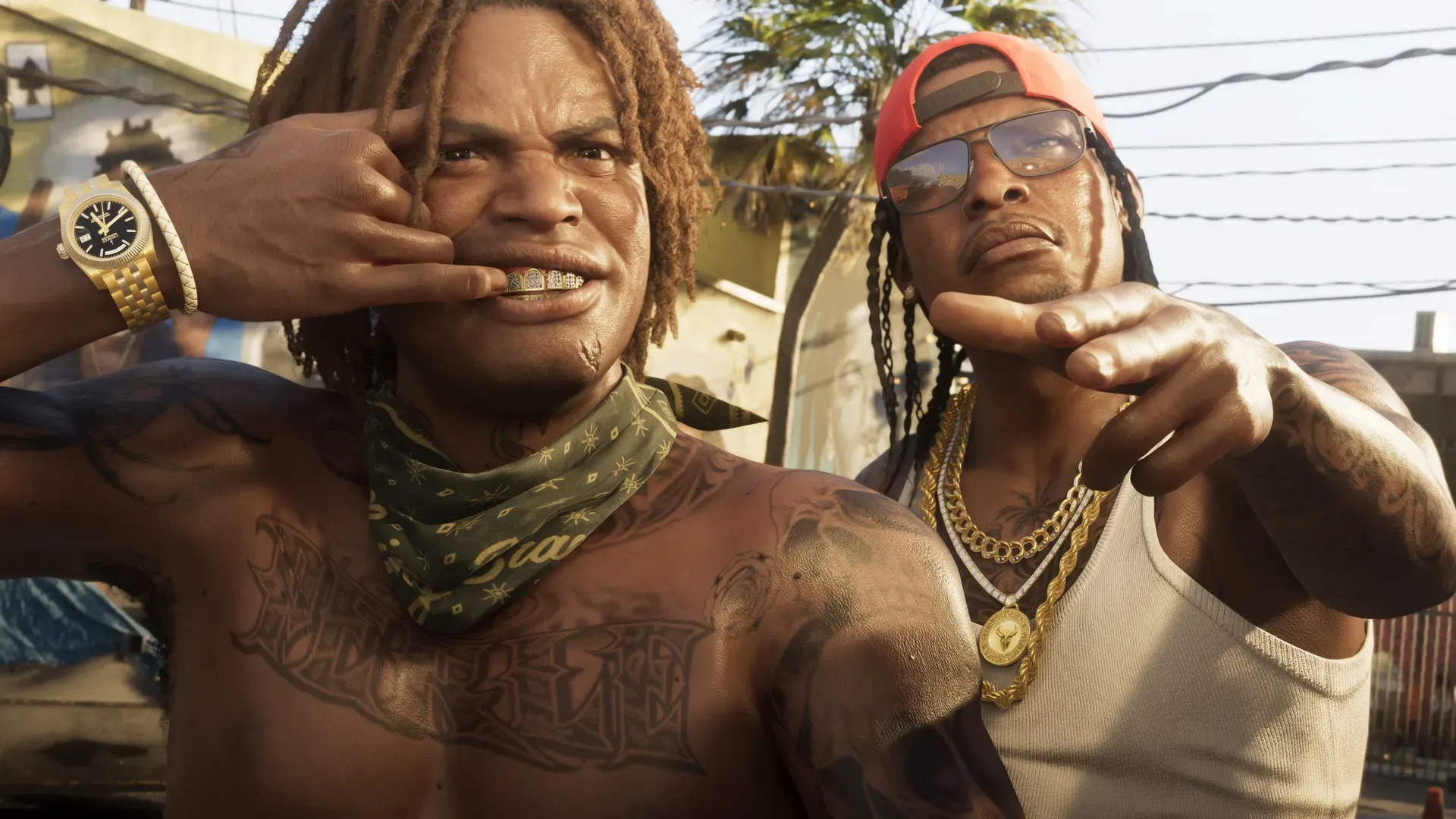
Your PS5 has to be on system software version 26.07-14.23.00 before GTA 6 will play. Sony released the update on November 17, and PlayStation Support said that evening that it is required before playing Grand Theft Auto VI, asking players to install it before midnight on November 19. It’s just over 1.2GB. If GTA 6 won’t start on your PS5, check for this update first.
How to install it
Confirmed On PS5, go to Settings > System > System Software > System Software Update and Settings, then choose Update System Software. The console restarts to finish. PlayStation’s GTA VI support page also suggests turning on automatic download and install in the same menu, so future updates arrive in Rest Mode.
If the update won’t download, check that the console is connected (Settings > Network > Connection Status > Test Internet Connection) and has free space. Our guide to free up space on PS5 and Xbox helps if storage is tight.
What’s in it
The only patch note is “security fixes” to the system software. Video Games Chronicle reports it is the PS5’s third system update in a month. GamesRadar and GameSpot point out that the run of updates comes as hackers claim progress on jailbreaking the PS5, though Sony hasn’t said what the fixes are for.
The GTA 6 game update is separate
The system update is for the console. GTA 6 has its own patch: Kotaku reports version 01.002.001, which is only 602MB and started rolling out earlier in launch week, after a 1GB update on November 13. Both install automatically if your PS5 is set to update in Rest Mode. Rockstar hasn’t published patch notes for either.
PlayStation Network errors on launch eve
On November 18, the day before launch, some PS5 players had trouble with PlayStation Network. GamesRadar reports errors redeeming codes and upgrading to the Ultimate Edition, with outage reports rising from around 1pm ET while Sony’s status page still showed everything working. GameSpot reports a short outage that affected launching games, since fixed.
If you hit something similar, our guide to checking whether GTA 6 is down walks through what to check, and our status page links PlayStation’s own. Codes from a boxed copy are redeemed from your avatar menu under Redeem Code; what to do if a code is missing or used covers the rest.
Common questions
Do I need an update on Xbox too?
No mandatory Xbox system update for GTA 6 has been announced. Keep Keep my games & apps up to date switched on so the game patch installs by itself. Our launch day setup guide has the settings for both consoles.
GTA 6 is updated but still won’t start. What now?
Restart the console fully rather than from Rest Mode, then try again. Our crashing and freezing fixes go through the rest of the steps.
Sources
Comments
No comments yet. Ask a question or share a tip.