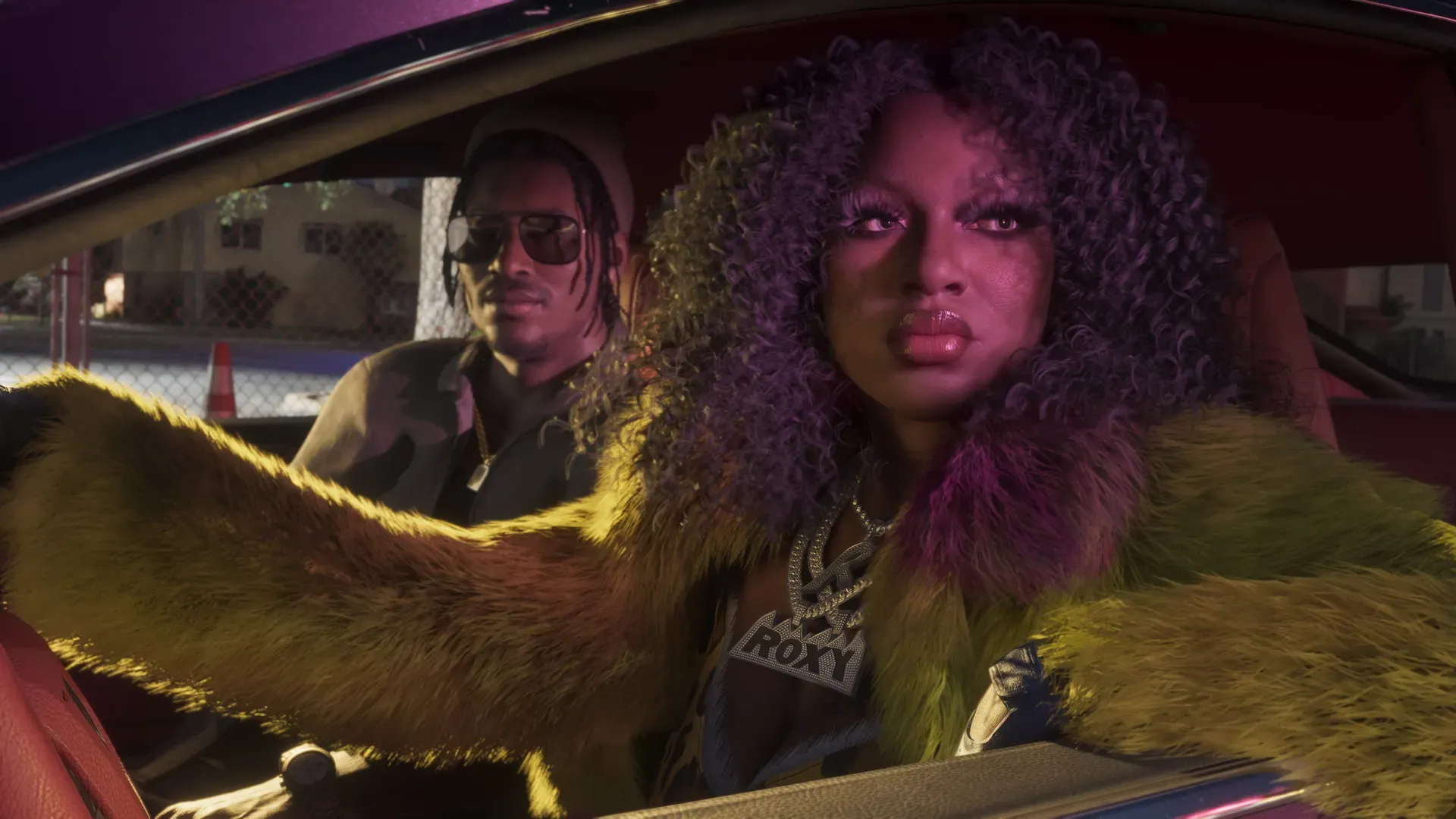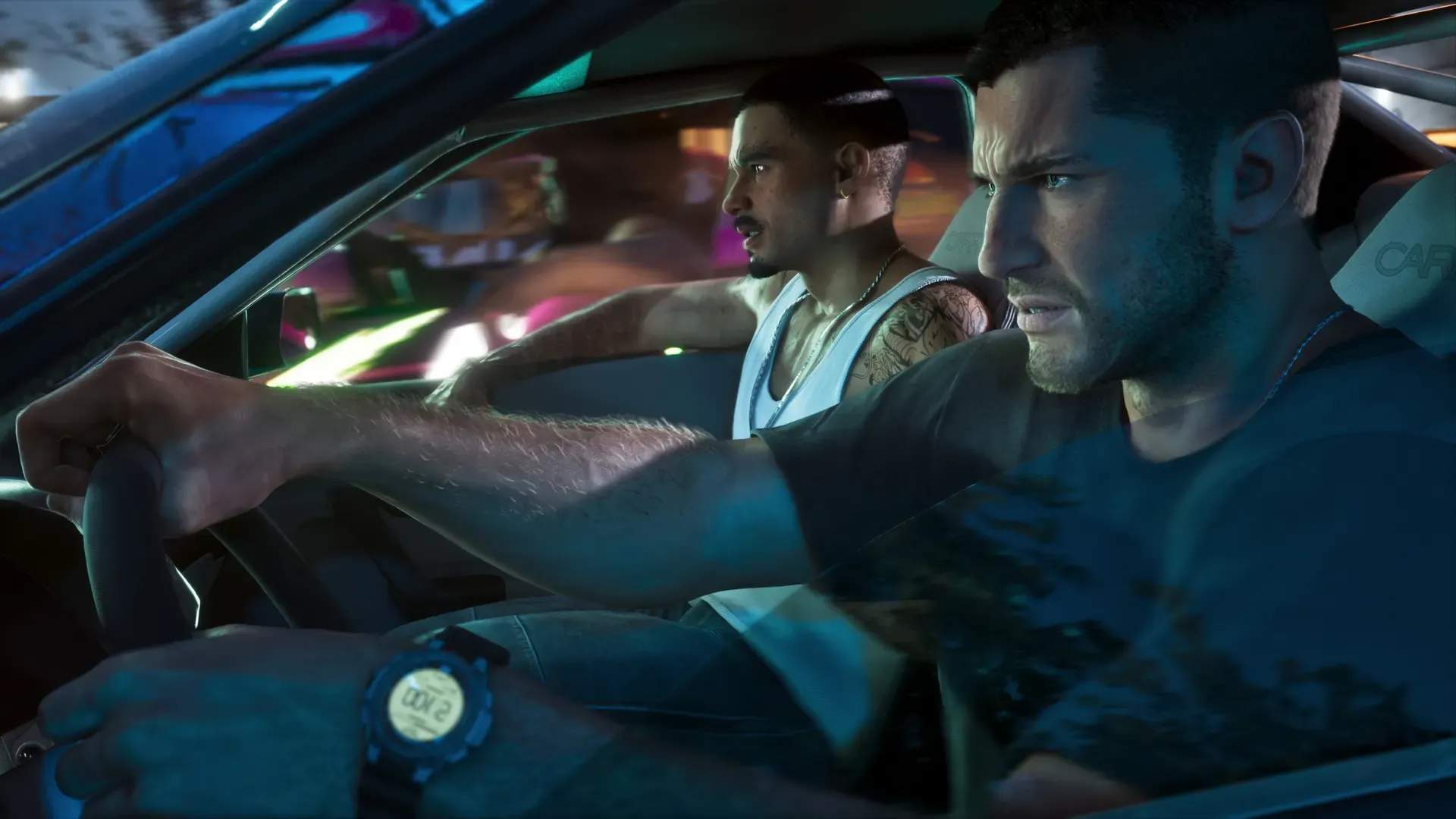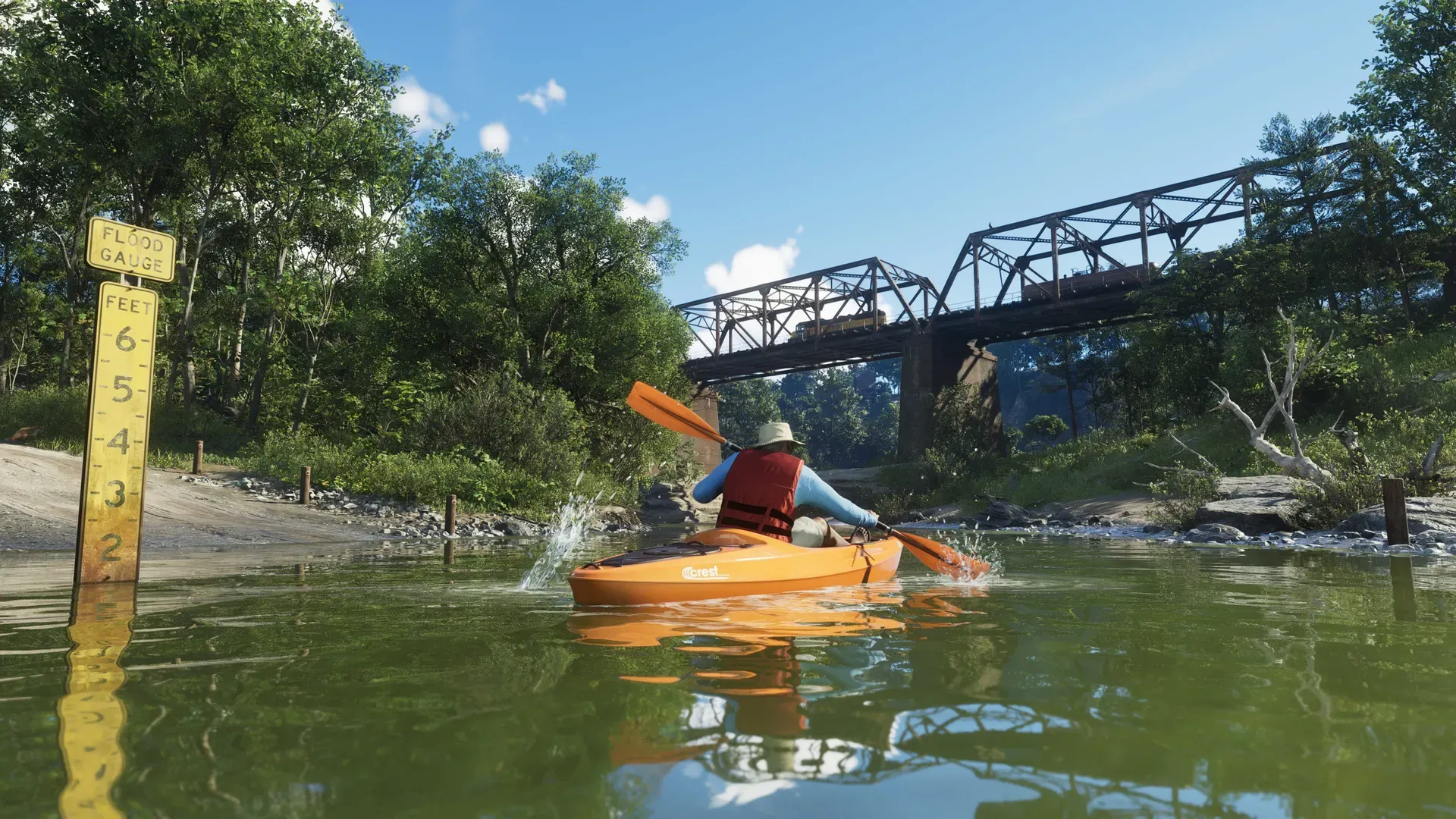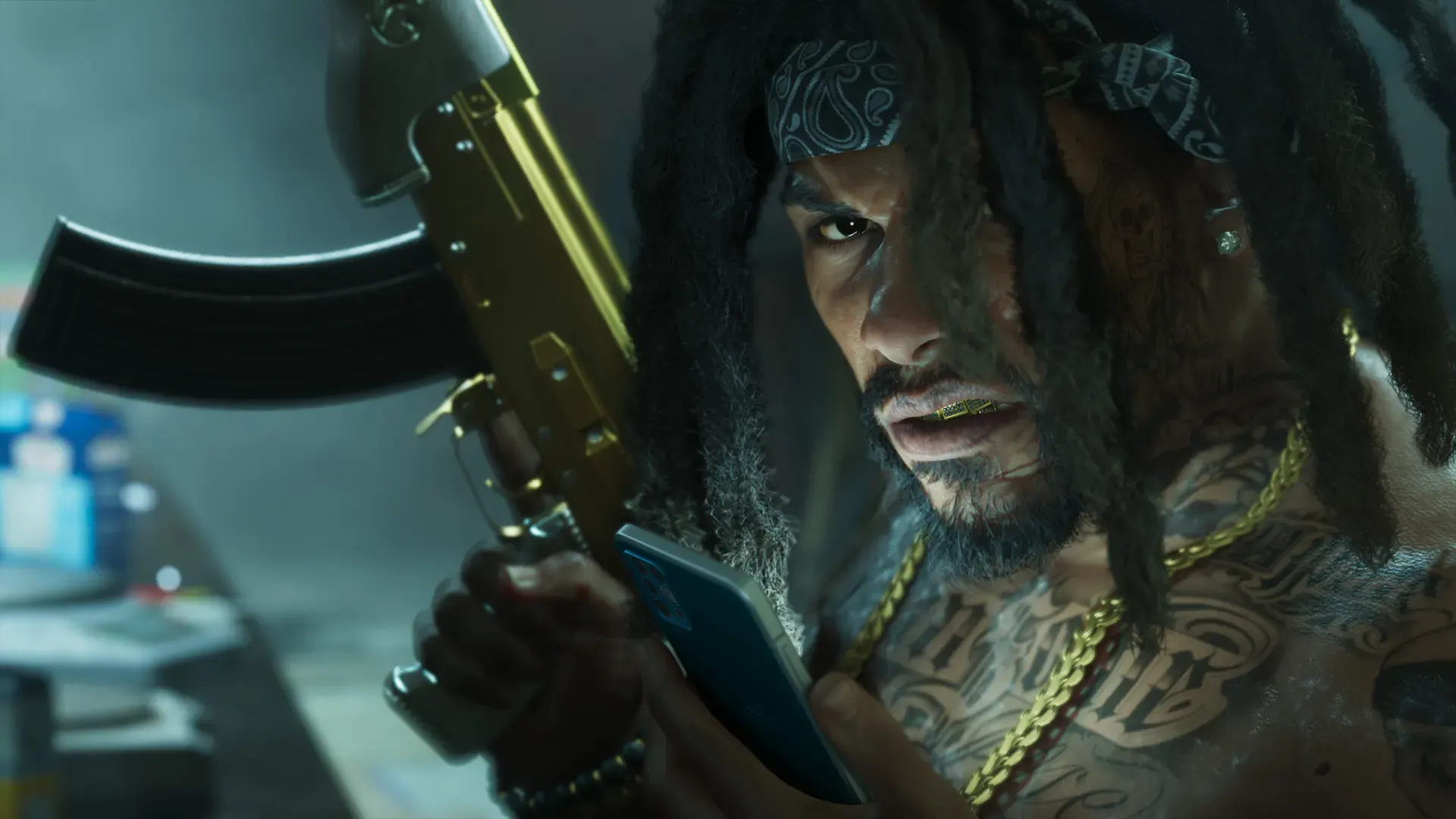
If GTA 6 crashes or freezes, close the game fully, check for an update, then turn the console off completely and start it again. That fixes most launch-week problems. If it keeps happening, check where the game is installed and how hot the console is running. Then try a database rebuild on PS5 or a reset that keeps your games on Xbox. Reinstalling comes last. None of these steps deletes your saves.
Big games often have teething problems in their first days, especially with millions of people playing at once. Work through the fixes below from the top. Each one takes longer than the last, so stop as soon as the game runs properly.
Before you start: note the error
If the console showed an error code, write it down or take a photo. On PS5, an error code tells you a lot about what went wrong; our list of PS5 error codes for GTA 6 explains the common ones. If the crash happens at the same point every time, such as the same mission or the same cutscene, note that too. Rockstar’s support team will ask for it.
Quick fixes
Analysis Match what is happening to the fix most likely to help.
| What happens | Try first |
|---|---|
| Crashes back to the home screen | Close the game, check for an update, full restart |
| Freezes with the picture stuck | Full restart, then check heat and ventilation |
| Stuck on a loading screen | Close the game, check the install location and free space |
| Says the data is corrupted | Delete and reinstall the game (your saves stay) |
| Won’t start at all before midnight | It isn’t out yet; see GTA 6 still locked at midnight |
Fixes on PS5
- Close the game properly. Highlight GTA 6 on the home screen, press the options button and select Close Game. Then start it again. Going back to the home screen without closing leaves the game running in the background.
- Check for an update. Highlight GTA 6, press the options button and select Check for Update. Not announced Rockstar hasn’t announced a launch day update, but if one appears, install it before trying again.
- Update the console. Go to Settings > System > System Software > System Software Update and Settings.
- Turn the PS5 off completely. Rest Mode isn’t a restart. Hold the power button on the console for about three seconds until it beeps, wait for the light to go out, then wait 30 seconds and turn it on again.
- Check where GTA 6 is installed. PS5 games only play from the console’s own storage or an M.2 SSD fitted inside the console. If you moved GTA 6 to a USB drive to make space, move it back. Our guide to adding storage to a PS5 explains the difference.
- Rebuild the database. Turn the PS5 off. Hold the power button until you hear the second beep, about seven seconds, to start in Safe Mode. Connect the controller with its USB cable, press the PS button and select Clear Cache and Rebuild Database, then Rebuild Database. It can take a while on a full console, but it doesn’t delete games or saves.
- Reinstall GTA 6. Delete the game and download it again from your Game Library. On PS5, deleting a game doesn’t delete its saved data, which is kept separately. Analysis With a download of up to 212 GB, keep this as the last resort. See GTA 6 file size.
Fixes on Xbox Series X|S
- Quit the game properly. Highlight GTA 6 on the home screen, press the menu button and select Quit. Then start it again. Quick Resume keeps games suspended, so a crash can come back if you just switch back to it.
- Check for an update. Highlight GTA 6, press the menu button, go to Manage game and add-ons > Updates and install anything listed.
- Turn the Xbox off completely. Hold the power button on the front of the console for about 10 seconds until it switches off, wait 30 seconds, then turn it on again. That clears the memory in a way Sleep mode doesn’t.
- Check where GTA 6 is installed. Games made for Xbox Series X|S only run from the console’s own storage or an official expansion card. A USB drive can store them but not play them. Our guide to adding storage to an Xbox covers the options.
- Reset the console but keep your games. Go to Profile & system > Settings > System > Console info > Reset console and choose Reset and keep my games & apps. This clears corrupted system files without deleting any games. Your Xbox saves sync to the cloud when you’re online, so let them sync before you start.
- Reinstall GTA 6. Uninstall it from Manage game and add-ons and download it again. Analysis Do this last; the download is huge.
Too hot? Check the ventilation
Freezes that only happen after an hour or two of play often mean the console is getting too hot. Both consoles shut down or warn you when they overheat.
- Leave space around the vents on all sides and don’t put the console in a closed cabinet.
- Keep it off carpet and away from heaters and direct sun.
- Dust the vents with a soft brush or a dry cloth, with the console switched off and unplugged.
Analysis A game as large as GTA 6 is likely to push your console harder than older games, so a console that ran fine before can still overheat now.
Low on space?
A nearly full drive can cause slow loading and failed updates. Our guide on how to free up space for GTA 6 shows how much room to leave and what to remove. On Xbox Series S, read will GTA 6 fit on Xbox Series S first.
Report the bug
PlayStation’s GTA 6 support page sends questions about gameplay problems, patches and bugs to Rockstar Support. If a crash keeps happening at the same point after all the steps above, report it with your console model, the error code and what you were doing. Our Rockstar support page shows how to reach them.
Common questions
Is there a GTA 6 patch to fix crashes?
Not announced Rockstar hasn’t announced a launch update or patch notes. Analysis Leave automatic updates on so any fix installs by itself.
Will a crash delete my GTA 6 save?
Not announced Rockstar hasn’t explained how GTA 6 saves work. Analysis A crash usually loses only the progress since the game last saved. See how saving works in GTA 6 for how to back up your save on PS5 and Xbox.
Does a PS5 Pro or Series X crash less?
Not announced Nobody has published crash figures for any console. The fixes above work the same on every model.
GTA 6 won’t start before midnight. Is it broken?
No. GTA 6 unlocks at midnight local time on November 19. Check your release time by country.
Questions and comments
No comments yet. Ask a question or share a tip.