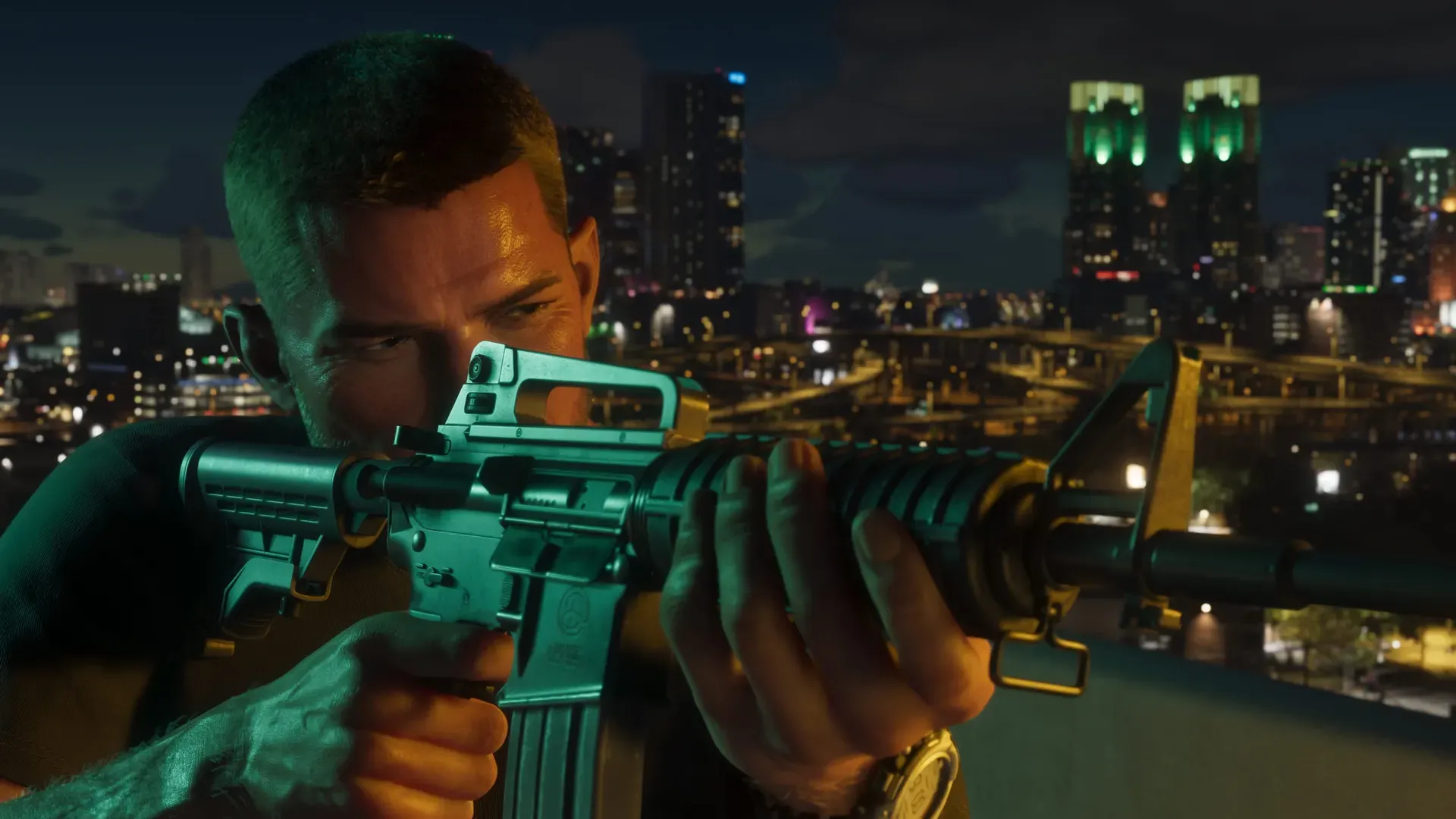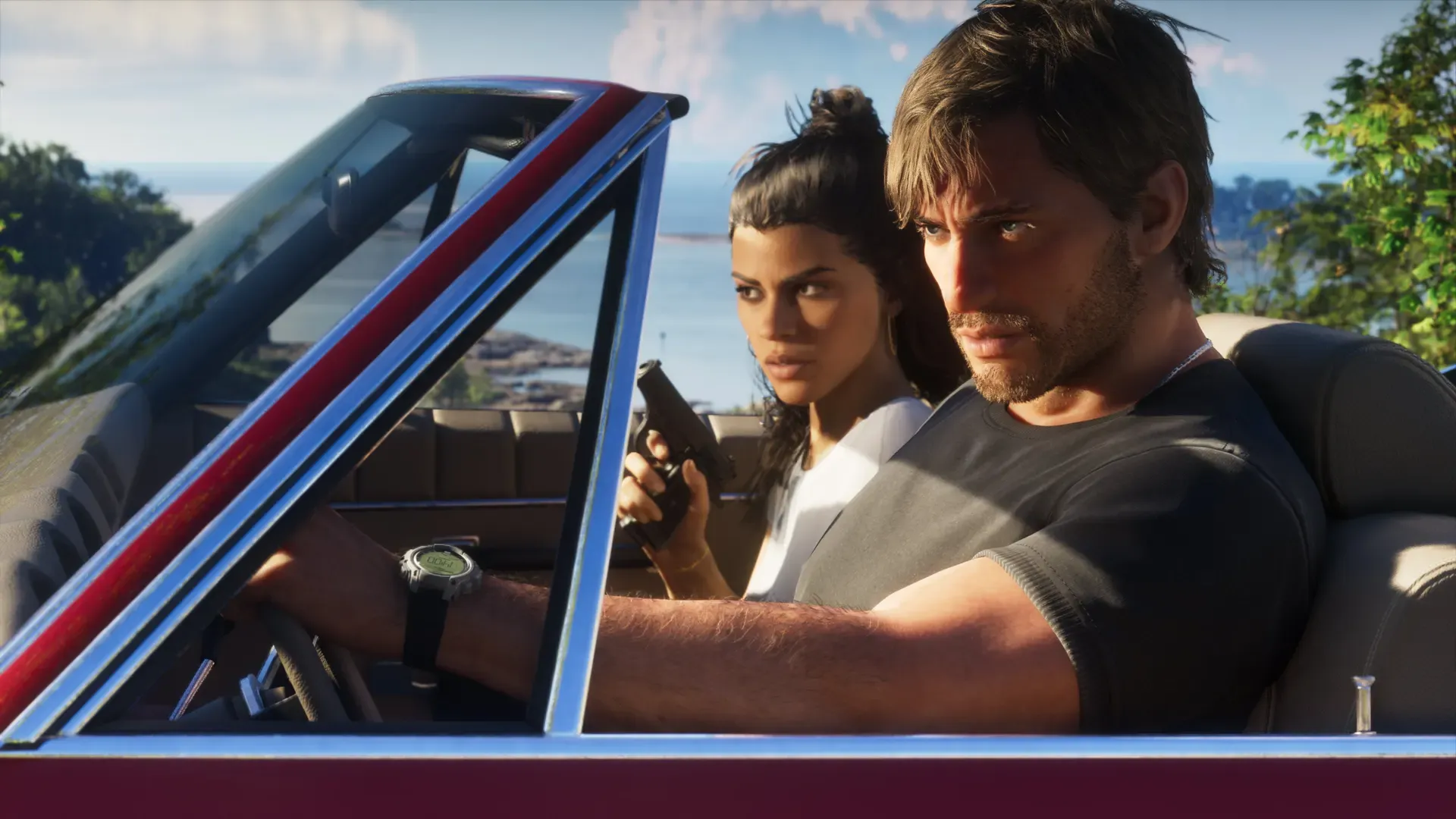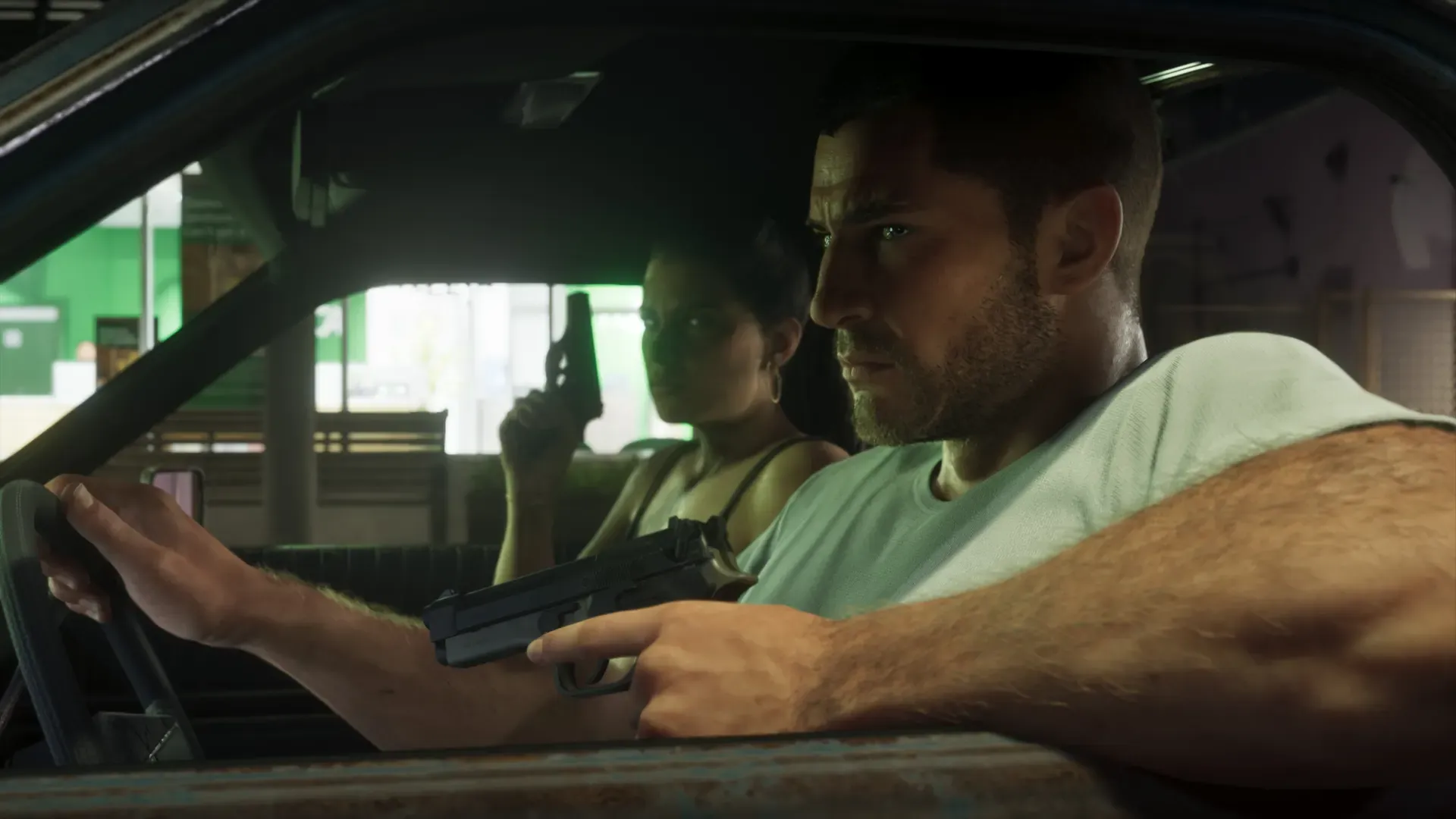
Rockstar hasn’t published GTA 6’s controls for PS5 or Xbox yet. No button layout, control presets or in-game remapping options have been announced. What is confirmed: on PS5, GTA 6 uses the DualSense’s haptic feedback, adaptive triggers and speaker. From the official gameplay video and previews, each character has a weapon wheel, Focus slows time while aiming, and switching between Jason and Lucia takes one button press.
We’ll add the full button layout for both consoles on launch day, November 19.
What’s confirmed for each controller
| PS5 (DualSense) | Xbox Series X|S | |
|---|---|---|
| Button layout | Not announced | Not announced |
| Vibration | Haptic feedback, confirmed | Not detailed by Rockstar or Microsoft |
| Trigger effects | Adaptive triggers, confirmed | Not detailed |
| Controller speaker | Used at key moments, confirmed | No speaker on the controller |
| Remote Play | Supported, says the PlayStation Store | See our Xbox Remote Play guide |
Confirmed The PlayStation Blog post that Sony and Rockstar wrote in June 2026 says the DualSense’s haptic feedback responds to what you do, the adaptive triggers push back with changing resistance, and the controller speaker adds sound to key moments, backed up by haptics. The PlayStation Store listing says vibration and trigger effects are supported on the DualSense, and that Remote Play is supported.
Not announced The Xbox Store listing names no controller features. It lists the game as single player and Optimized for Xbox Series X|S.
What the official footage and previews show
Observed These come from An Extended Look, Rockstar’s gameplay video captured on PS5, and from previews. None of them tell you which button does what.
- Weapon wheel. Jason and Lucia each have their own, and TechRadar called it minimal and fast. You can also grab guns from downed enemies mid fight. Bloomberg’s Jason Schreier said Rockstar spent years on a new weapon interface but went back to the classic wheel, as TechRadar reported.
- Focus. Jason uses a focus meter to slow time while aiming, and enemies show red and yellow weak spots (TechRadar). Rob Nelson of Rockstar North said in a video by the creator TGG, reported by GamesRadar, that police don’t appear on the radar; you see them when you use Focus.
- Switching characters. TechRadar said switching between Lucia and Jason takes a single button press.
- Quick time prompts. In one fight, Lucia gets a prompt with two choices on screen, and her line changes with the button you pick (TechRadar).
- Driver and gunner. In Edge’s preview, Nelson switched from riding a stolen motorcycle to shooting from the back as Lucia, while the game took over the driving.
- Everyday actions. Edge saw Jason pick a pack of cigarettes from his inventory, pour a coffee and drink a protein shake, and call up the Scooter Bros app on his phone to have his car delivered.
How GTA 5 handled controls on PS5
GTA 5 is the closest guide to what Rockstar may do. Its PS5 and Xbox Series X|S version came out in March 2022.
- DualSense effects. The PlayStation Blog said GTA 5 on PS5 uses haptics and adaptive triggers for road surface changes, weather, directional damage and explosions.
- A haptics setting. GamesRadar’s hands-on found a new menu option to set haptic feedback to low, medium or high.
- Light bar and speaker. GamesRadar noted the controller’s lights turn red when your health is low and flash red and blue during a police chase, and phone calls play through the controller speaker.
Analysis GTA 6 confirms the same three DualSense features, so expect a similar mix: rumble you can feel in the road, triggers that push back, and sound from the pad. Whether GTA 6 has its own haptics strength setting like GTA 5 is Not announced.
What isn’t announced
Not announced Rockstar hasn’t said anything about:
- The default button layout on either console
- Alternative control schemes or presets
- Remapping buttons inside the game
- Aim assist options, stick sensitivity or dead zones
- A first-person camera
- In-game accessibility options
What you can set up before launch
Your console already lets you remap buttons for every game, and you can tune vibration and trigger strength now.
- PS5: vibration, trigger strength and speaker volume sit in the console’s controller settings, and button remapping is in its accessibility settings. Our DualSense settings guide walks through each one, including DualSense Edge profiles.
- Xbox: remapping, profiles and vibration are in the Xbox Accessories app. See our Xbox controller settings guide.
Analysis Don’t remap anything yet. Until Rockstar shows the default layout, a remap made now could clash with the game’s own scheme. Set your vibration and trigger strength, update the controller, charge it, and leave the buttons alone until you’ve played your first hour.
Common questions
Can you use a DualSense Edge with GTA 6?
The DualSense Edge is a PS5 controller, and its profiles work at console level, so you can set one up for GTA 6. Not announced Rockstar hasn’t said anything specific about the Edge. Our DualSense settings guide covers its profiles.
Can you play GTA 6 with a keyboard and mouse on console?
Not announced Rockstar hasn’t said. Neither store listing mentions keyboard and mouse support.
Can you play GTA 6 away from your TV?
Yes, on PS5 with Remote Play, which the PlayStation Store lists as supported. See GTA 6 with PS Remote Play and the Xbox Remote Play guide.
Related pages
 Best TV settings for GTA 6
 GTA 6 launch day setup for PS5 and Xbox
 Jason and Lucia: who they are
 GTA 6 confirmed features
 An Extended Look breakdown
Sources
Questions and comments
No comments yet. Ask a question or share a tip.