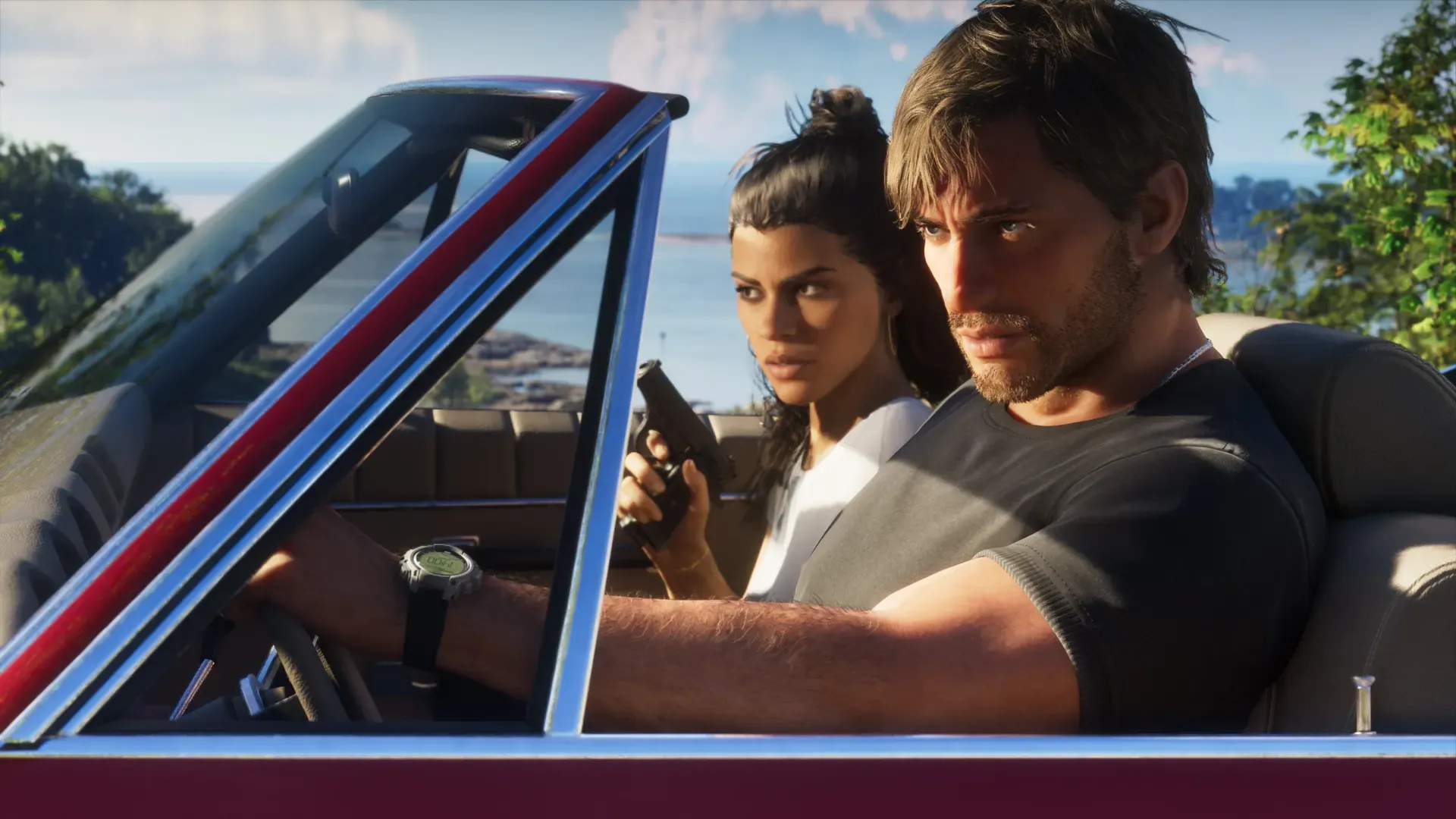


Update the controller, keep vibration and trigger effects switched on, and set them to a strength you like in Settings > Accessories > Controller (General). Confirmed Sony and Rockstar’s joint PlayStation Blog post says GTA 6 on PS5 uses the DualSense’s haptic feedback, adaptive triggers and built-in speaker. Not announced Neither company has said which actions use them or what controller options the game’s own menu will have. The settings below are PS5 system settings, so they apply to every game, GTA 6 included.
What GTA 6 uses on the DualSense
The PlayStation Blog post from June 24, 2026, written by Sony’s marketing team and Rockstar, lists three controller features for GTA 6 on PS5:
- Confirmed Haptic feedback, described as responsive vibrations.
- Confirmed Adaptive triggers, which push back with changing resistance.
- Confirmed The controller speaker, used for sound at key moments, paired with haptics.
Not announced The post doesn’t say whether these kick in when driving, shooting or anything else. We will add details once the game is out.
Vibration and trigger strength
Go to Settings > Accessories > Controller (General). Sony’s support page lists these options there:
| Setting | What it does |
|---|---|
| Vibration Intensity | How strong the vibration is. Also applies to DUALSHOCK 4 and PS VR2 Sense controllers |
| Trigger Effect Intensity | How strong the trigger resistance is, in games that support it |
| Volume (Speaker for Controller) | How loud the controller’s speaker is |
| Brightness of Controller Indicators | How bright the lights on the controller are |
| Communication Method | Bluetooth or USB cable |
| Press and Hold Delay | How long you hold the PS or Create button before it reacts |
Analysis Because GTA 6 uses haptics, triggers and the speaker, turning any of them off removes part of what Rockstar and Sony built for the PS5 version. If long sessions tire your hands, lower Trigger Effect Intensity before turning it off completely. If the speaker is too loud at night, turn its volume down rather than muting it, or use a headset.
You can also change volume quickly: press the PS button to open the control center and select Sound.
Wired or wireless
Communication Method decides how the controller talks to the console. Sony’s advice:
- If the wireless signal is weak, connect the cable and select Use USB Cable.
- Use Bluetooth keeps the controller on Bluetooth even when a cable is plugged in, so the cable only charges it.
Analysis For most players Bluetooth is fine. Try the cable setting if your console sits far from where you play, or behind a cabinet door.
Update the controller
Controller software updates come through the console. Go to Settings > Accessories > Controller (General) > DualSense Wireless Controller Device Software. The same option is used to pair a DualSense with the PS5. Analysis Check it in the week before launch, not on launch night.
Battery and charging
GTA 6 is a long game, and Sony’s own tips help a DualSense last the session:
- Check the battery: press the PS button, then select Accessories in the control center.
- Charge in rest mode: the controller charges while the console is on or in rest mode. Supply Power to USB Ports is one of the rest mode features on Sony’s power saving page; our launch day setup guide shows where to turn it on.
- Use the right cable: if charging fails, Sony suggests another USB port on the PS5 or a cable labelled “charge and sync” or “charging and data”. Cables marked “charge only” won’t work, and not every USB charger can charge the controller.
- Rest mode turns it off: when you turn off the PS5 or put it in rest mode, the controller turns off too.
Analysis Lower Brightness of Controller Indicators and the speaker volume if you want a little more out of each charge. Both are in the table above.
DualSense Edge profiles
The DualSense Edge has its own menu at Settings > Accessories > DualSense Edge Wireless Controller > Custom Profiles. Select Create Custom Profile, name it, and you can set:
- Button Assignments
- Stick Sensitivity/Deadzone
- Trigger Deadzone
- Vibration Intensity
- Trigger Effect Intensity
To switch profiles while playing, hold Fn and press triangle, circle, cross or square. Sony says the Fn + triangle profile is the default and can’t be changed; the other three take profiles you assign from Unassigned Profiles.
Analysis A sensible start is one GTA 6 profile with your preferred vibration and trigger strength, and one with lower trigger resistance for long driving sessions. Not announced Rockstar hasn’t shown GTA 6’s control layout, so wait until you’ve played before remapping buttons on the Edge.
Remap buttons on a standard DualSense
You don’t need an Edge to remap buttons. The PS5 has a system accessibility setting: Settings > Accessibility > Controllers > Custom Button Assignments for DualSense Wireless Controller. Select the button you want to change, choose its new function, then select Apply.
The same Controllers menu has Haptic Feedback During Console Navigation, which makes the controller vibrate as you move around the PS5 menus. Sony notes it only works on console menus, not in games, and needs a Vibration Intensity level set.
Analysis System remapping changes the buttons for every game, so remember to switch it off when you play something else. Not announced Rockstar hasn’t detailed GTA 6’s own accessibility or control options yet.
For HDR, game mode and 120Hz, see the PS5 and Xbox settings table in our launch day setup guide. If you plan to broadcast your first hours, see how to stream GTA on PS5.
Common questions
Does the Xbox controller get the same features?
Not announced The PlayStation Blog post describes the PS5 version only. Microsoft and Rockstar haven’t said how GTA 6 uses the Xbox Wireless Controller. To weigh up the two consoles, see GTA 6 on PS5 or Xbox.
Why does my controller switch off when I leave the game paused?
When the PS5 goes into rest mode, the controller turns off with it. You can change how long the console waits in Settings > System > Power Saving > Set Time Until PS5 Enters Rest Mode.
Do I have to change anything for GTA 6 to use haptics?
Analysis Probably not. If you haven’t switched off Vibration Intensity or Trigger Effect Intensity, a game that supports these features can use them.
Related pages
 Best Xbox controller settings for GTA 6
 GTA 6 beginner tips: what to know before you play
 Your first hour in GTA 6
 How to record and share GTA 6 clips on PS5