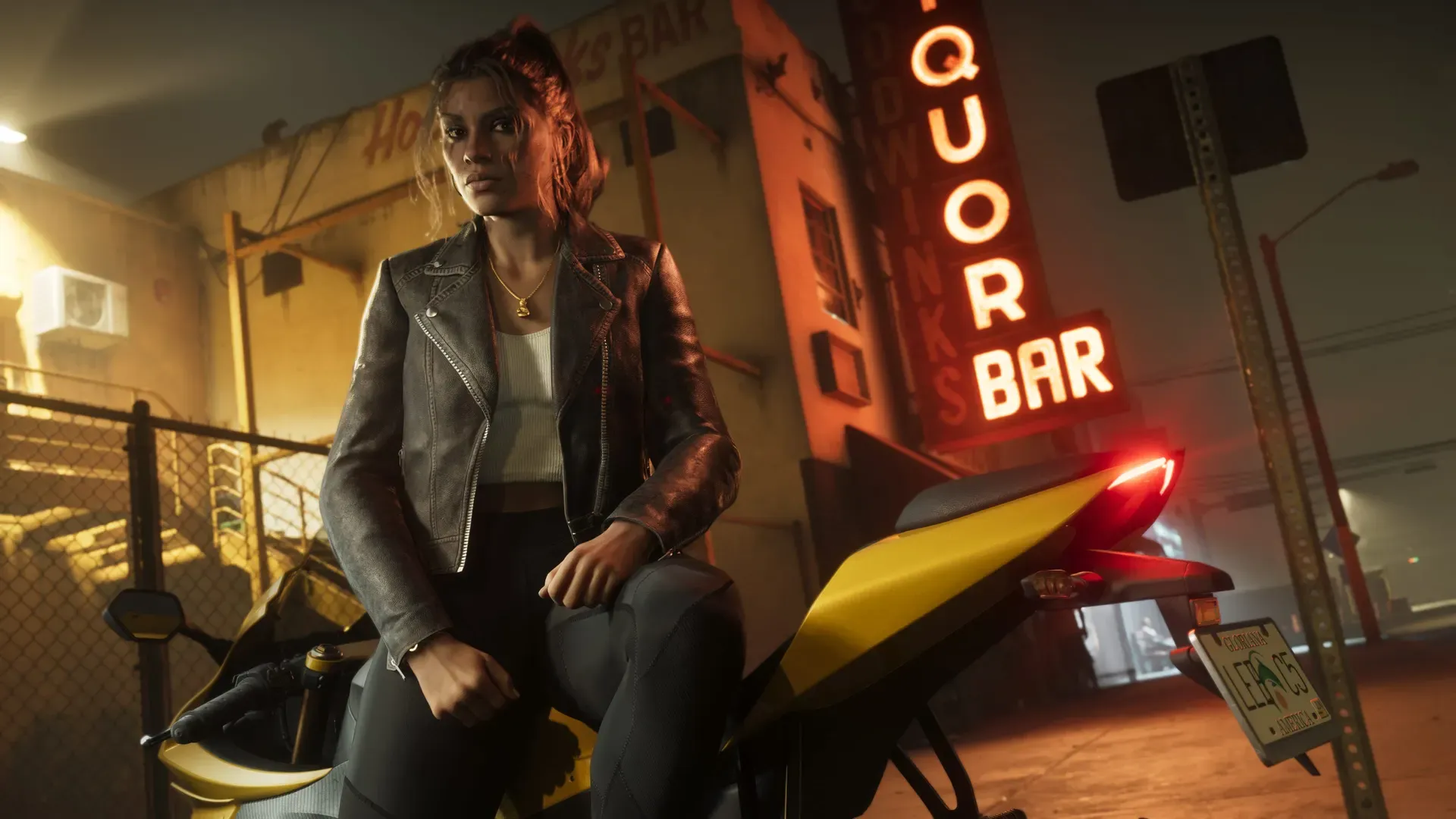
On your first night with GTA 6, do five things before you press start (check the unlock time, back up saves, set console accessibility, set your capture button, mute spoilers) and five once you’re in (play the opening, try switching, learn the phone, garage a car you like, and visit one place Rockstar has shown). Each step below is one or two sentences, with a link to the full guide.
GTA 6 comes out on November 19, 2026 on PS5 and Xbox Series X|S. This list sticks to what Rockstar has shown or said, plus console features you can set today. Not announced Rockstar hasn’t shown the game’s options menu, the opening missions or where you start, so nothing below guesses at them.
Before you press start
1. Check your unlock time and the download
Not announced Rockstar hasn’t said what time GTA 6 unlocks. Our release time page shows your local time as soon as it’s confirmed. Confirmed Digital preloading opens November 10, the file is up to 212 GB, and boxed copies hold a download code, not a disc, so make sure the full game has finished downloading with our preload guide.
2. Turn on cloud saves
Confirmed On PS5, cloud saves need PlayStation Plus; turn on Auto-Sync Saved Data under Settings > Saved Data and Game/App Settings > Saved Data (PS5) > Sync Saved Data. Not announced Rockstar hasn’t explained GTA 6’s save system or slot count, so backing up from the first session is the safe choice. Full steps for both consoles are in how saving works in GTA 6.
3. Set console accessibility and display
The game’s own settings menu hasn’t been shown. Your console’s are ready now: PS5 has button remapping, text size and captions under Settings > Accessibility, and Xbox has button mapping, Narrator and Magnifier. See GTA 6 difficulty and accessibility settings, and calibrate HDR with our launch day setup.
4. Set up your capture button
On PS5, a long press of Create takes a screenshot, and Easy Screenshots makes it one press. On Xbox, press Share for a screenshot and hold it to save what just happened. Not announced Rockstar hasn’t confirmed a photo mode, so the console button is your camera for now. Our guides for PS5 and Xbox cover clip length and sharing.
5. Mute spoilers
Clips and story claims will flood social media on launch night. Follow how to avoid GTA 6 spoilers to mute the right words on X, TikTok and Instagram and turn on Spoiler Warnings on PS5.
Once you’re in
6. Play the opening without skipping
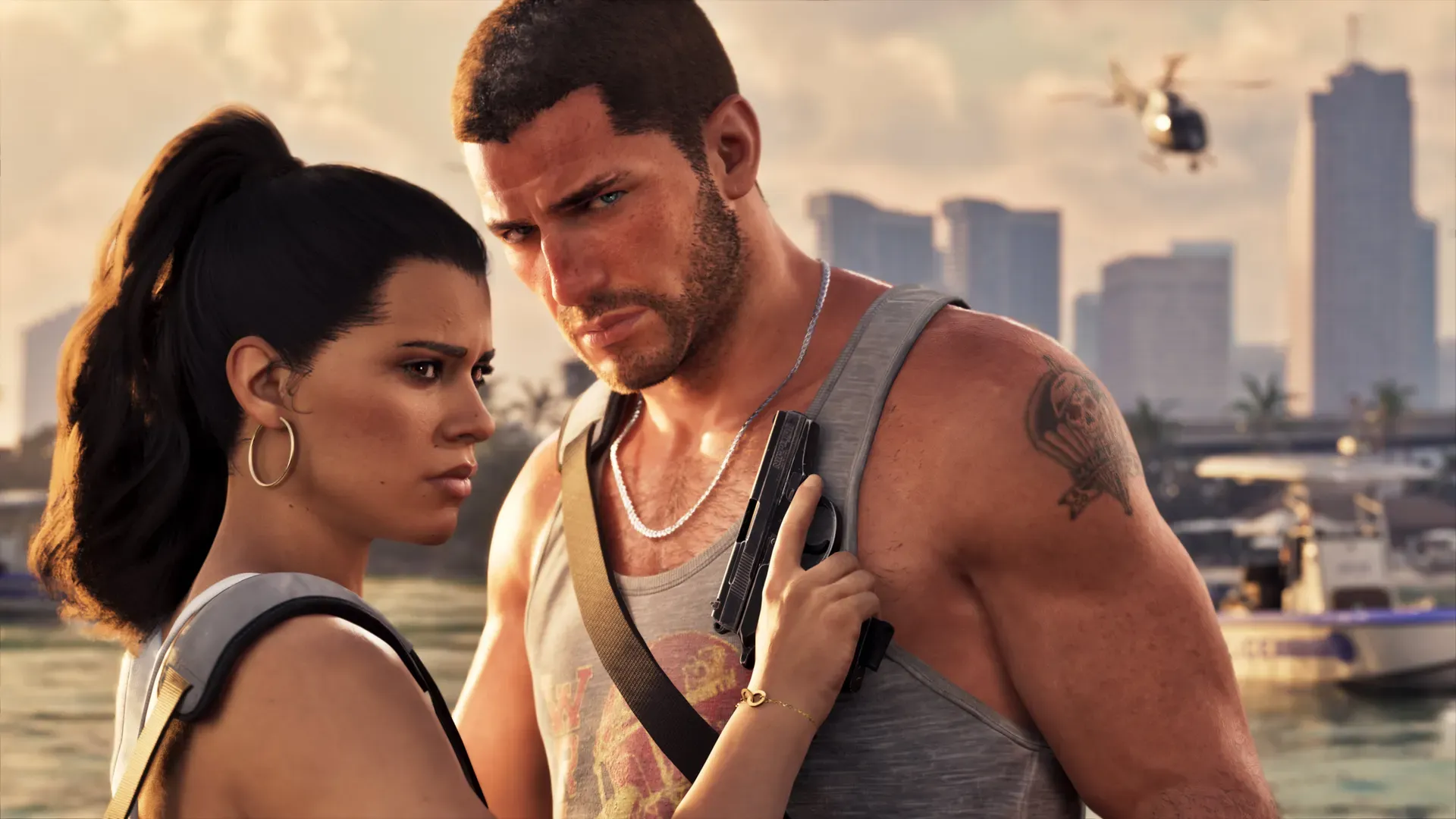
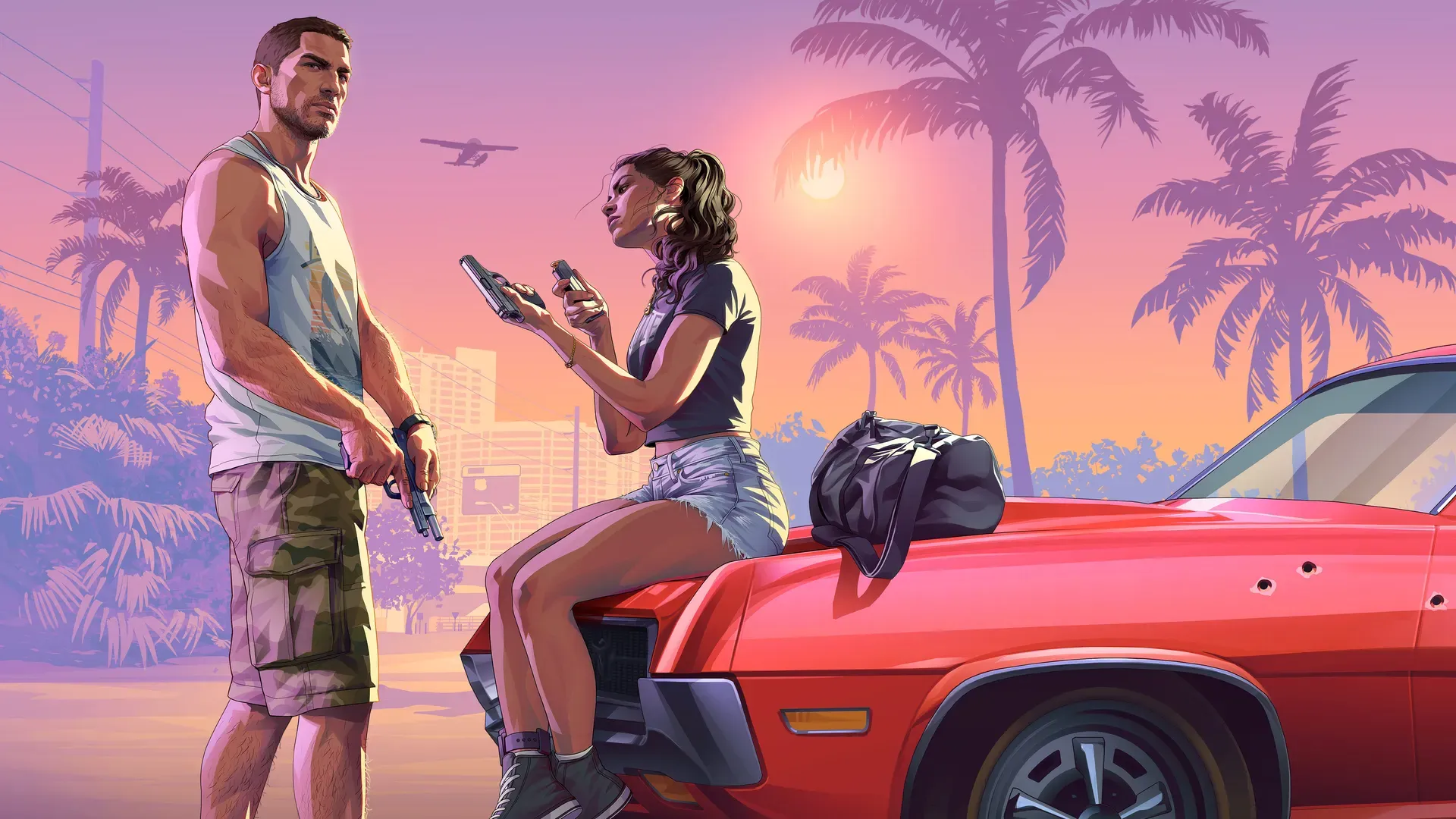
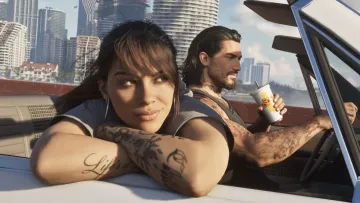
You’re meeting Jason Duval and Lucia Caminos, and Rockstar North’s Rob Nelson has said how you treat their relationship shapes how their story plays out, as GamesRadar reported. Not announced How long the opening lasts. Our first hour plan picks up where it lets you roam.
7. Try switching, and don’t fight a locked mission
Nelson told Famitsu, via GamesRadar, that some missions let you switch freely, some lock you to one character and some switch for you. If switching does nothing, the mission is locked. Not announced The button. Details in how to switch between Jason and Lucia.
8. Learn the phone
Confirmed Jason and Lucia can plug headphones into their phones and listen to the radio and Rockstar’s new on demand podcasts on foot, as Rockstar announced and VGC reported. Rob Nelson also told IGN, as Kotaku reported, that a phone app called WAINK can scan a car and show what it costs to register. Our radio stations post lists the six named stations.
9. Garage a car you want to keep
Kotaku reported, citing Famitsu, that a stolen car has to be registered and stored in a garage, and one you don’t store disappears when the game restarts. Analysis Before you quit for the night, park anything you like in a garage. Garages Rockstar has named are on our properties page.
10. Visit one place Rockstar has shown
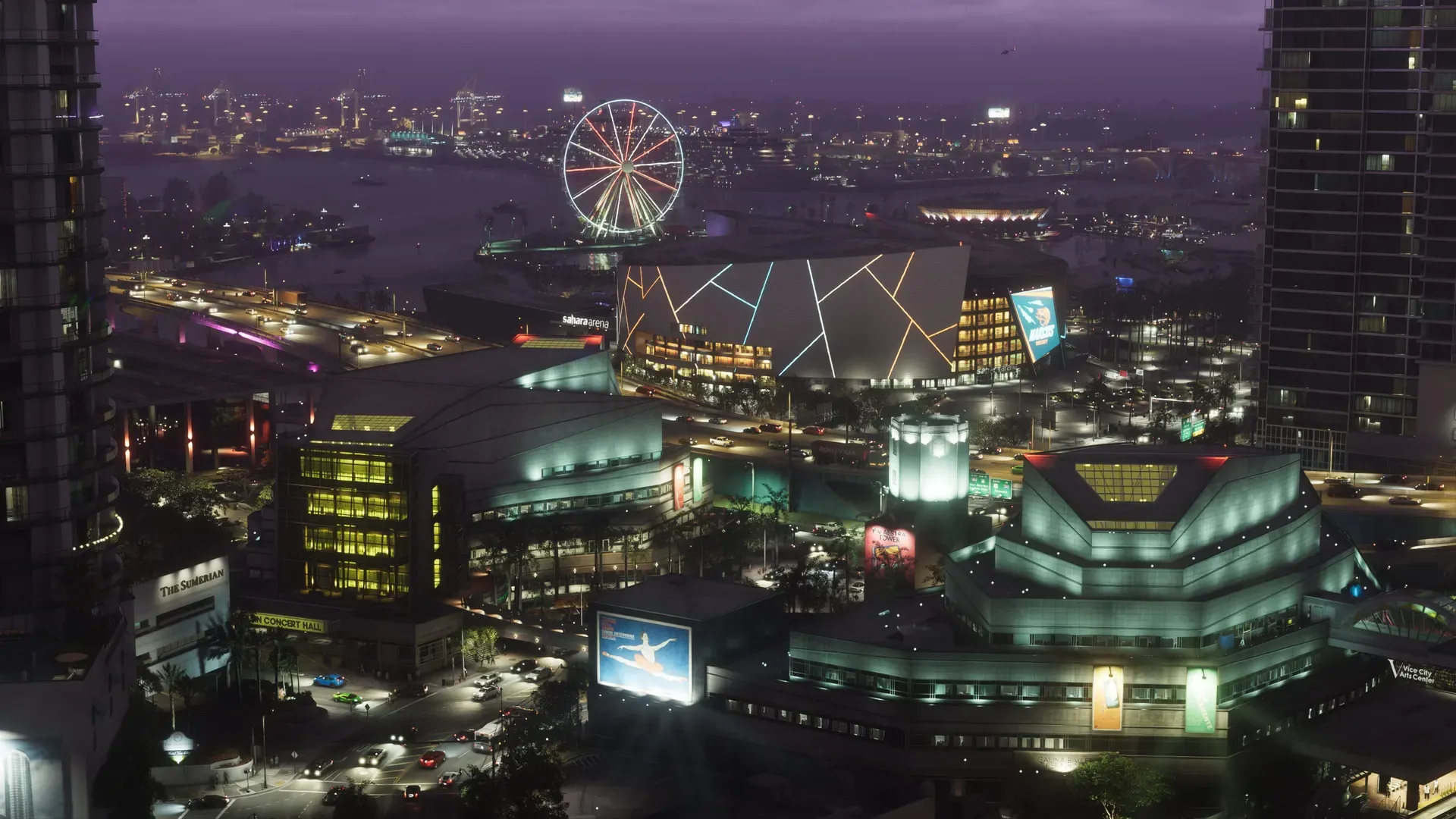
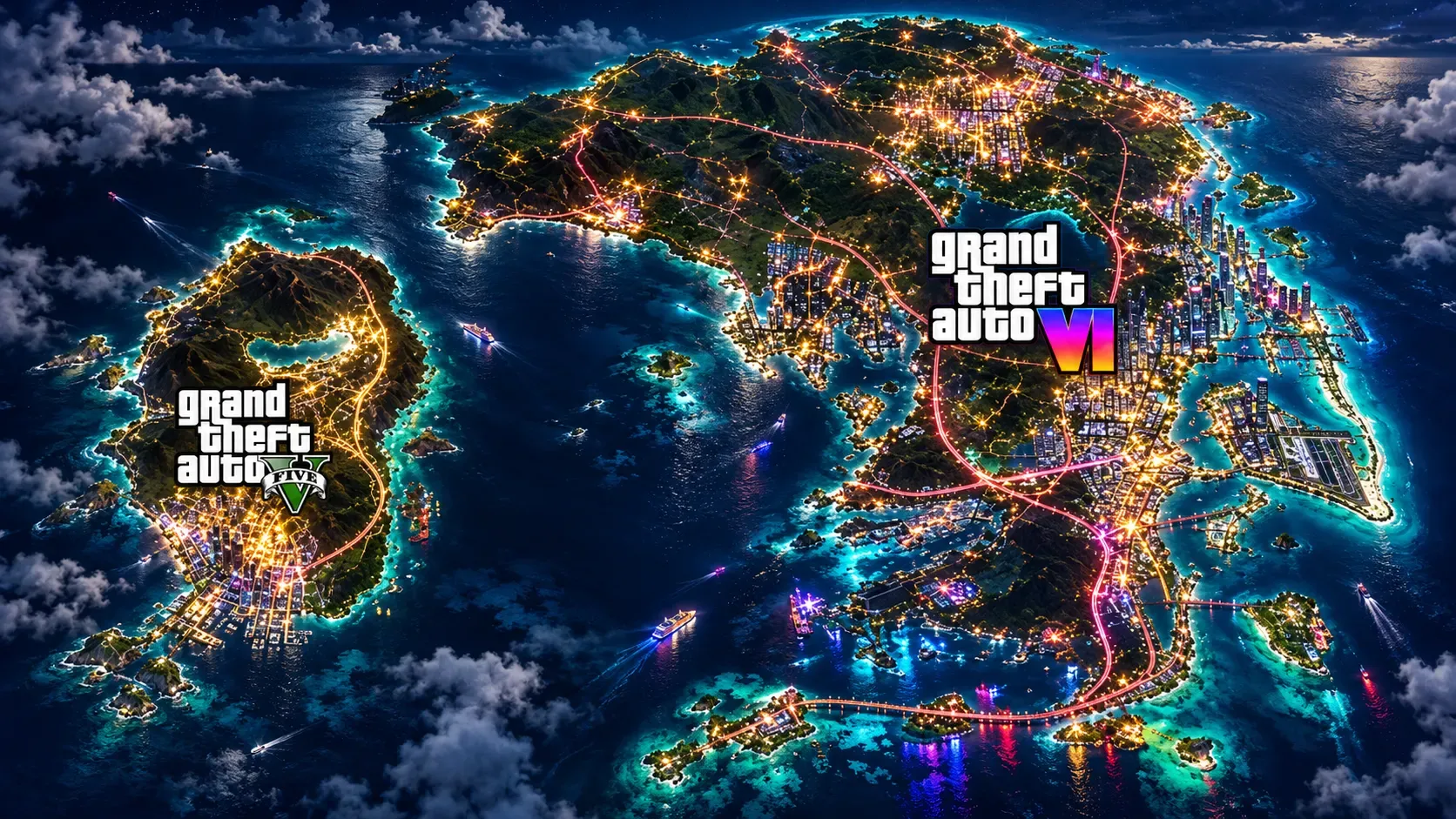
Confirmed Rockstar’s Only in Leonida page names Vice City neighbourhoods such as Ocean Beach and Little Cuba, plus regions from the Leonida Keys to Mount Kalaga. Not announced Which areas are open on the first night. Pick whichever is nearest and take one screenshot there; the map shows everything Rockstar has named.
Edition extras: don’t hunt for them yet
Confirmed The Xbox Store says Ultimate Edition items are “uncovered behind each chapter”, and the Vintage Vice City Pack arrives as the story progresses. Analysis So they may not show up on night one. Our editions guide lists what each includes.
Common questions
Can I play GTA 6 before the unlock time?
Not announced No early access has been announced. Preloading only downloads the game; it unlocks on launch day. See GTA 6 launch day: what to expect.
Do I need to be online for the first session?
You need a connection to download the game. The PlayStation Store lists offline play as enabled, and Rockstar’s store notes that some features may need a connection or a Rockstar Games account, without saying which. More in platforms and requirements.
Will this list change after launch?
Yes. Once the game is out we’ll replace the “not announced” items with the real unlock time, settings menu, switch button and first areas, from our own play.
Related pages
 Your first hour in GTA 6
 GTA 6 beginner tips before you play
 GTA 6 launch day setup for PS5 and Xbox
 GTA 6 checklist tool
Sources
What changed
Corrections policy- Update: Rockstar moved digital preload to November 10 (from November 12).
Questions and comments
No comments yet. Ask a question or share a tip.