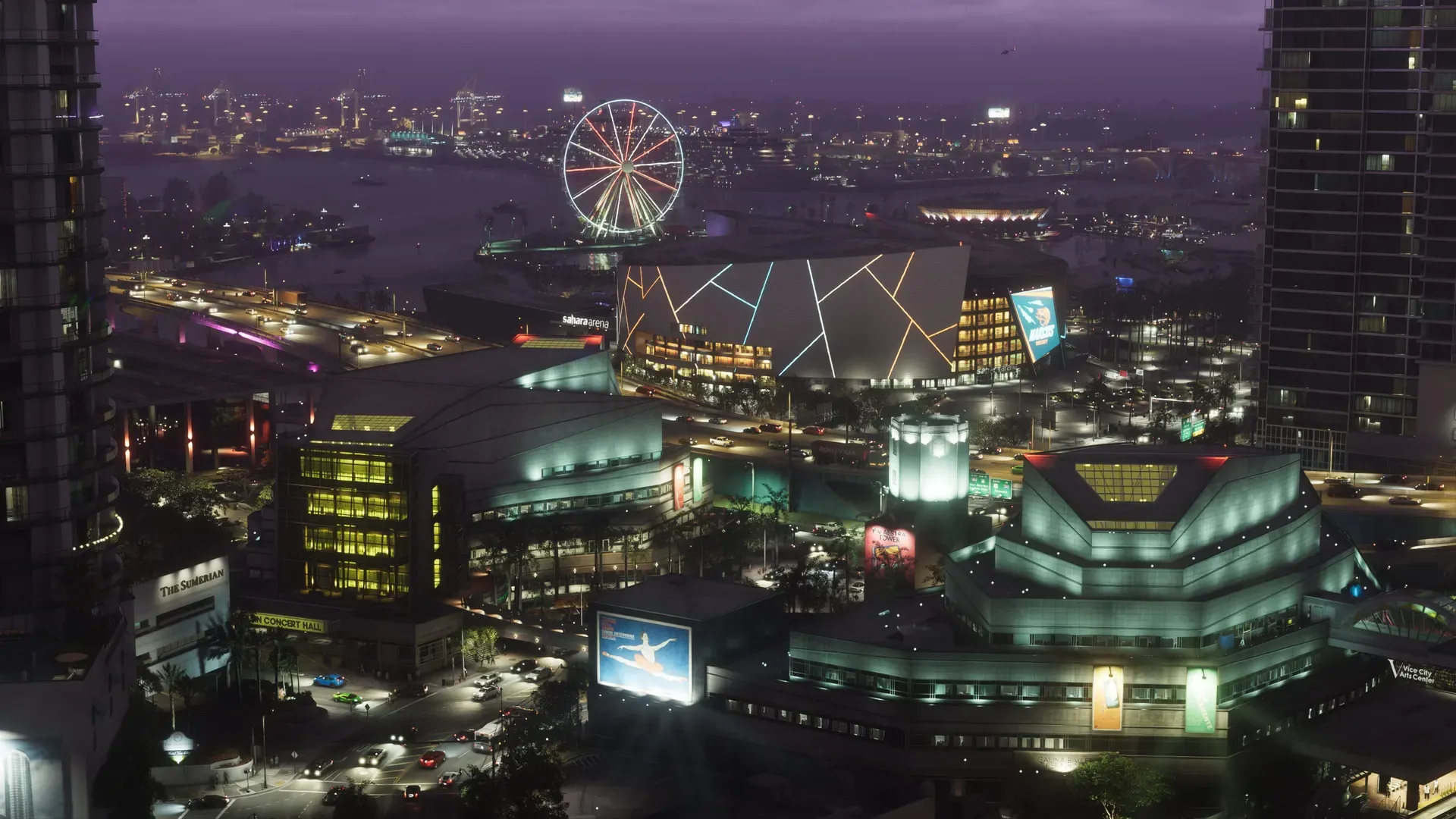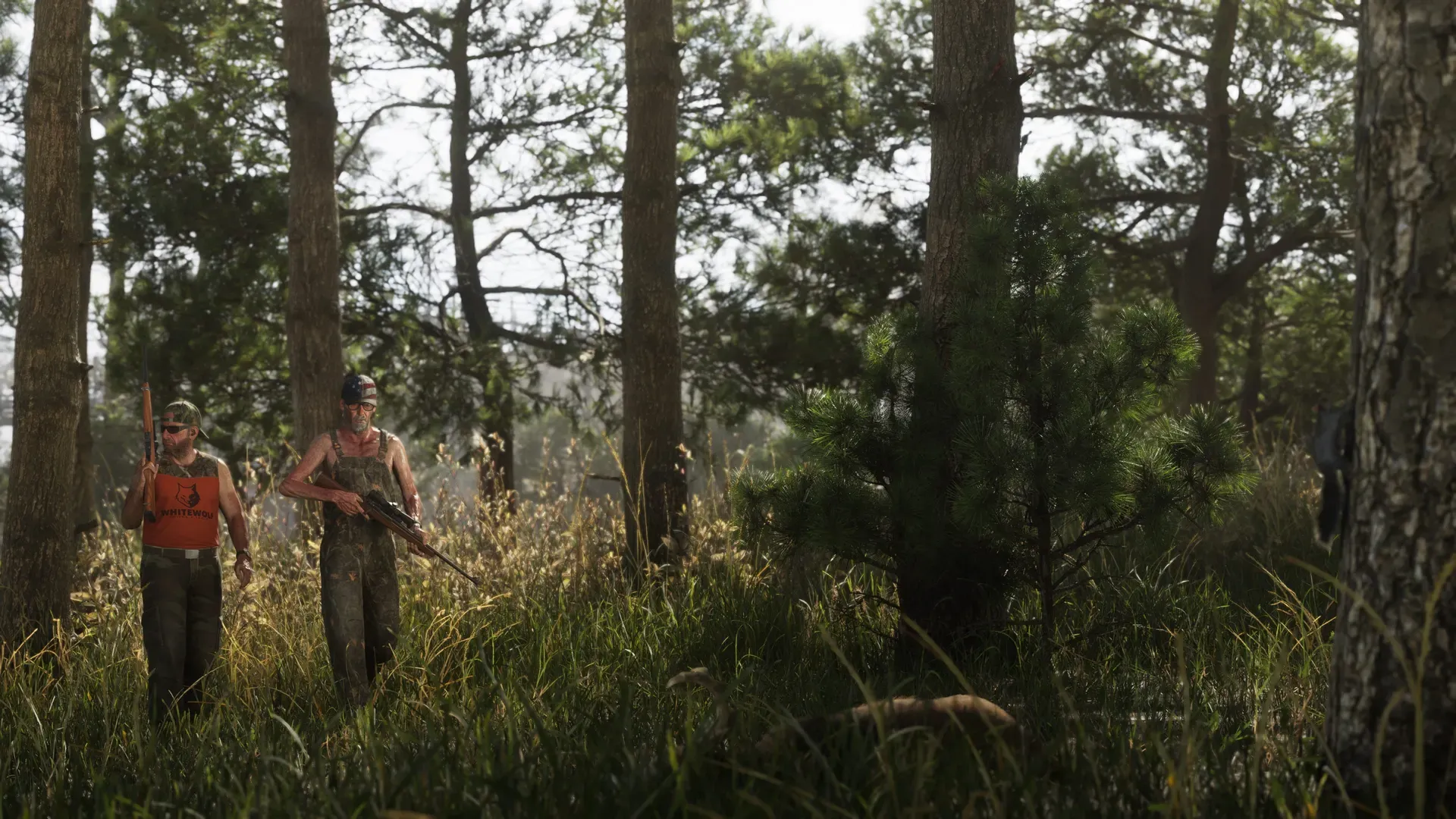
GTA 6 has no performance, quality or balanced mode on PS5, PS5 Pro, Xbox Series X or Xbox Series S: every console runs one fixed presentation that targets 30 frames per second. What changes between consoles is resolution, image quality and how steadily each one holds 30fps. PS5 Pro is the best version, with PSSR upscaling, extra ray-traced shadows and an almost unbroken 30fps. Base PS5 and Series X are close to each other at 1440p, and Series S drops to 720p with the most slowdown. The one picture setting worth changing in the game is motion blur.
Console comparison
| PS5 | PS5 Pro | Xbox Series X | Xbox Series S | |
|---|---|---|---|---|
| Graphics modes | None | None | None | None |
| Frame rate target | 30fps | 30fps | 30fps | 30fps |
| Resolution | 1440p, measured | Upscaled with PSSR to a near-4K image | 1440p, measured | 720p, measured |
| Visual extras | Standard presentation | Adds ray-traced shadows | Standard presentation | Fewer details and lower-resolution textures than Series X |
| Normal play | Small dips when driving fast | Locked 30fps, even frame pacing | Small dips in chases, crowds and firefights | Around 25fps in fights and chases |
| Worst case measured | Sustained dips in heavy destruction until you leave the area | About 24fps with many cars exploding at once | Similar to PS5 | About 20fps in heavy scenes, 18 to 19fps at the very worst |
Confirmed The 30fps target, PSSR and ray-traced shadows on PS5 Pro come from Rockstar’s preload post and the PlayStation Blog. Ray-traced shadows are only on PS5 Pro. Resolutions and frame rate dips were measured from the game at launch.
Why there are no graphics modes
Most current games offer a 60fps performance mode, a 30fps quality mode and sometimes a 40fps balanced mode. GTA 6 offers none of these on any console.
Rockstar’s explanation is about time. At 30fps, each frame has about 33 milliseconds to simulate everything in Leonida, from traffic and crowds to physics and police, and then draw the picture. Rockstar says every millisecond of both the processor and the graphics chip has to be shared out with care, and that 30fps gives the right balance of presentation, simulation and gameplay.
Confirmed That also rules out 60fps on PS5 Pro. Rockstar says the Pro’s processor is only slightly better than the base PS5’s and is not powerful enough to run the simulation at higher frame rates. The Pro’s stronger graphics chip goes into sharper upscaling and extra ray tracing instead.
Analysis That’s why a 40fps mode, popular on 120Hz TVs in other games, isn’t offered either: the limit is the simulation on the processor, and lowering the resolution wouldn’t free up that time.
PS5 Pro: what you get
- PSSR upscaling. PlayStation Spectral Super Resolution rebuilds each frame into a much sharper image, close to 4K, where base PS5 and Series X look softer at 1440p.
- Ray-traced shadows. The game’s standard presentation already uses ray-traced reflections and global illumination. The Pro adds ray-traced shadows on top, a noticeable visual upgrade.
- The steadiest 30fps. The Pro holds its 30fps lock with even frame pacing, and its slowest moments are much better than on other consoles, so there’s less judder in fast street races.
Cutscenes also play smoothly on PS5 Pro, without the judder of older Rockstar games. GTA 6 holds its frame rate better at launch than any earlier GTA did on its original consoles.
PS5 and Xbox Series X
Base PS5 and Series X are roughly even. Both play well at a softer 1440p, with small frame rate dips in normal play, most often at high speed or in busy chases and firefights. Causing a lot of destruction at once, like a pile-up of exploding cars at a busy junction, can pull the frame rate down for longer: on PS5 the dip lasts until you leave the area.
Analysis If you already own either console, there’s no reason to switch. The difference between them is far smaller than the step up to PS5 Pro.
Xbox Series S and Xbox One cloud
Series S draws the game at 720p, with some details drawn less often and some textures at lower resolution than Series X. The picture holds up better than the number suggests, but the frame rate is the loosest of the four: it often sits between 25 and 30fps, with the biggest drops in vehicle destruction and large shootouts. Our news post on Series S running at 720p has the full test results.
Confirmed On Xbox One, GTA 6 is only playable through Xbox Cloud Gaming, which streams the game with Series S graphics settings.
The best settings to pick
With no mode to choose, these are the settings that change how GTA 6 looks and feels at 30fps.
Motion blur (Settings > Display)
GTA 6’s graphics options are under Settings > Display, and the most important one is the motion blur slider. Setting it to 0 turns blur off.
Analysis Which value is best depends on your TV:
| Your screen | Try this | Why |
|---|---|---|
| LCD or LED TV | 0, or a low value | Distant objects look much sharper with blur off |
| OLED TV | A middle value, around 4 to 6 | OLED pixels switch almost instantly, which can make 30fps look slightly choppy; some blur smooths it |
| PS5 Pro on any TV | Start at 0 | The steady frame pacing hides most judder on its own |
| Series S | A middle value | Blur makes frame rate dips less noticeable |
Test each value on a fast drive through the city rather than standing still: that’s where the difference shows. Some OLED owners prefer 0 for a sharper, more responsive feel, so trust your own eyes.
HDR: TV first, then console, then game
If your TV has an HGiG setting, turn it on for HDR gaming. Without it, the TV adjusts black levels and highlights on its own, which can wash out the picture and stop GTA 6’s brightness sliders from working properly. Then run the console’s HDR calibration, and only after that set the HDR and brightness options in GTA 6’s own menu. The console steps and game mode for each TV brand are in our best TV settings for GTA 6 guide.
Variable refresh rate
Analysis VRR won’t raise the frame rate, but it makes dips below 30fps look less jerky, which helps most on Series S and base PS5. Turn it on if your TV supports it; the steps are in the TV settings guide above.
Leave TV motion smoothing off
Analysis TV features that add in-between frames (called TruMotion, Motionflow or Auto Motion Plus) can make 30fps look smoother, but they add input lag and a soap-opera look. Game Mode usually turns them off, so keep it on.
Which console should you play on?
| If you have | Play on | Expect |
|---|---|---|
| A PS5 Pro | PS5 Pro | The sharpest picture and a near-perfect 30fps |
| A PS5 or Series X | Either, they’re close | 1440p and small dips in busy scenes |
| Only a Series S | Series S, with VRR on if you can | 720p and drops in big fights |
| An Xbox One | Xbox Cloud Gaming | Series S settings, depending on your connection |
For which console to buy, see GTA 6 on PS5 or Xbox. For the 30fps target and what Rockstar said before launch, see our frame rate and resolution guide.
Common questions
Why do my GTA 6 screenshots look dark or washed out?
That’s HDR. Screenshots taken with HDR on often look wrong on other screens. On Xbox, turn off Allow HDR10 and Auto HDR in the video mode settings and restart the console; on PS5, set HDR to off in Video Output. Turn HDR back on when you’re done.
Does the DualSense change anything on PS5?
GTA 6 uses haptics, adaptive triggers and the controller speaker, which you can tune. Our best DualSense settings for GTA 6 guide covers each one.
Are there accessibility or camera options that help at 30fps?
The game’s assist and input options are listed in our GTA 6 difficulty and accessibility settings guide.
Does GTA 6 run worse in some places?
Analysis Yes, busy places are the hardest: dense Vice City traffic, crowds and large explosions push every console hardest, while quiet countryside and story scenes stay closer to 30fps.
Sources
Questions and comments
No comments yet. Ask a question or share a tip.