



Download iPhone2160 × 4800
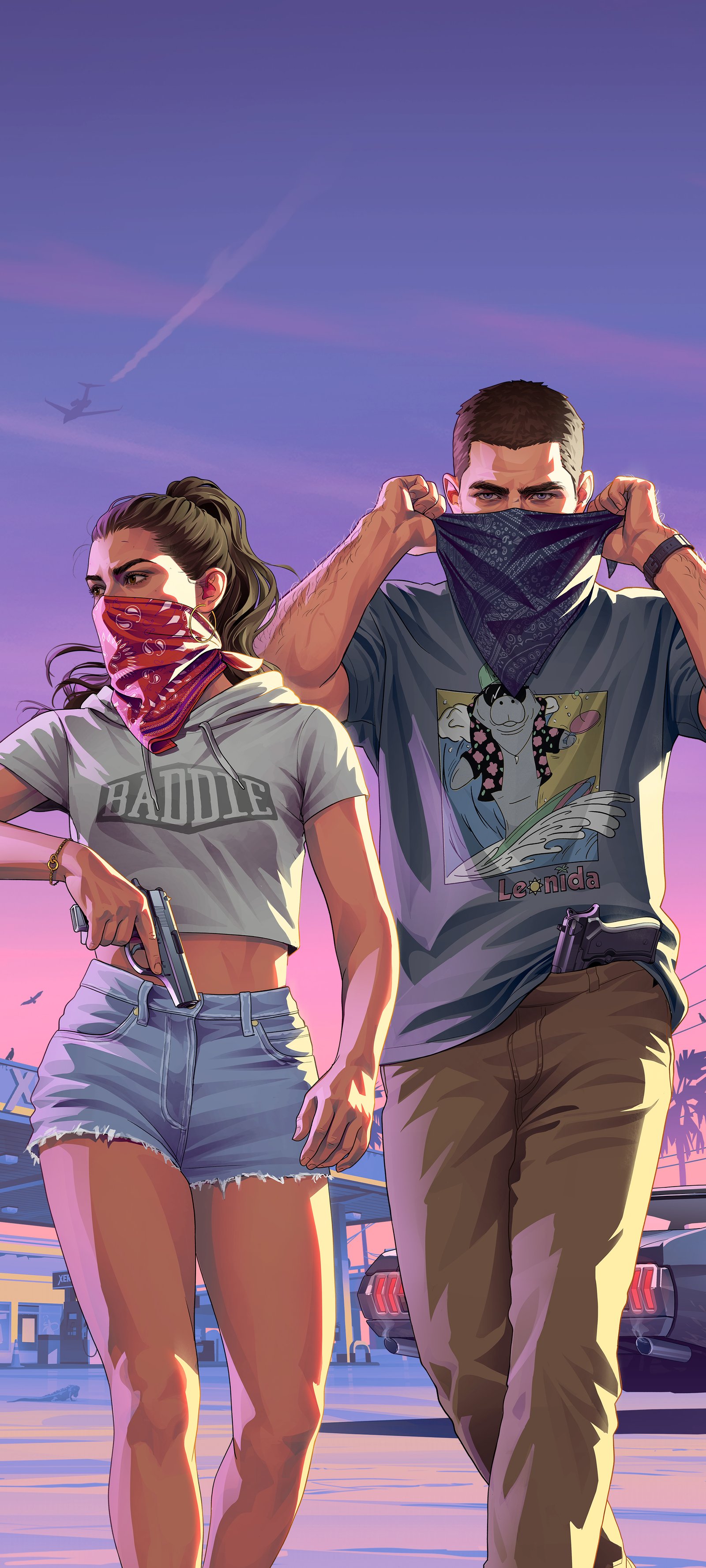
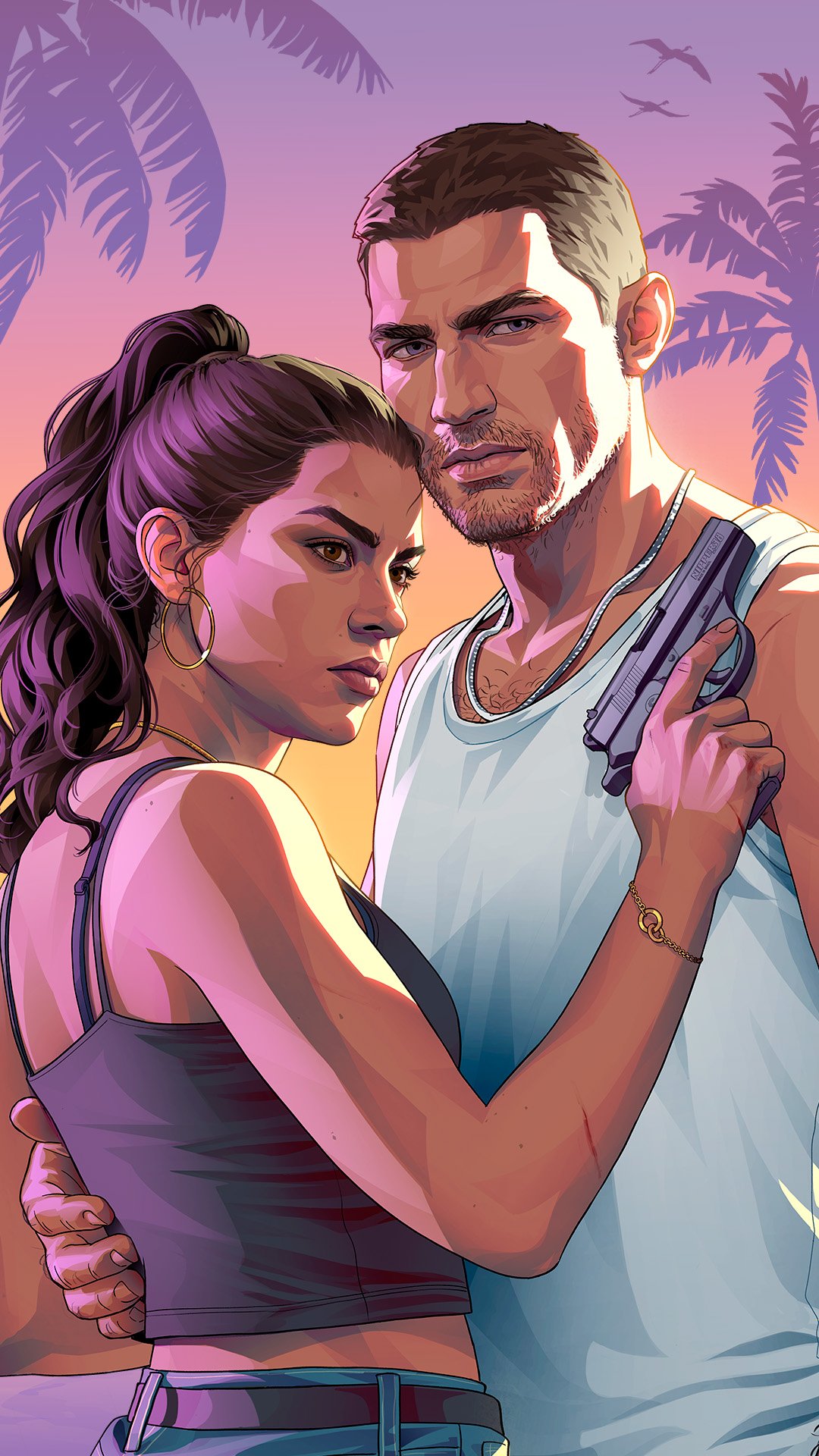
Jason and Lucia Robbery
© Rockstar Games · SourceOther sizes
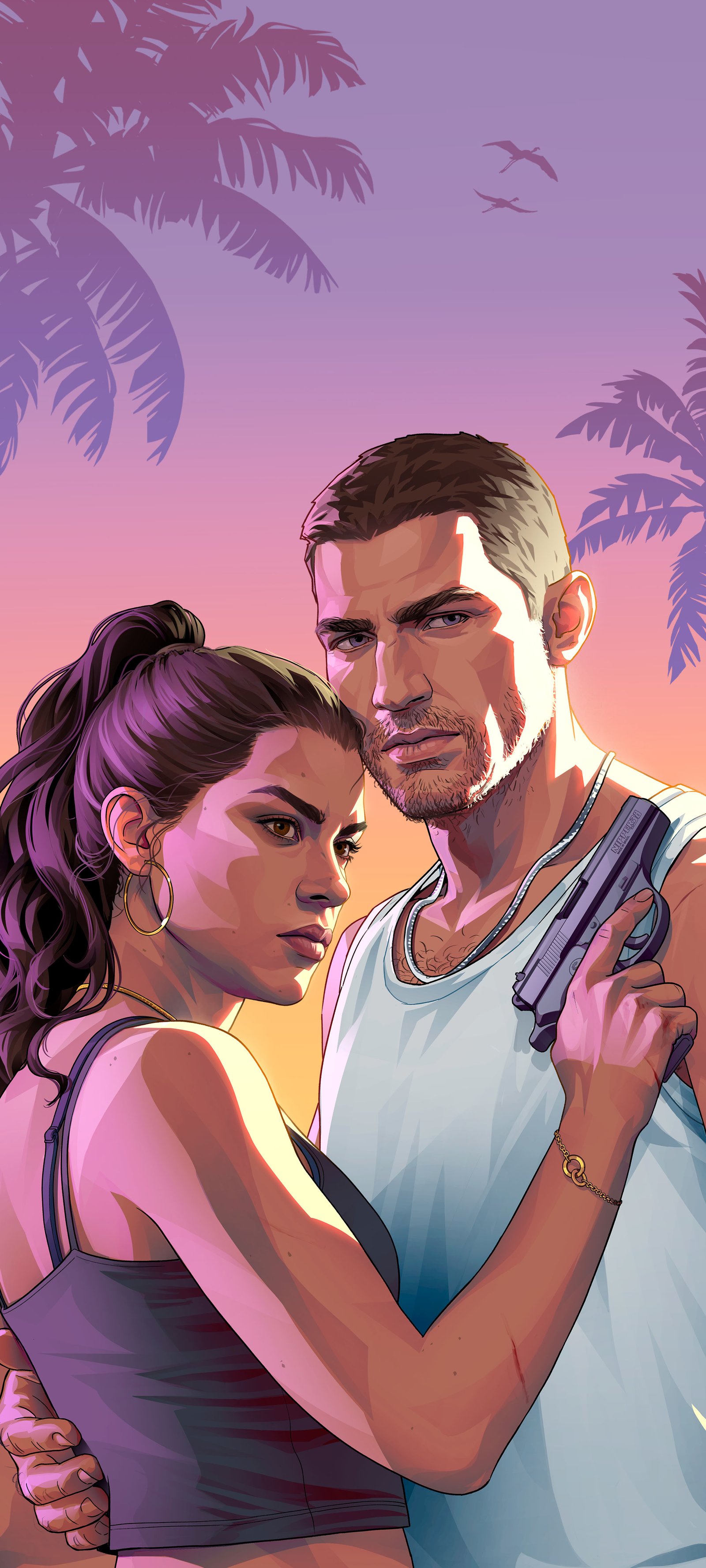
Jason and Lucia Beach
© Rockstar Games · SourceOther sizes
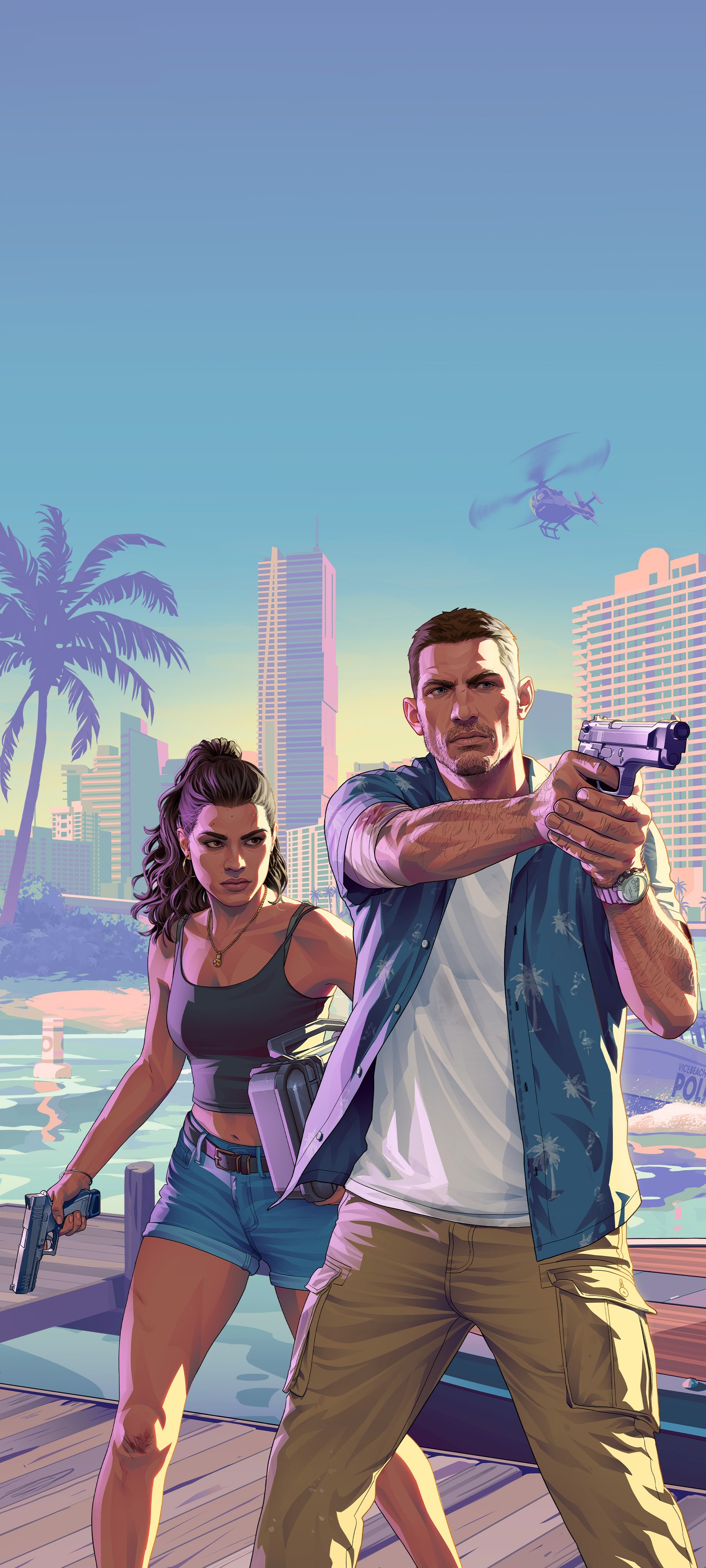
Jason and Lucia 02 (A)
© Rockstar Games · SourceOther sizes
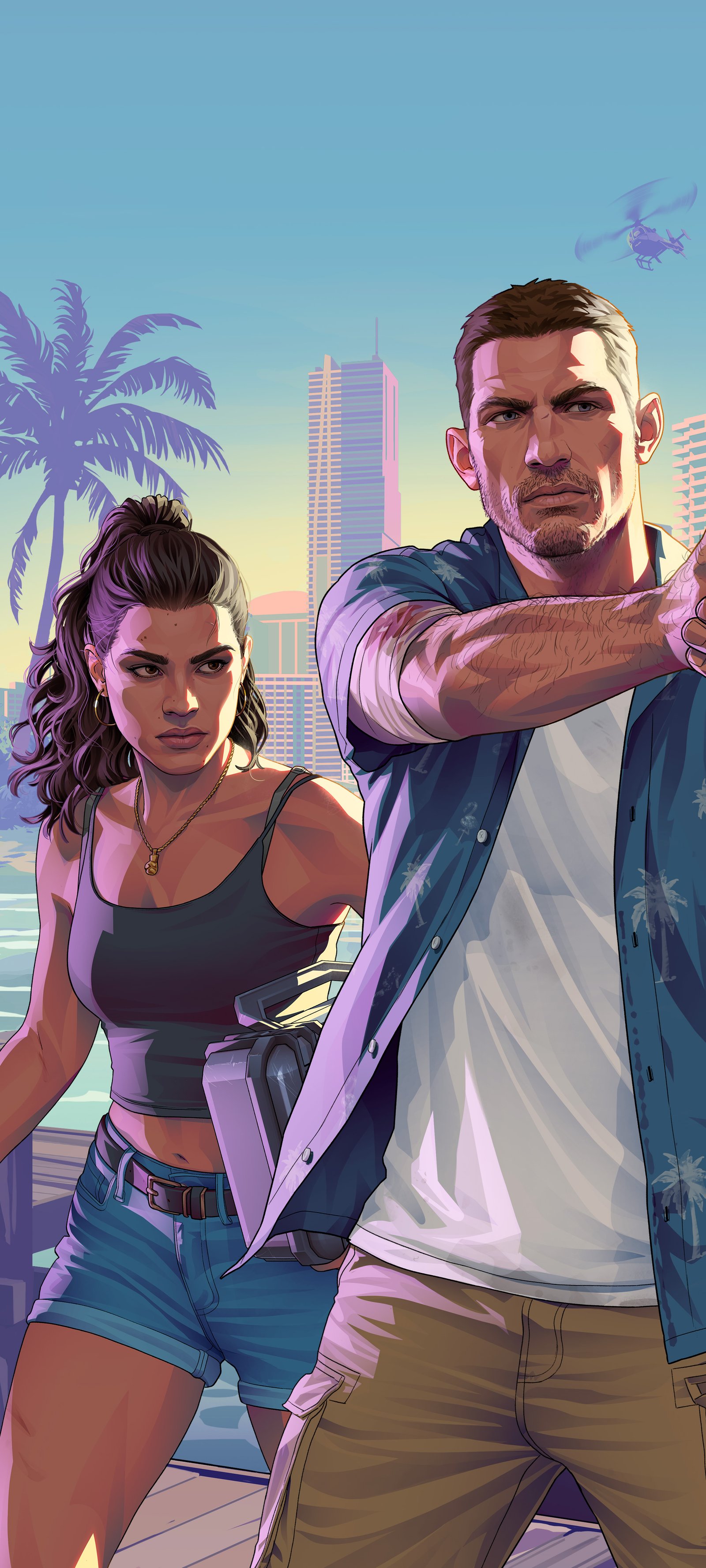
Jason and Lucia 02 (B)
© Rockstar Games · SourceOther sizes

Jason and Lucia 01
© Rockstar Games · SourceOther sizes
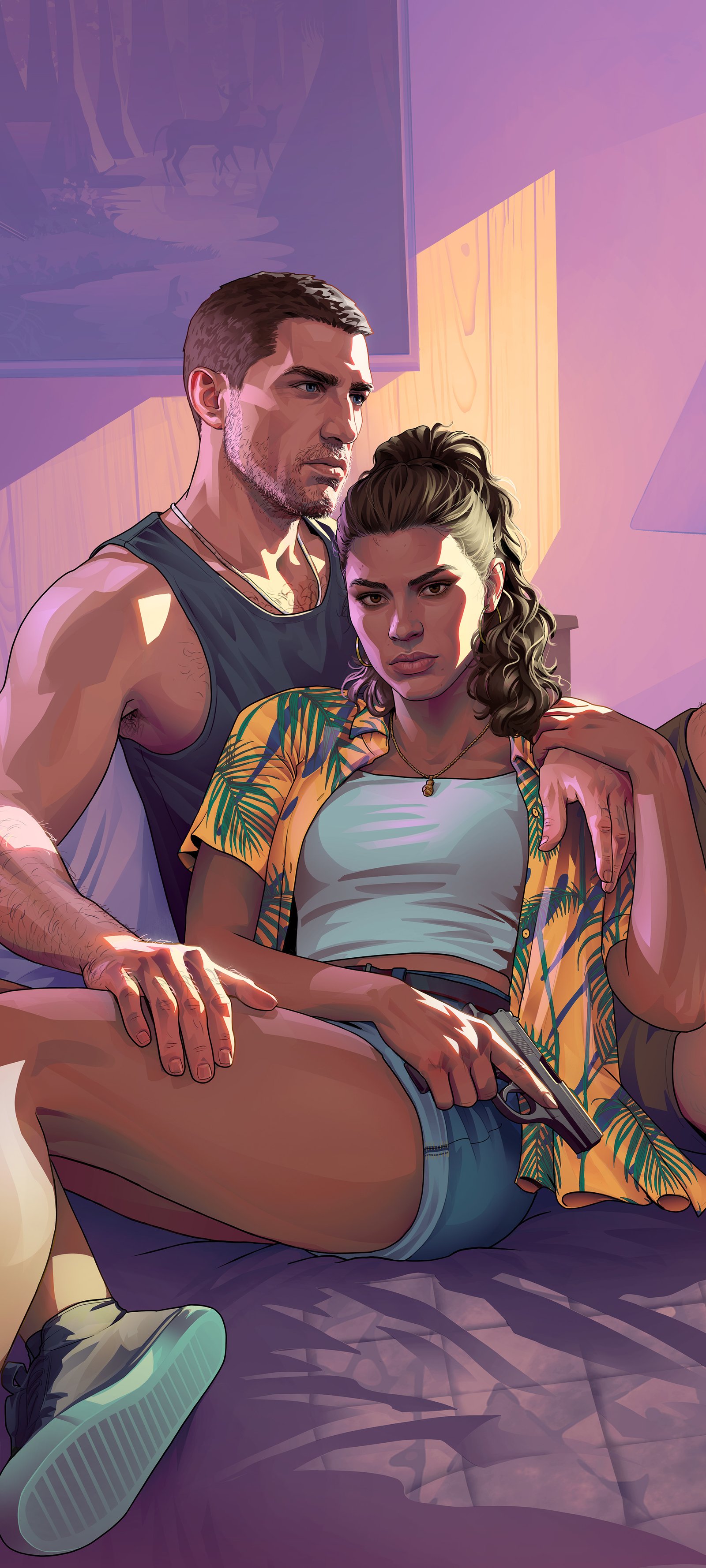
Jason and Lucia Motel
© Rockstar Games · SourceOther sizes
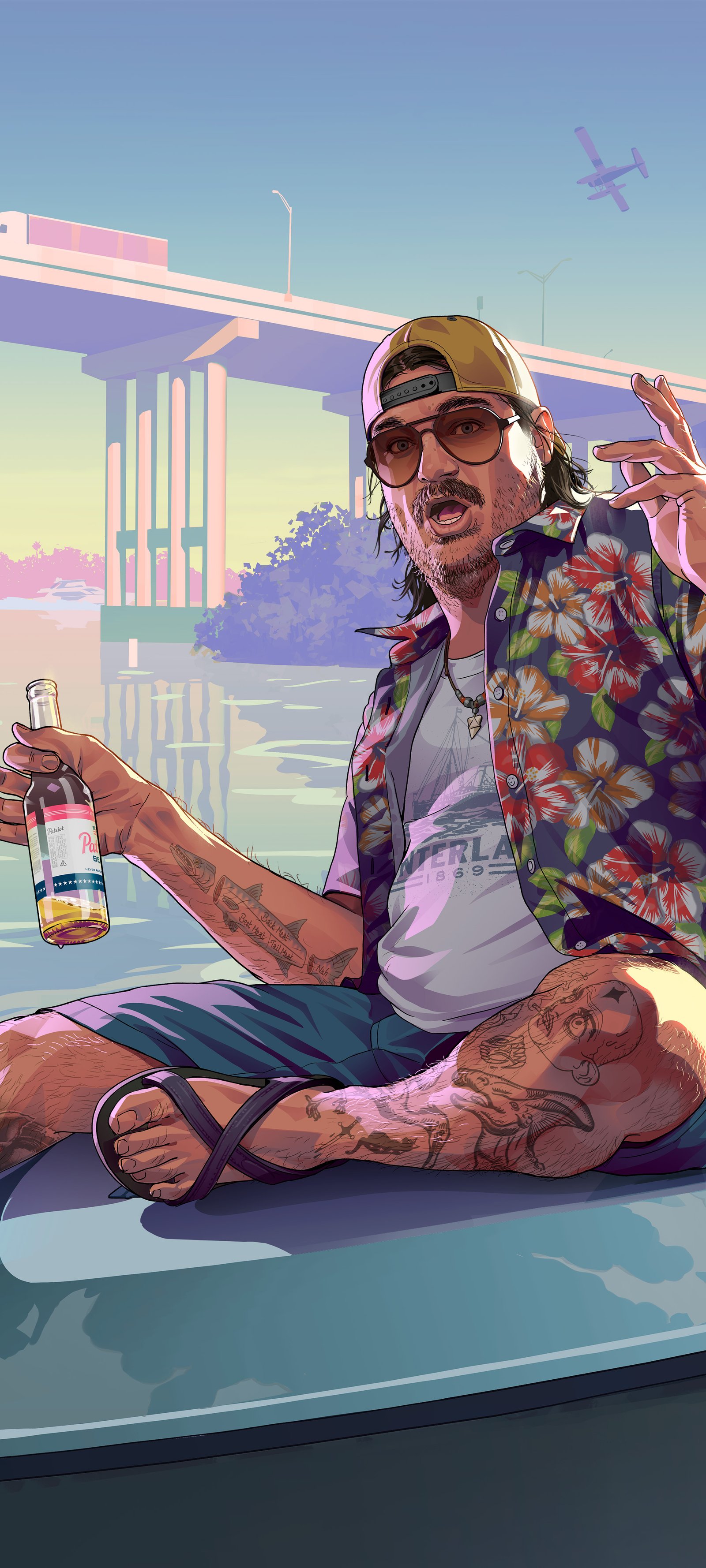
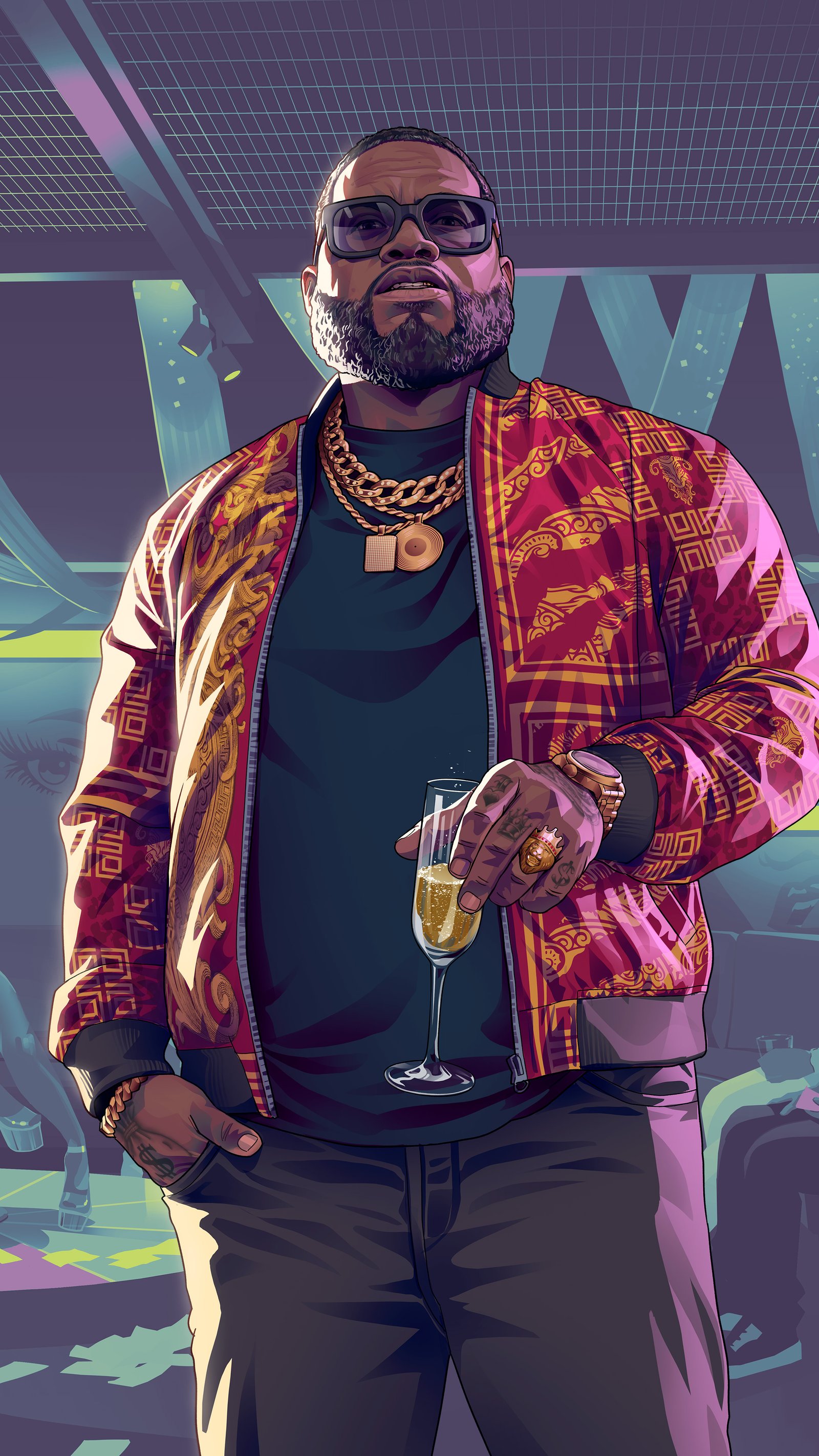
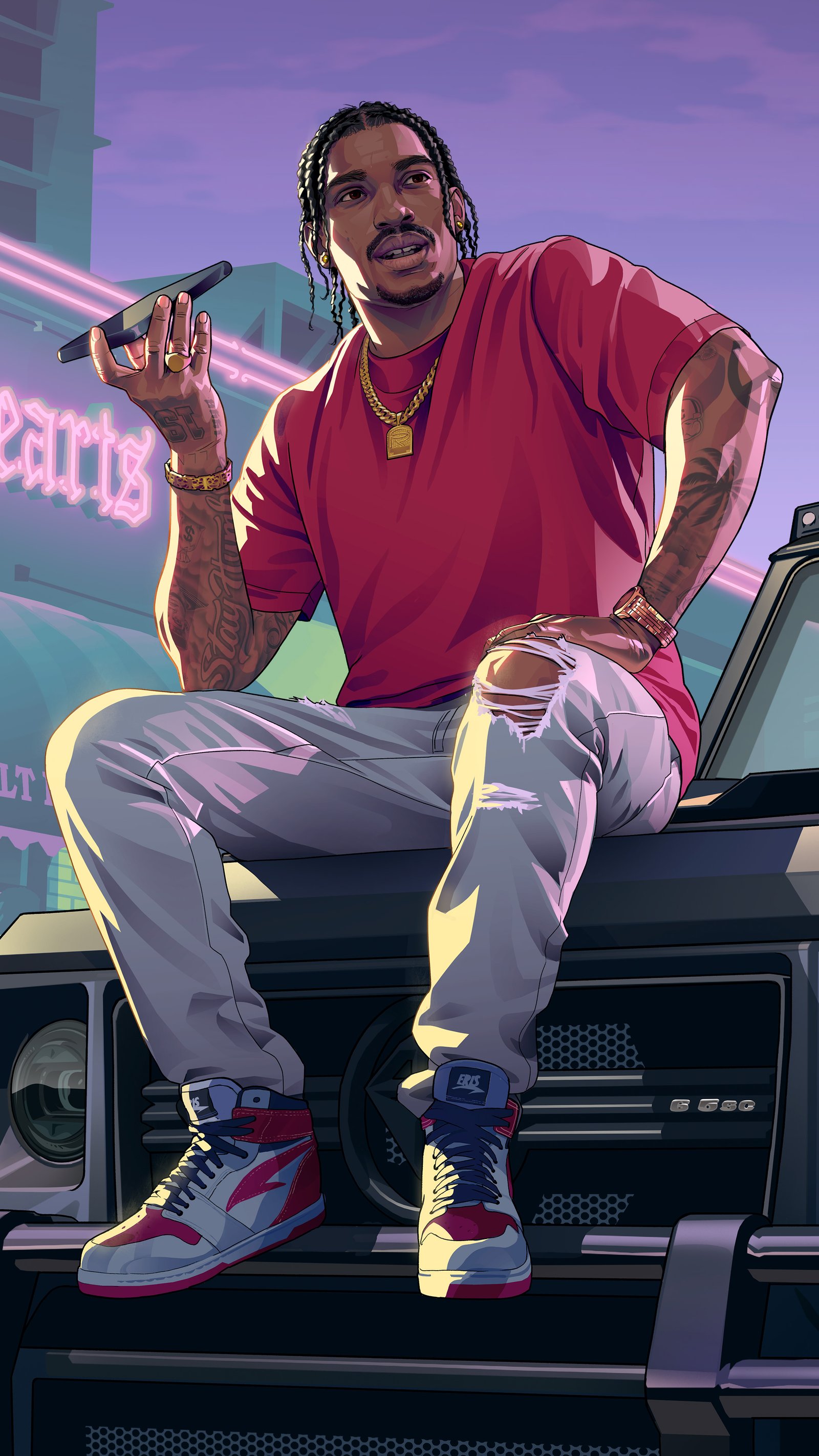
Cal Hampton
© Rockstar Games · SourceOther sizes
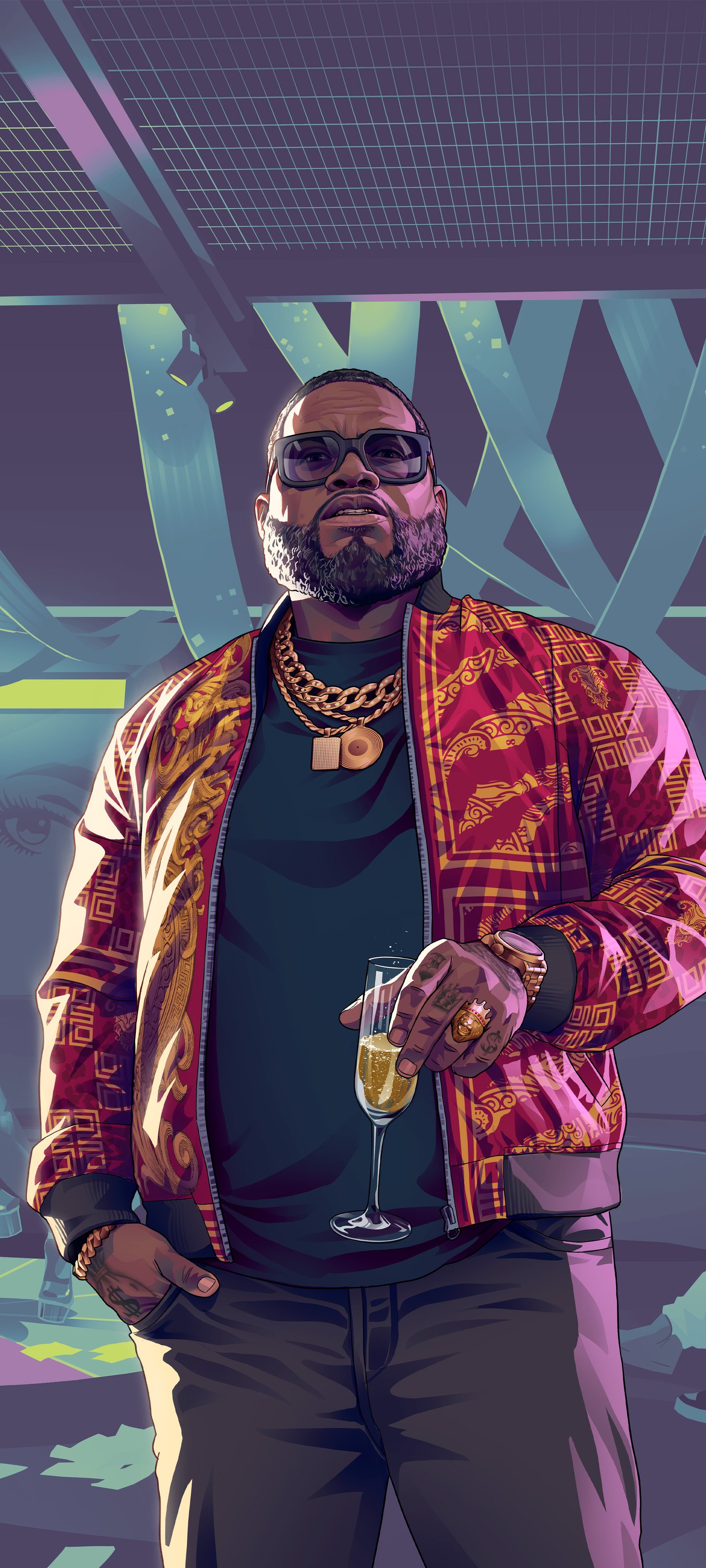
Boobie Ike
© Rockstar Games · SourceOther sizes

Dre'Quan Priest
© Rockstar Games · SourceOther sizes

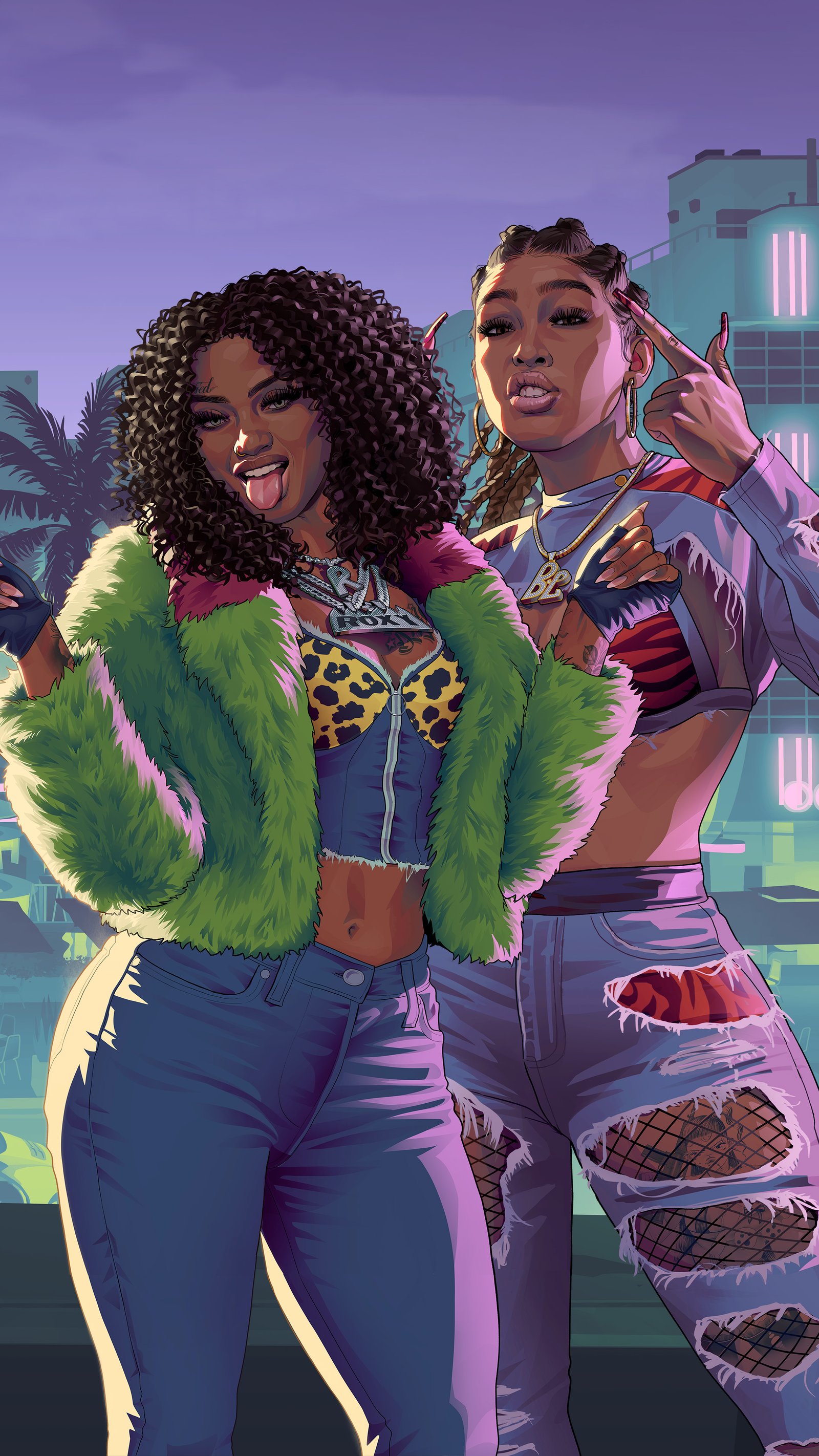
Real Dimez
© Rockstar Games · SourceOther sizes

Raul Bautista
© Rockstar Games · SourceOther sizes
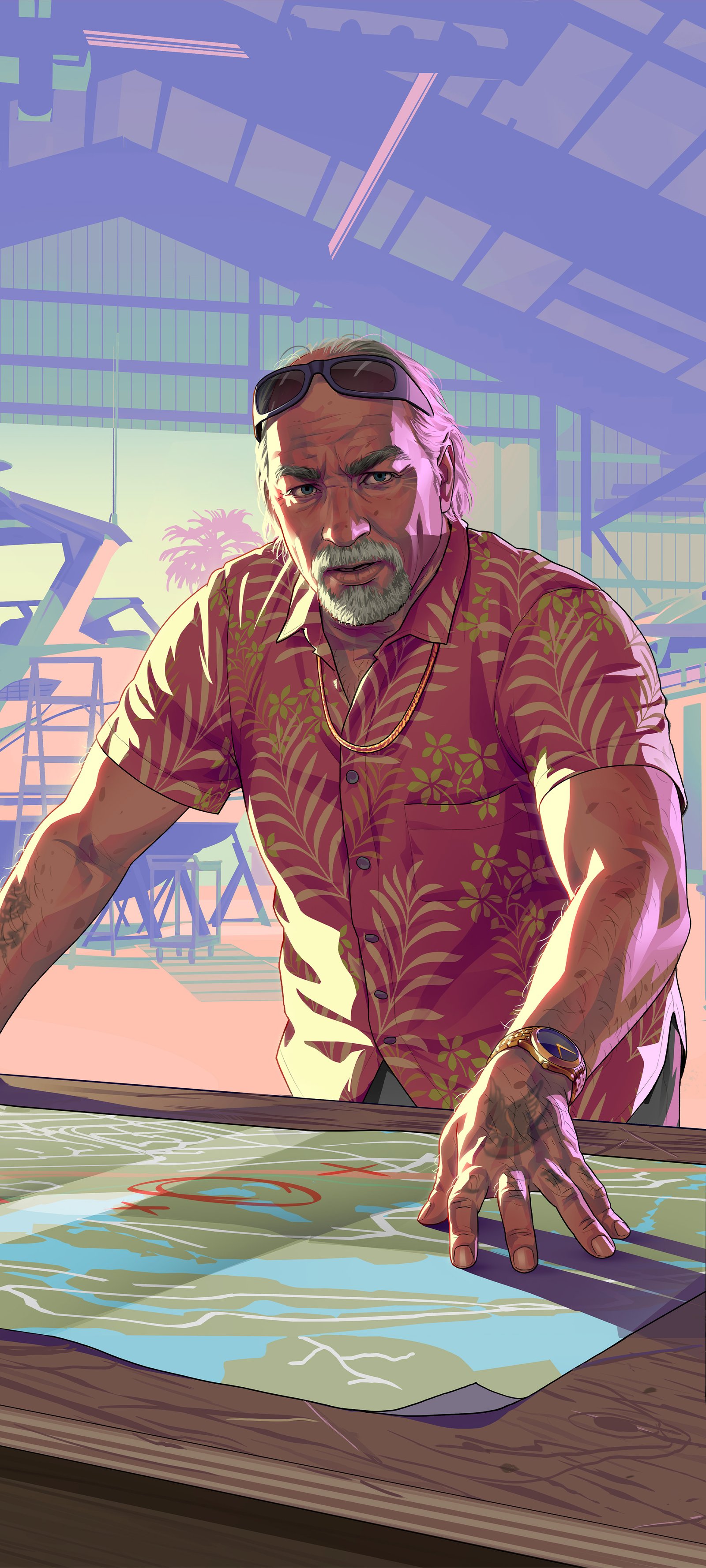
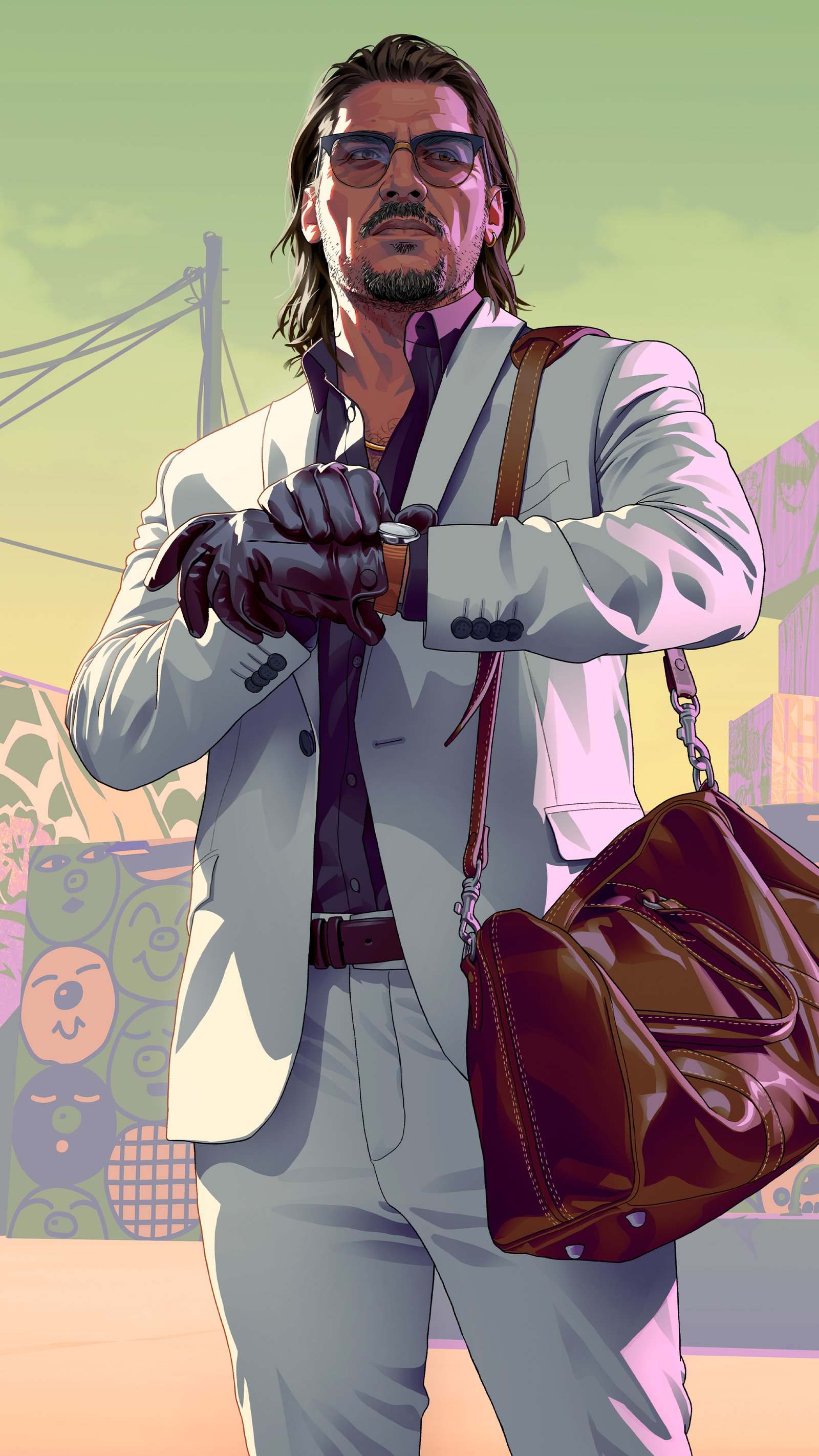
Brian Heder
© Rockstar Games · SourceOther sizes

Vice City Postcard
© Rockstar Games · SourceOther sizes

Leonida Keys Postcard
© Rockstar Games · SourceOther sizes
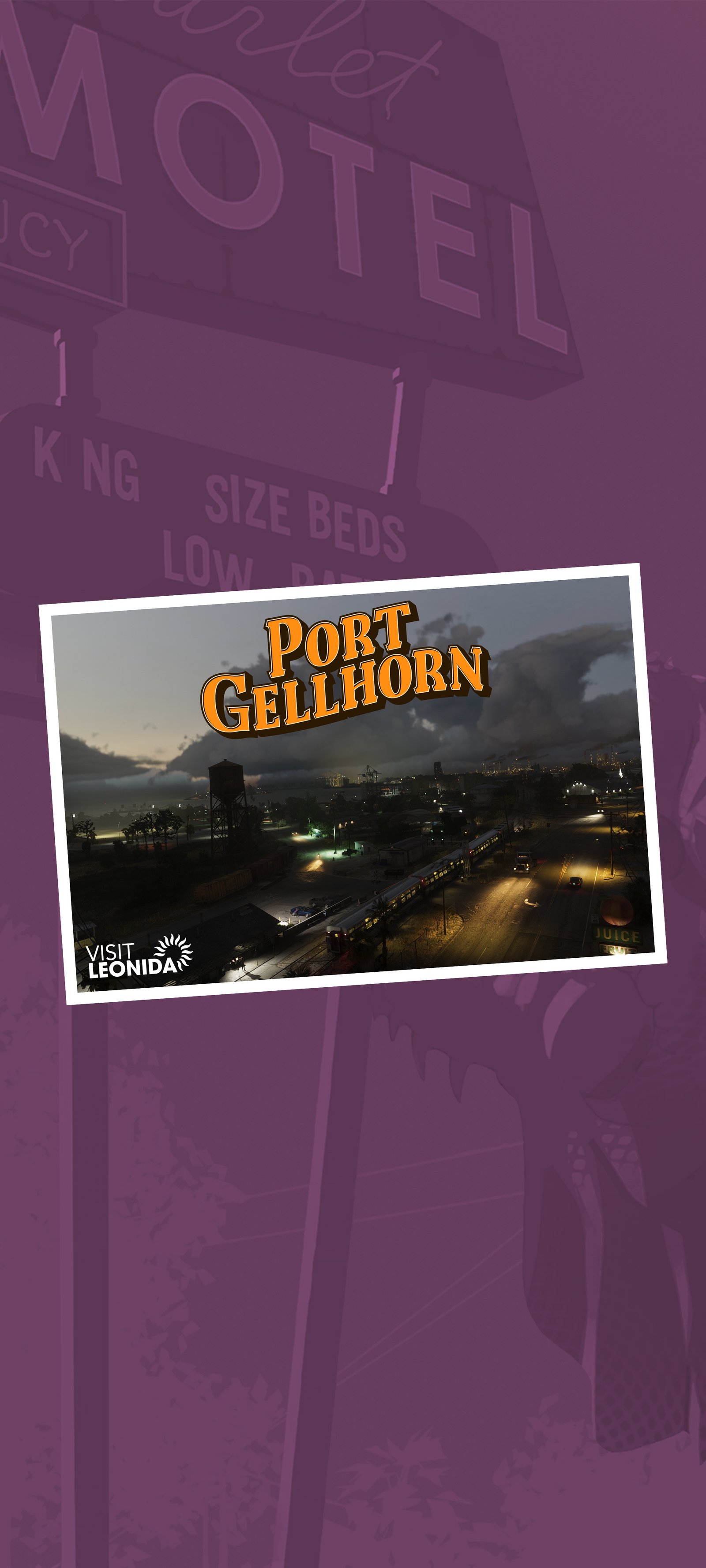
Port Gellhorn Postcard
© Rockstar Games · SourceOther sizes
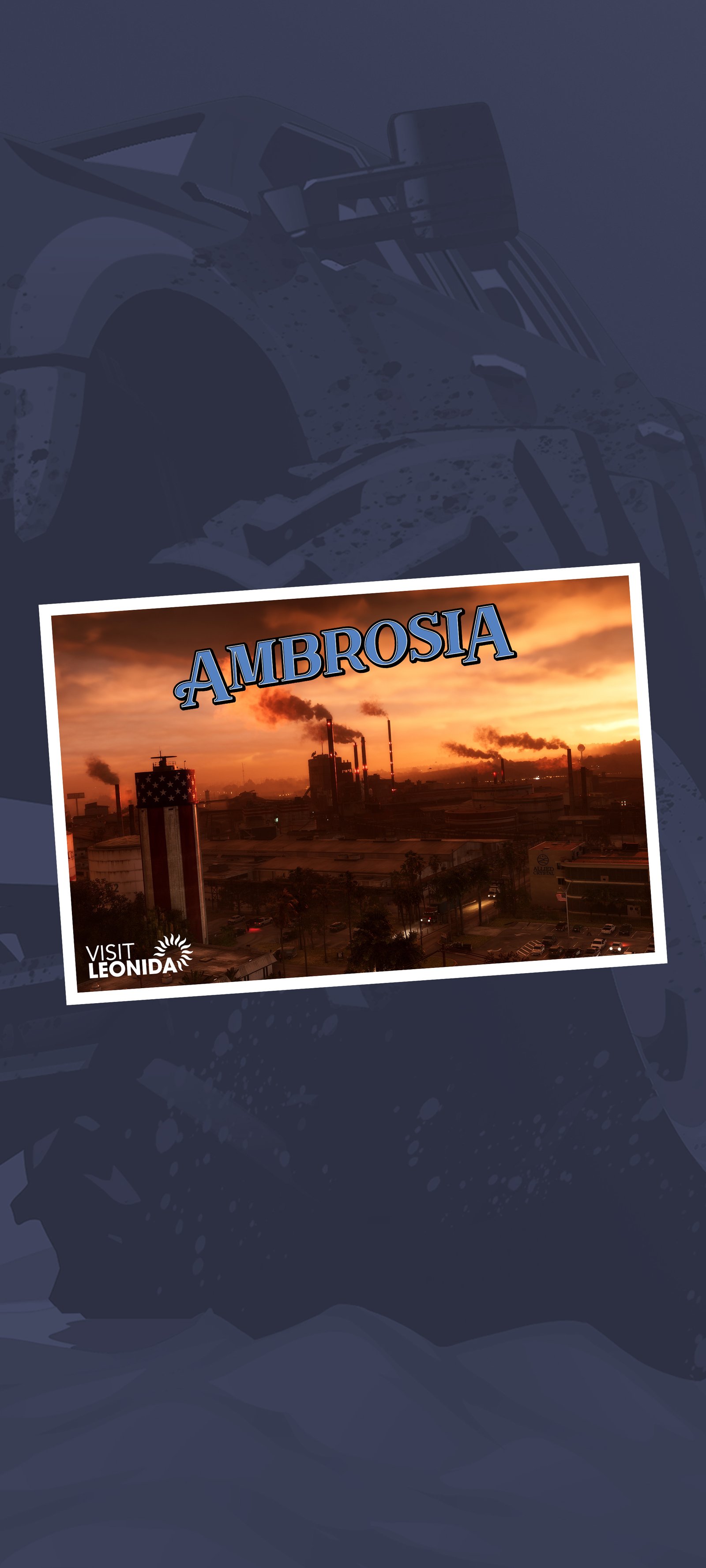
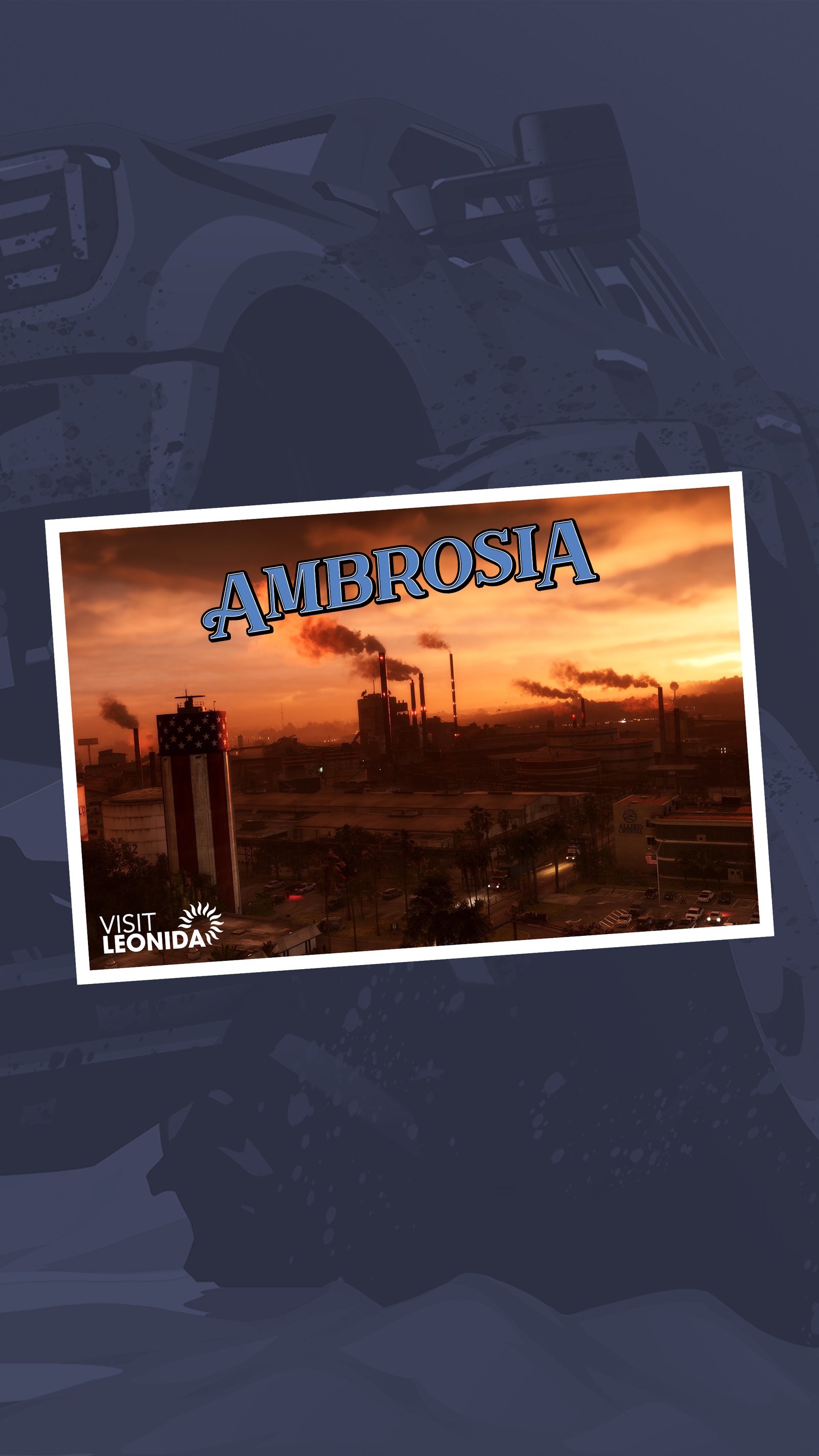
Ambrosia Postcard
© Rockstar Games · SourceOther sizes

Grassrivers Postcard
© Rockstar Games · SourceOther sizes
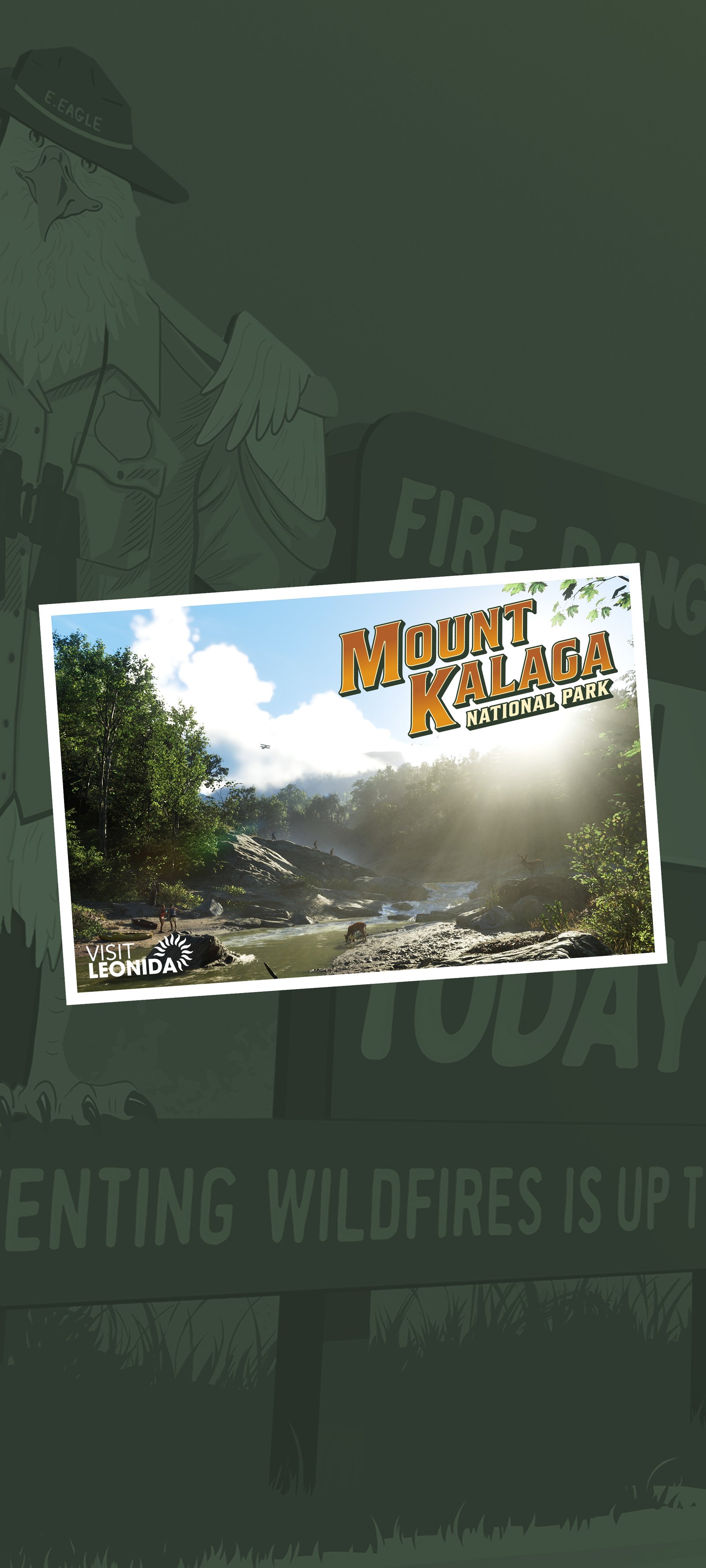

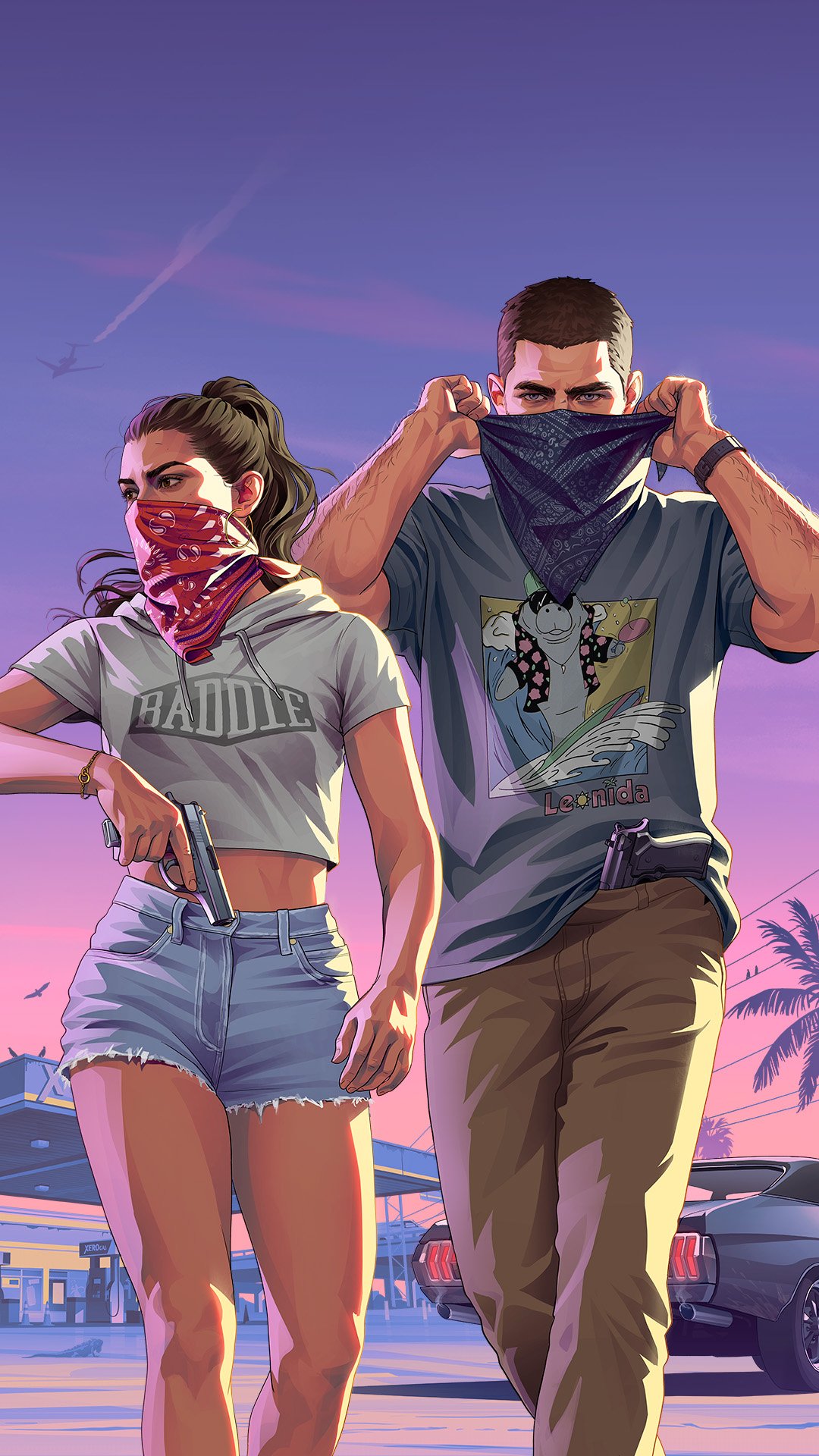





Mount Kalaga National Park Postcard
© Rockstar Games · SourceOther sizes

How to set it
- Tap Download and confirm. On iPhone the file goes to Files, Downloads.
- iPhone: open the file, tap Share, Save Image, then go to Settings, Wallpaper, Add New Wallpaper, Photos.
- Android: open the file from your downloads and choose Set as wallpaper.
All wallpapers © Rockstar Games, shared as Rockstar published them on its official wallpaper page.