

Artwork

Download Ultrawide5120 × 2160
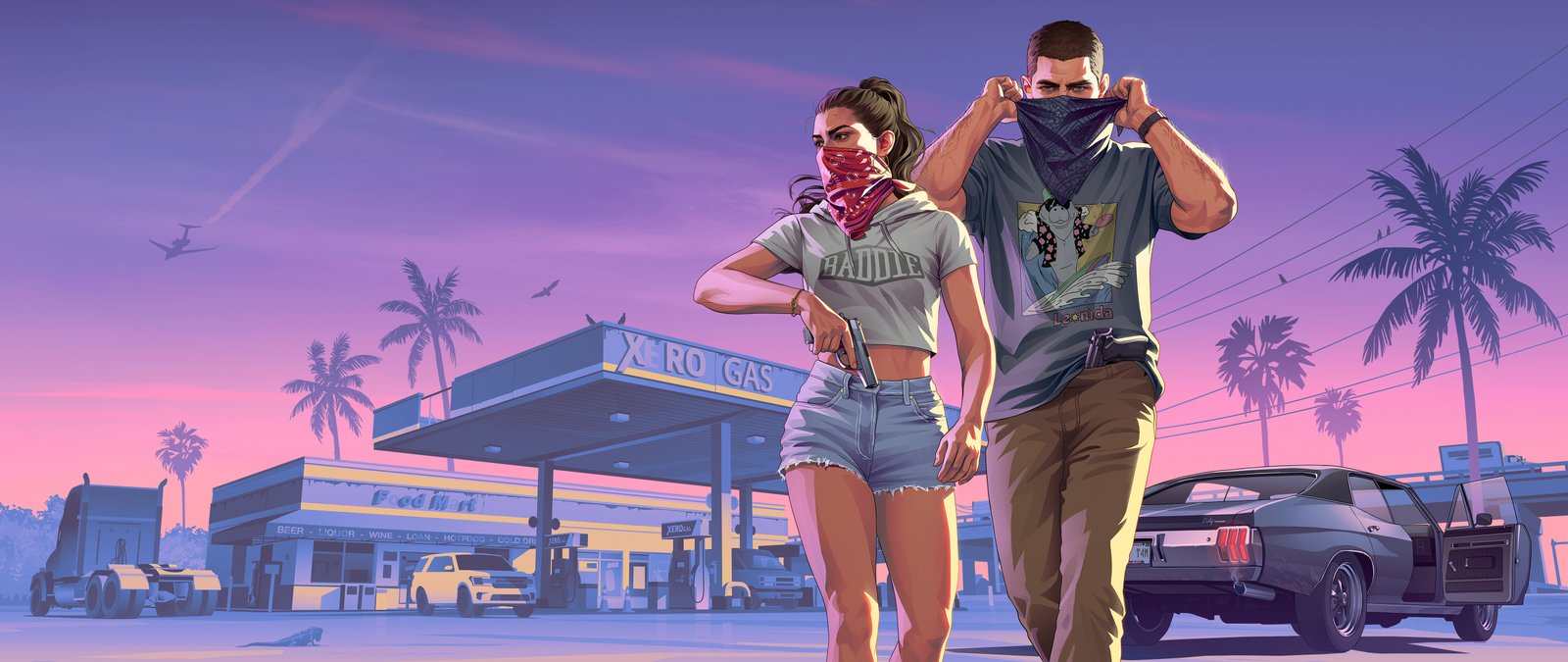
Jason and Lucia Robbery
© Rockstar Games · Rockstar's page
Jason and Lucia Beach
© Rockstar Games · Rockstar's page
Jason and Lucia 02
© Rockstar Games · Rockstar's page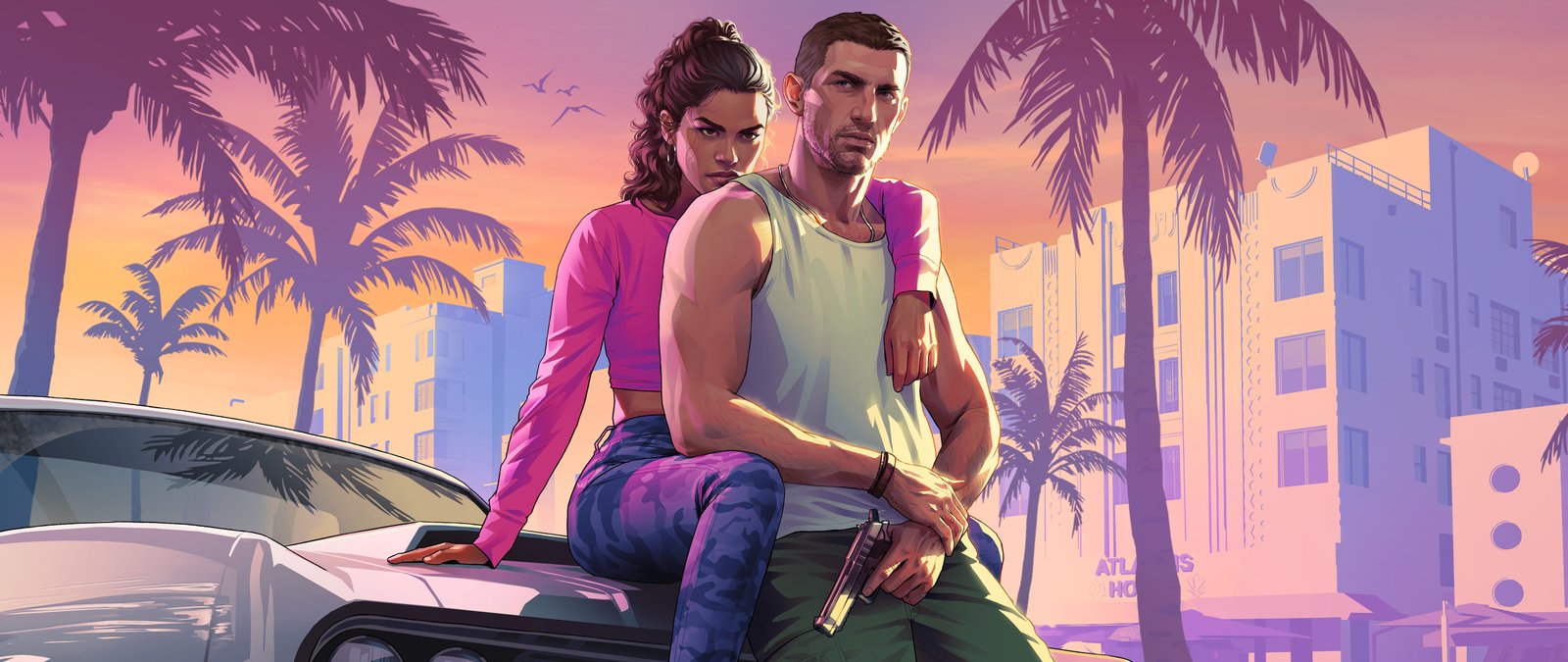
Jason and Lucia 01
© Rockstar Games · Rockstar's page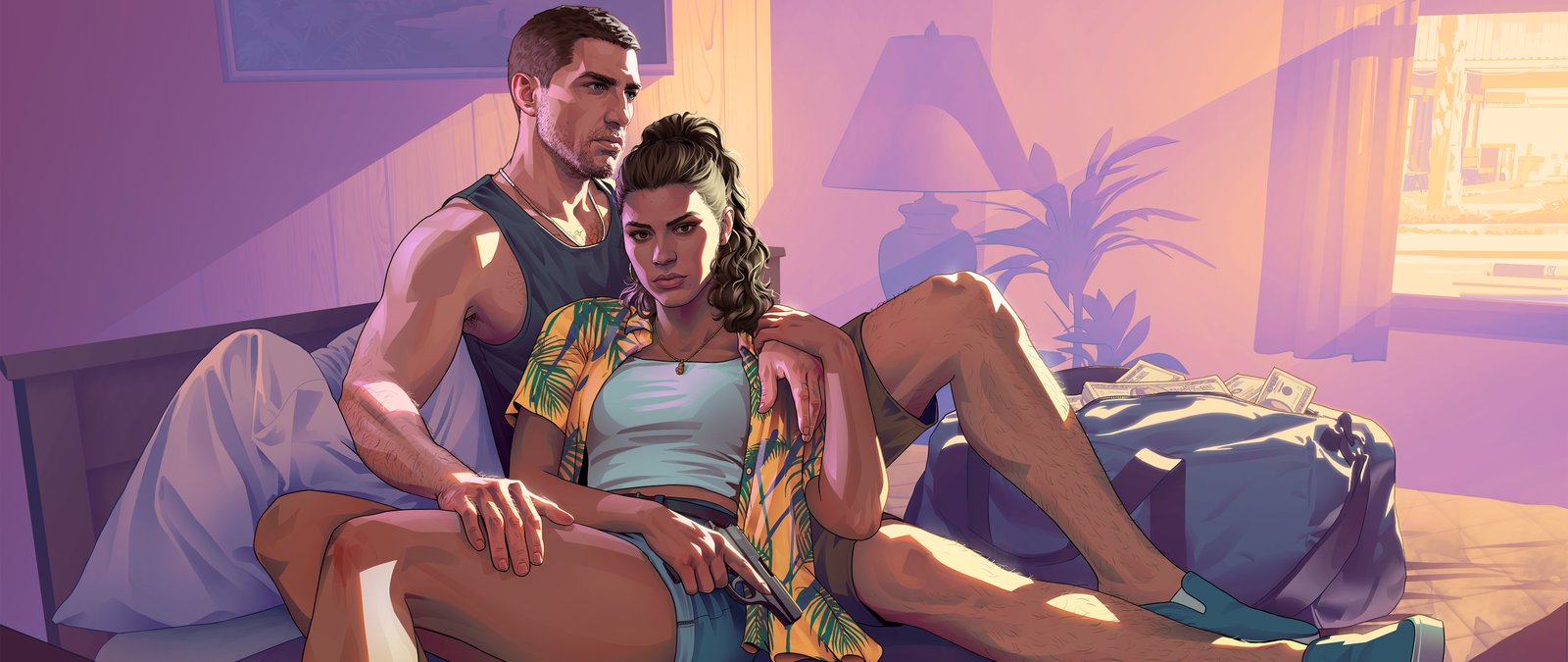
Jason and Lucia Motel
© Rockstar Games · Rockstar's page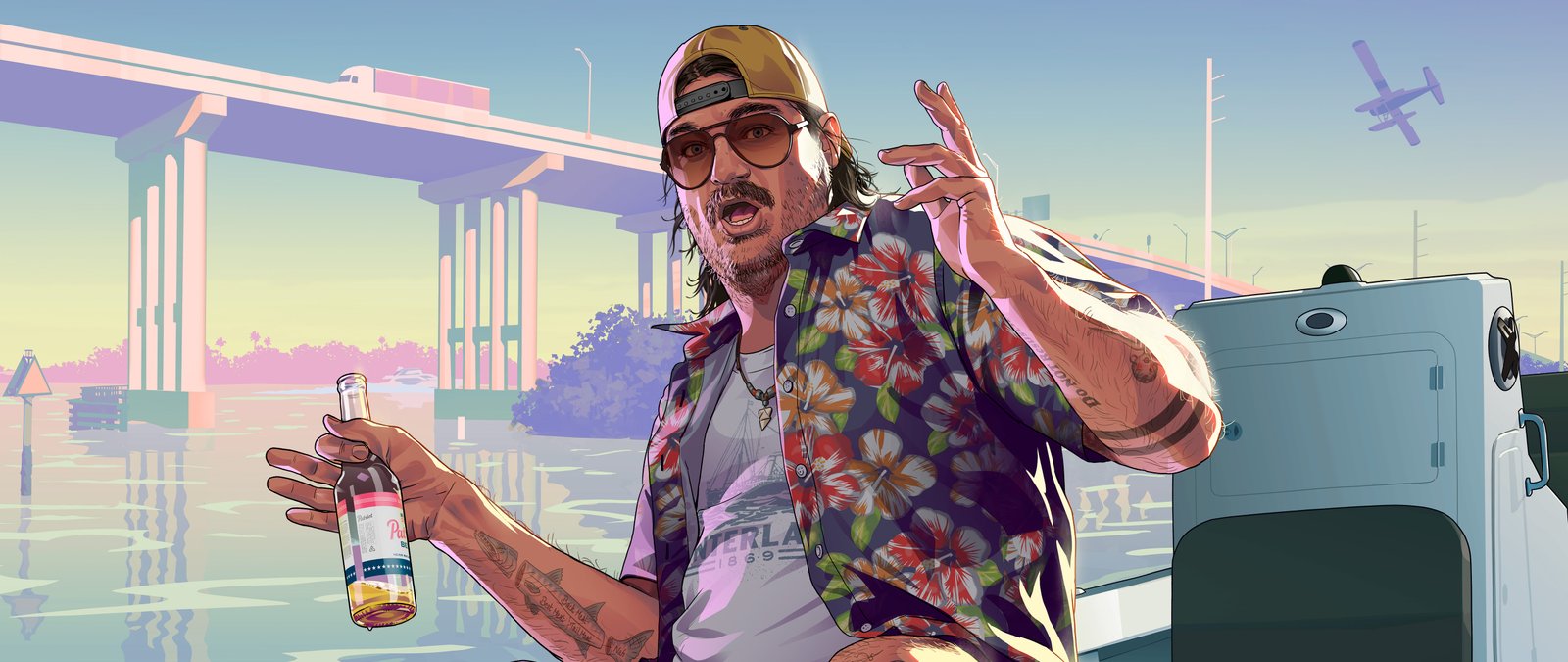
Cal Hampton
© Rockstar Games · Rockstar's page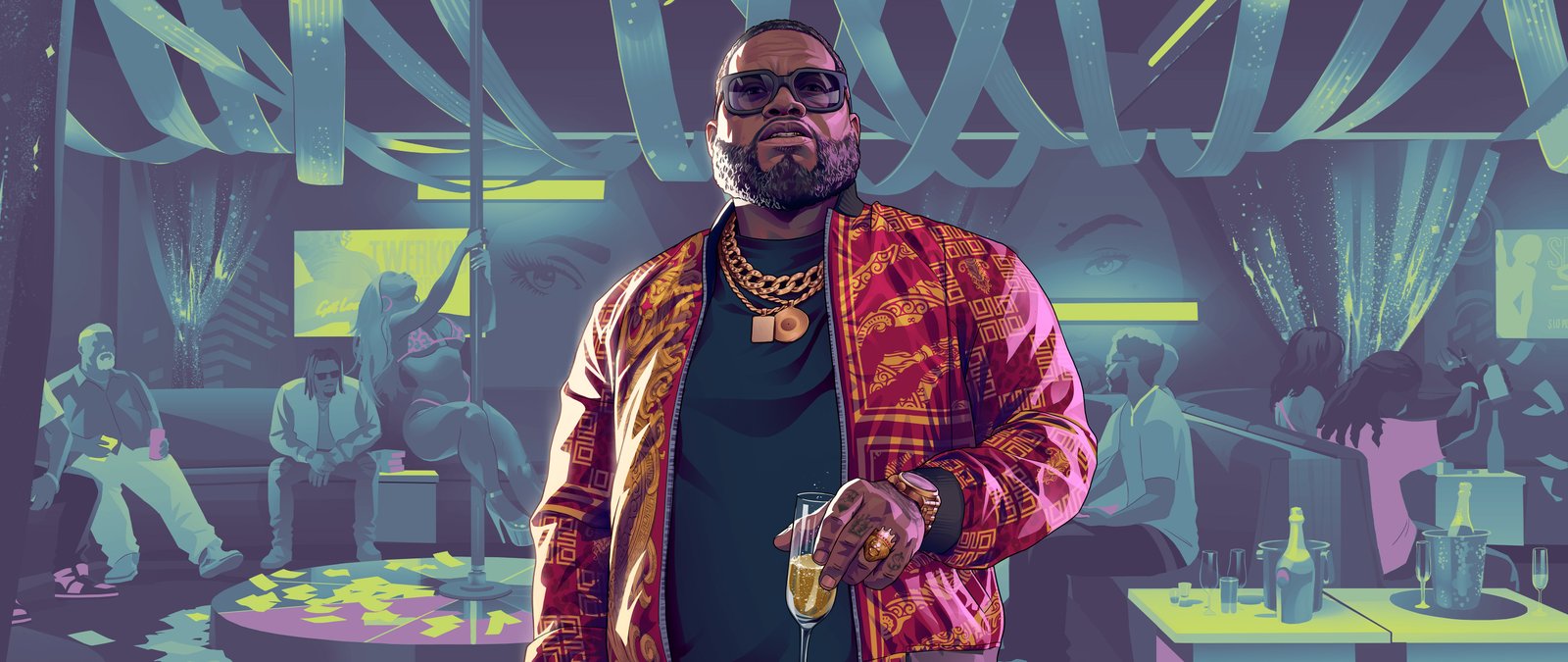
Boobie Ike
© Rockstar Games · Rockstar's page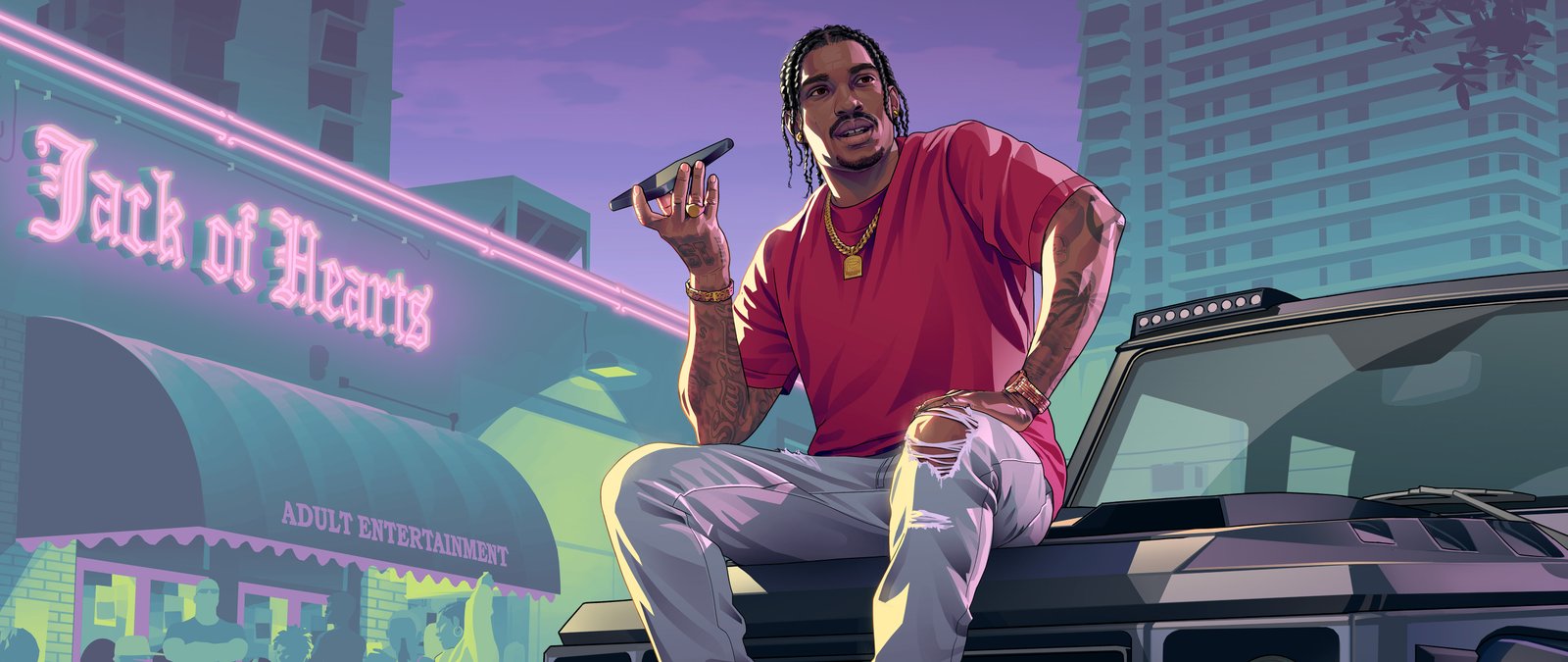
Dre'Quan Priest
© Rockstar Games · Rockstar's page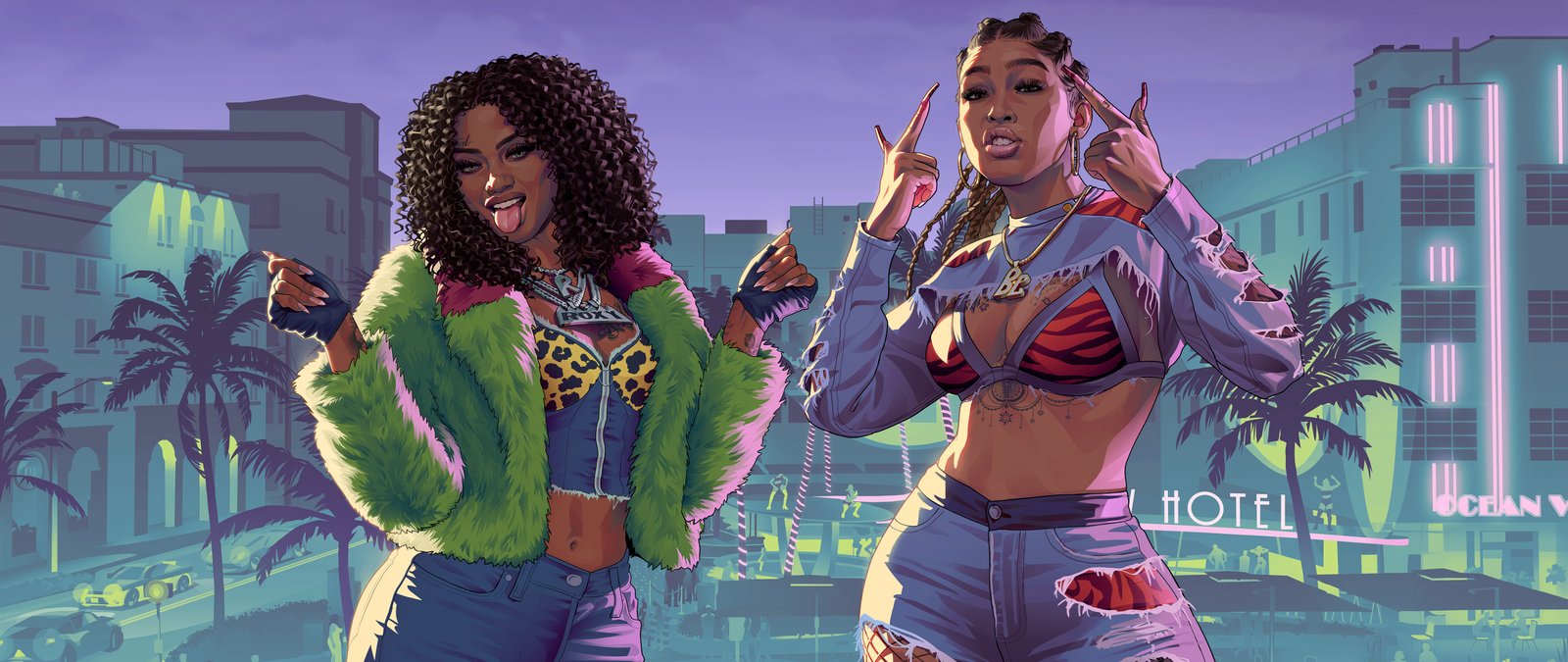
Real Dimez
© Rockstar Games · Rockstar's page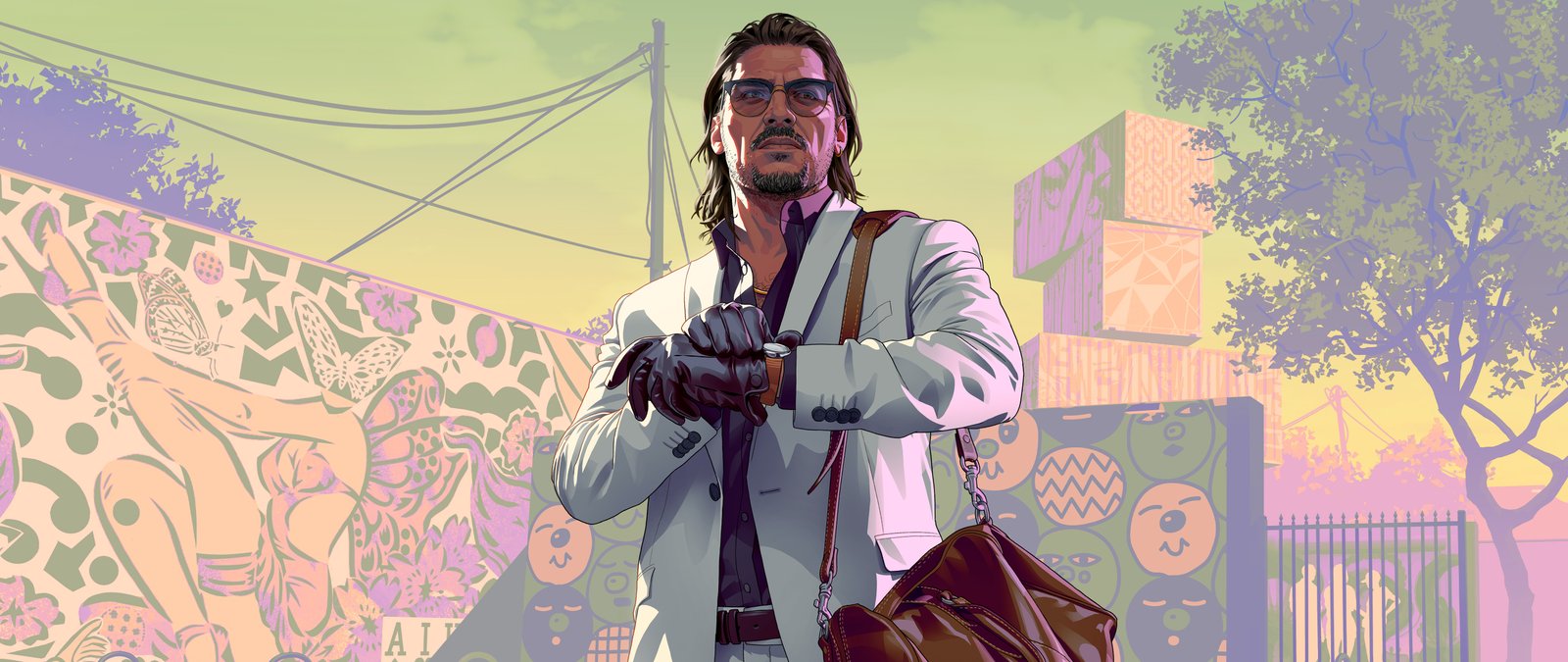
Raul Bautista
© Rockstar Games · Rockstar's page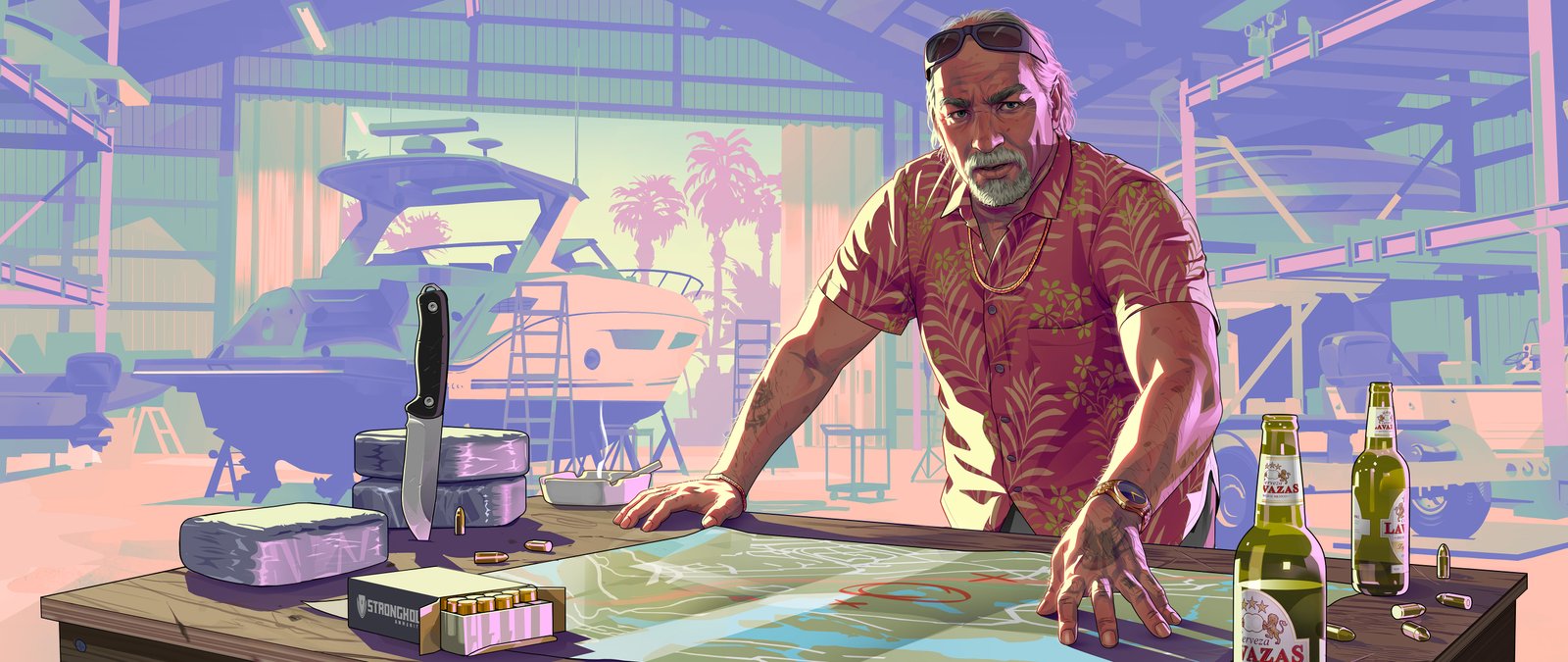
Brian Heder
© Rockstar Games · Rockstar's page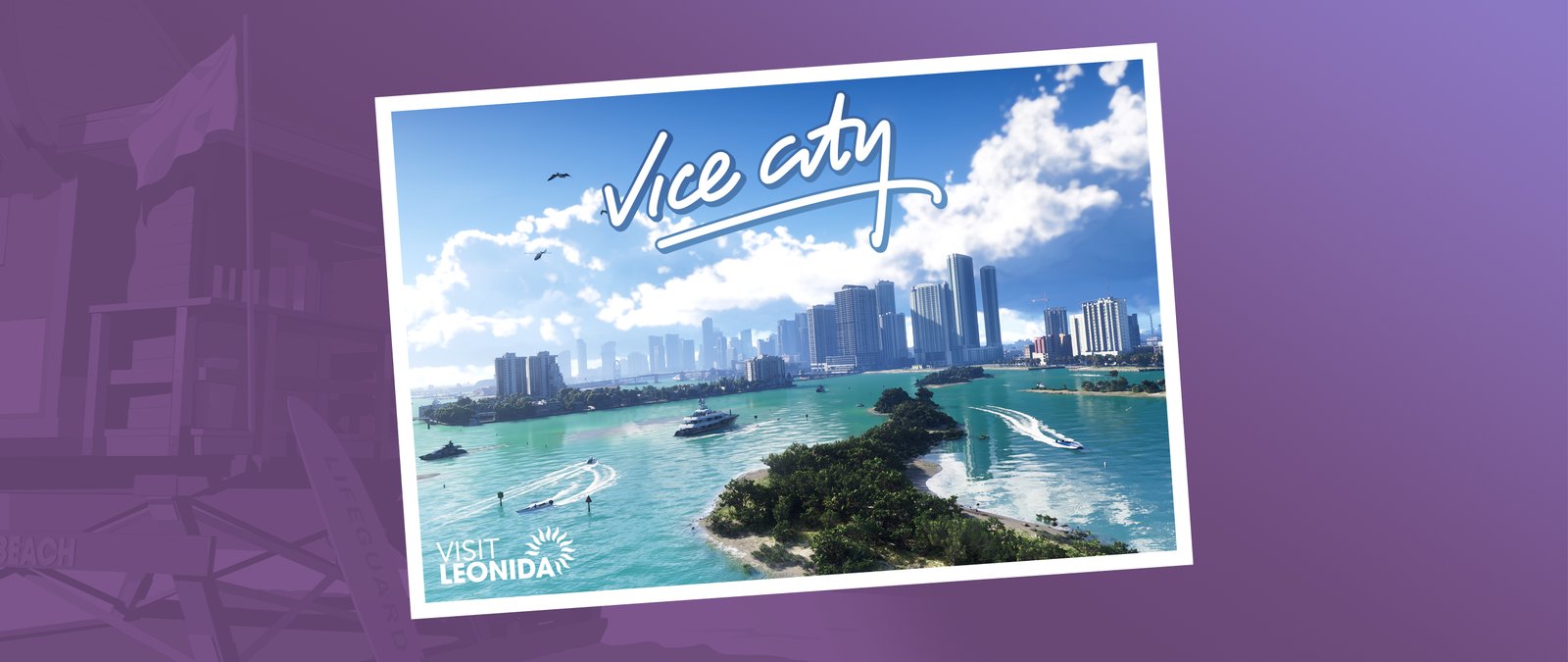
Vice City Postcard
© Rockstar Games · Rockstar's page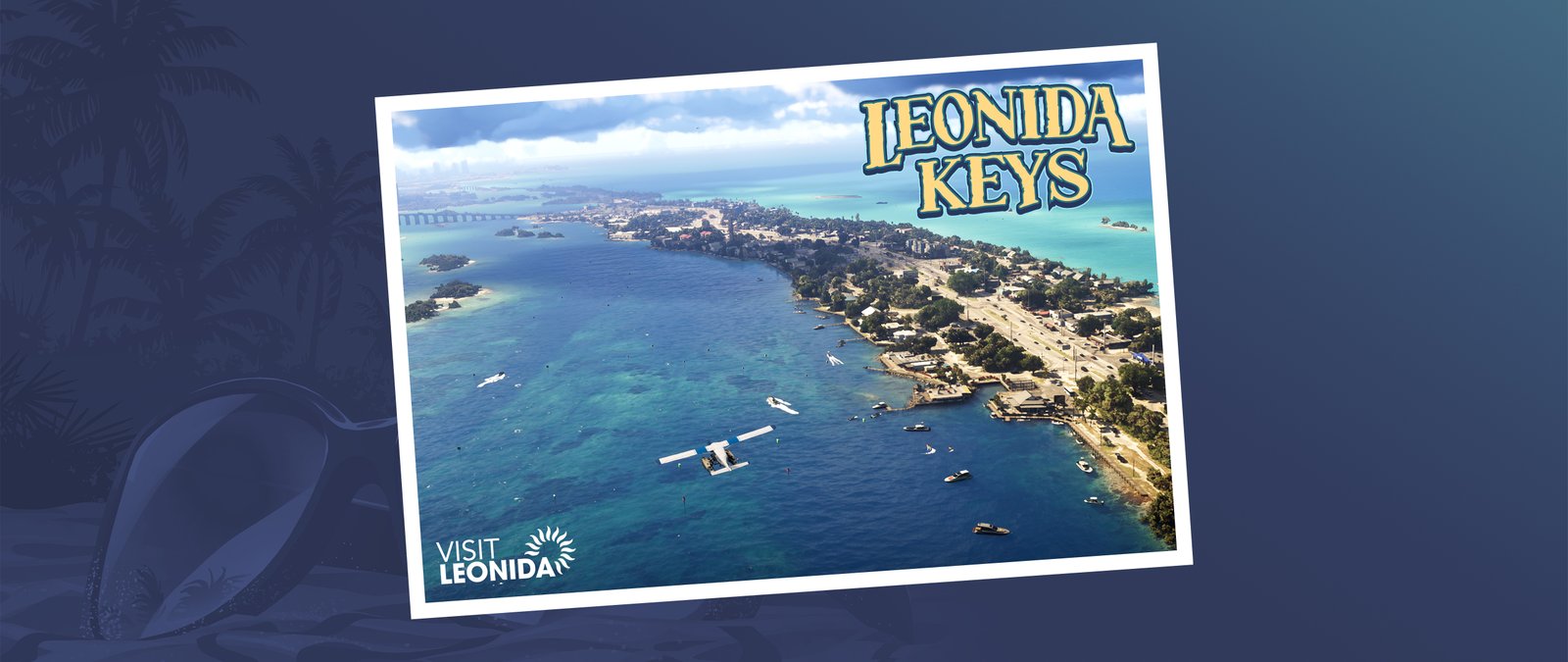
Leonida Keys Postcard
© Rockstar Games · Rockstar's page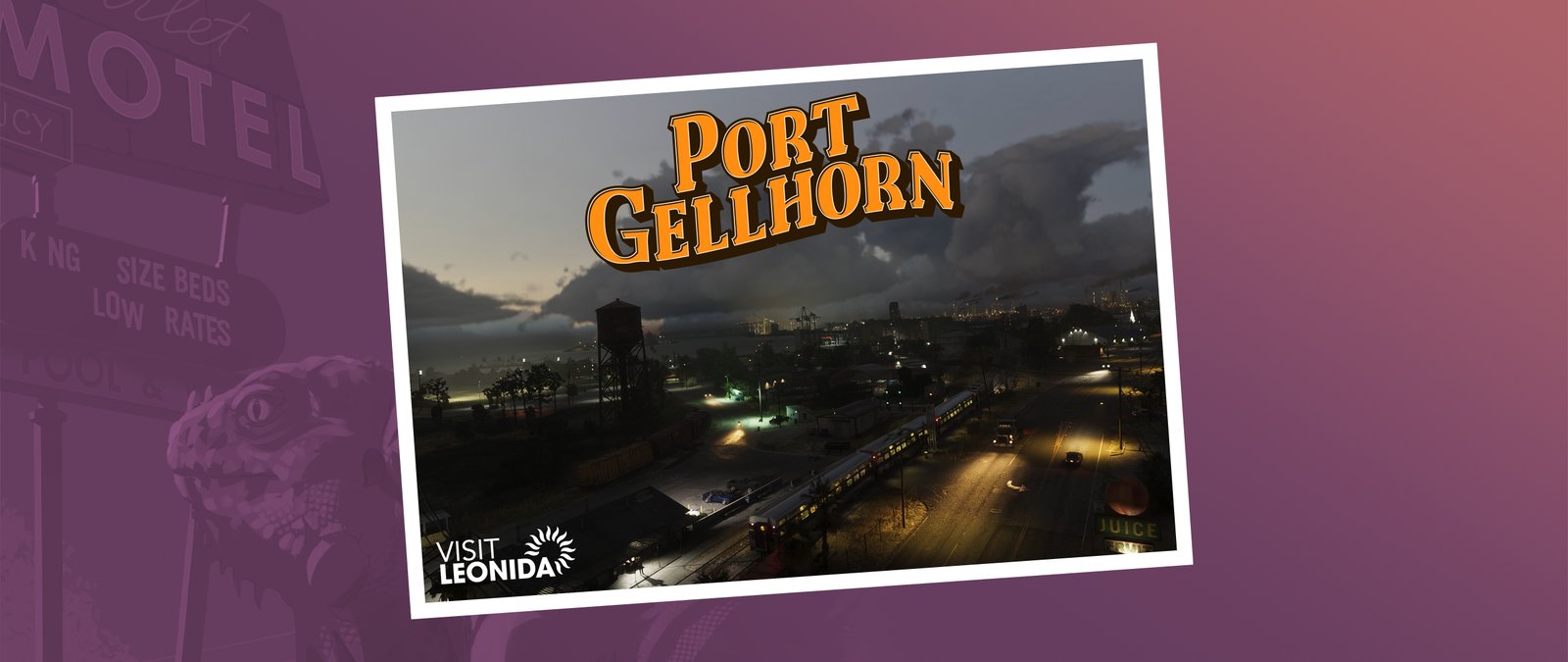
Port Gellhorn Postcard
© Rockstar Games · Rockstar's page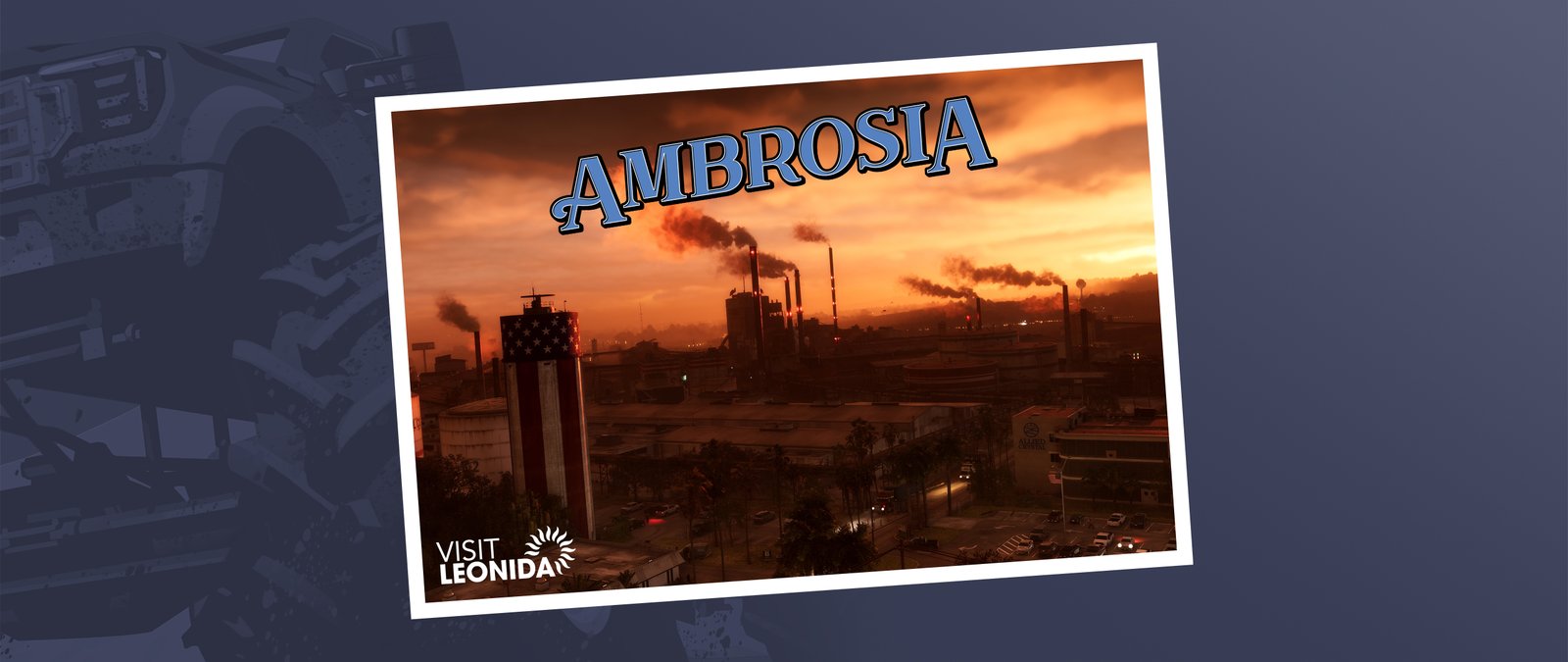
Ambrosia Postcard
© Rockstar Games · Rockstar's page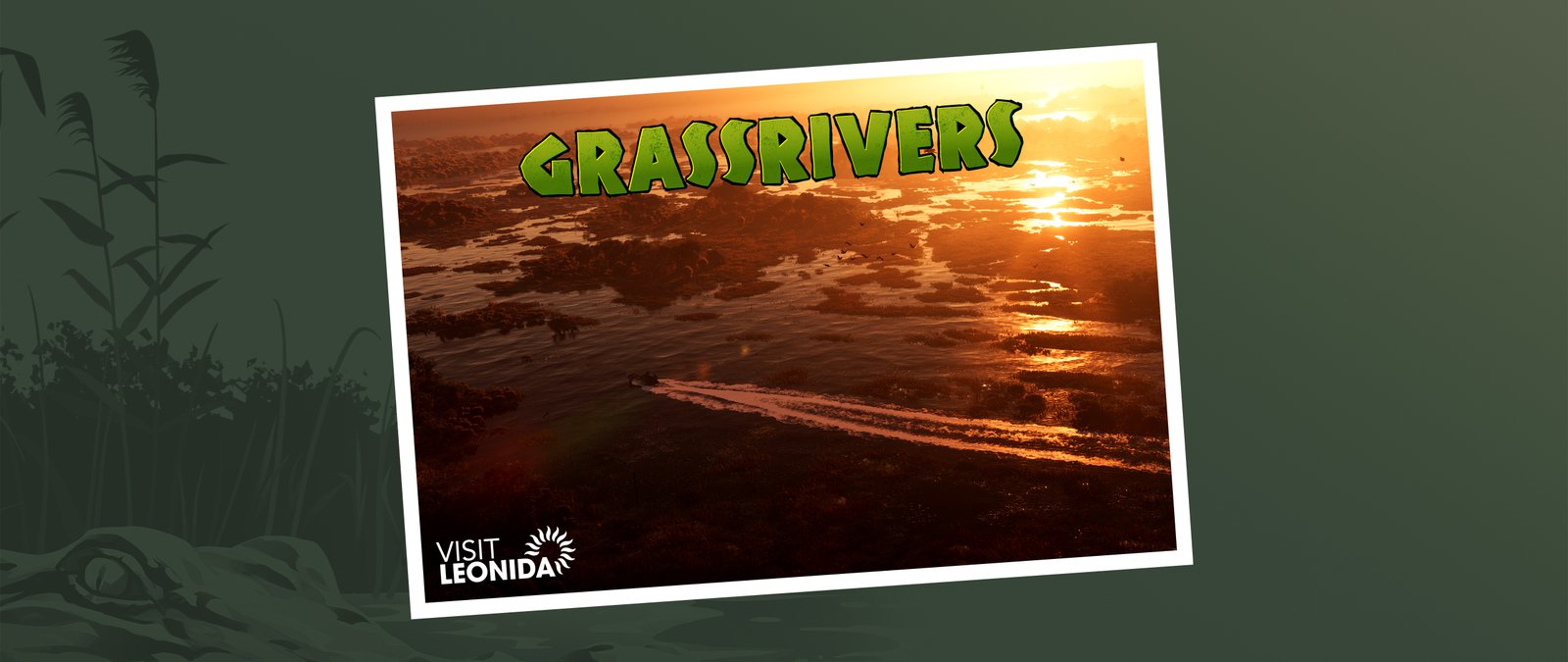
Grassrivers Postcard
© Rockstar Games · Rockstar's page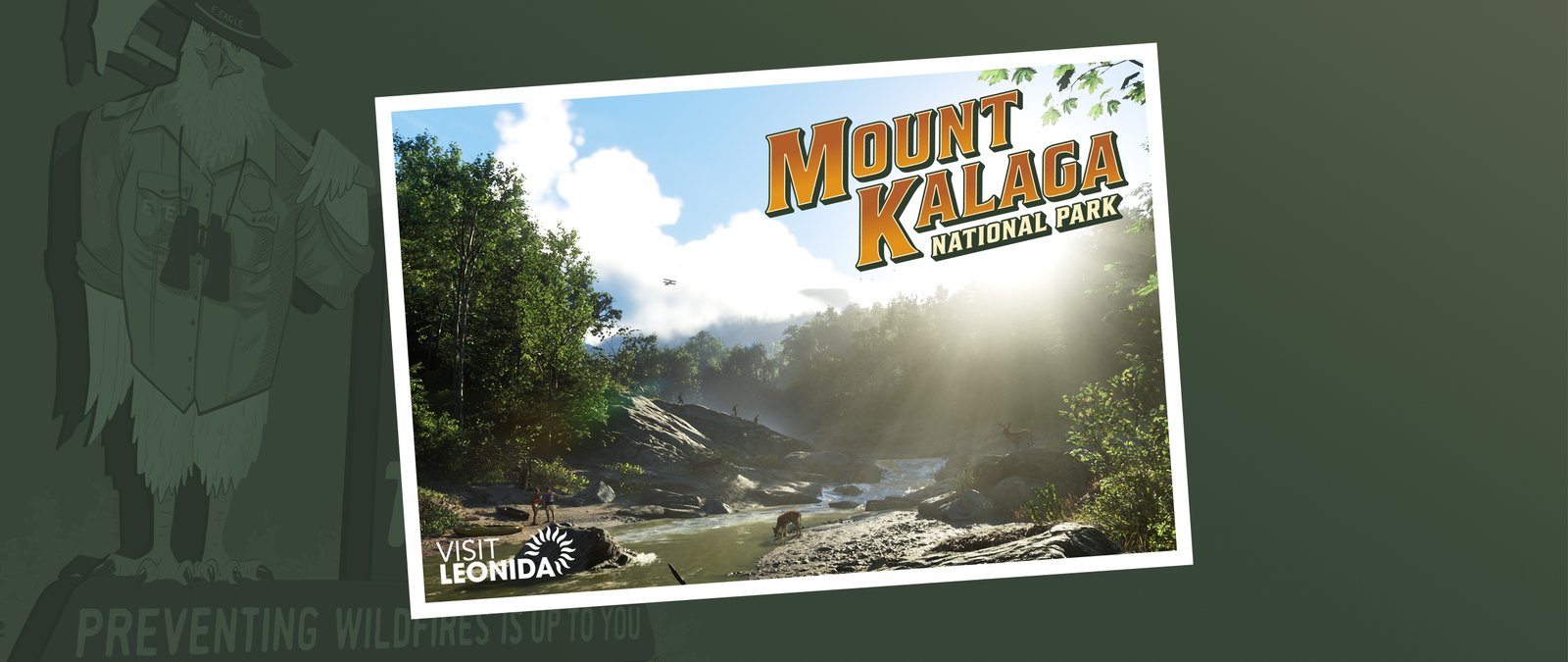
Mount Kalaga National Park Postcard
© Rockstar Games · Rockstar's pageHow to set it
- Press Download. The file saves to your Downloads folder.
- Windows: go to Settings, Personalization, Background, pick the file and set the fit to Fill.
- Mac: right click the file in Finder and choose Set Desktop Picture.
All wallpapers © Rockstar Games, shared as Rockstar published them on its official wallpaper page.