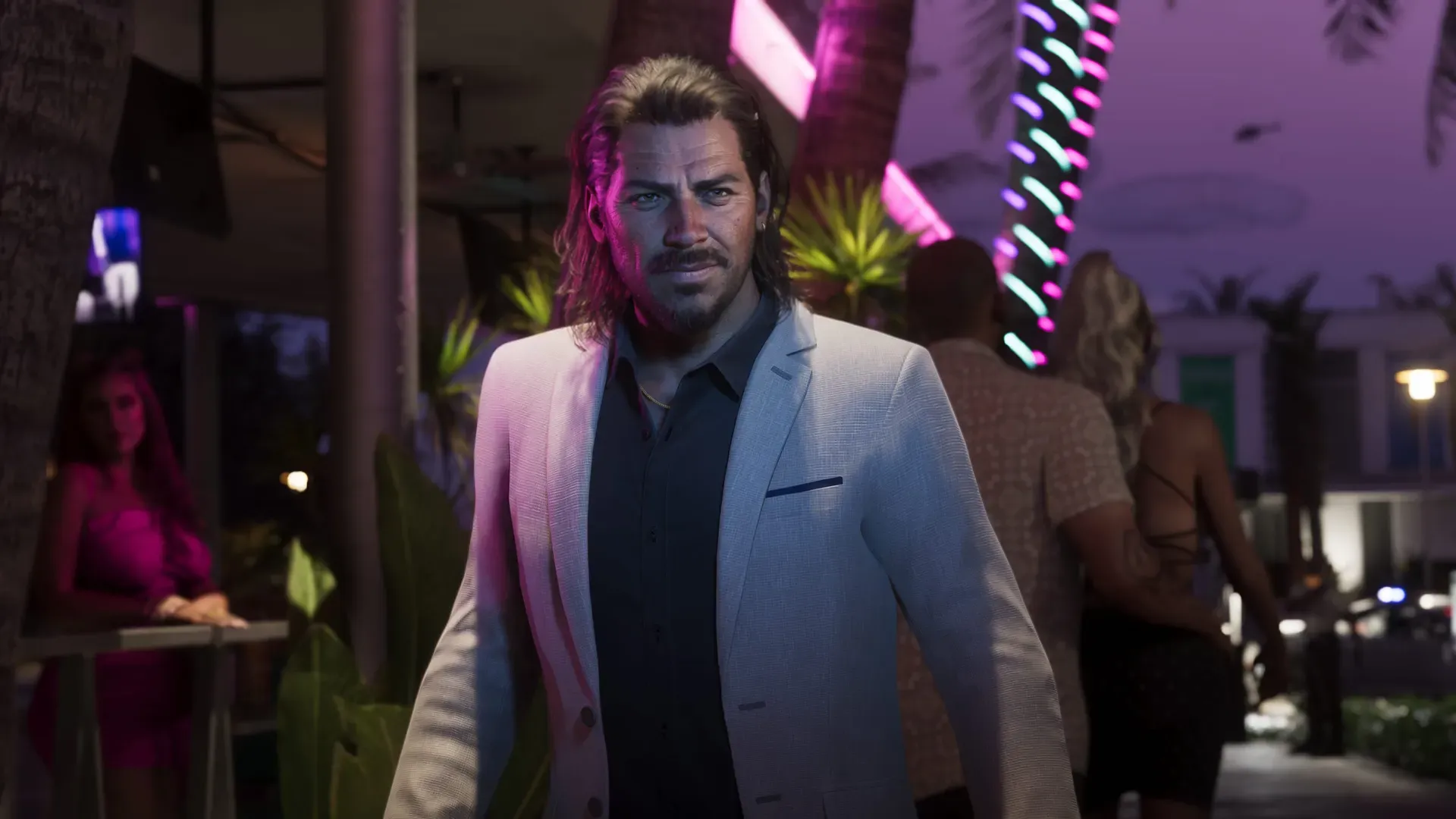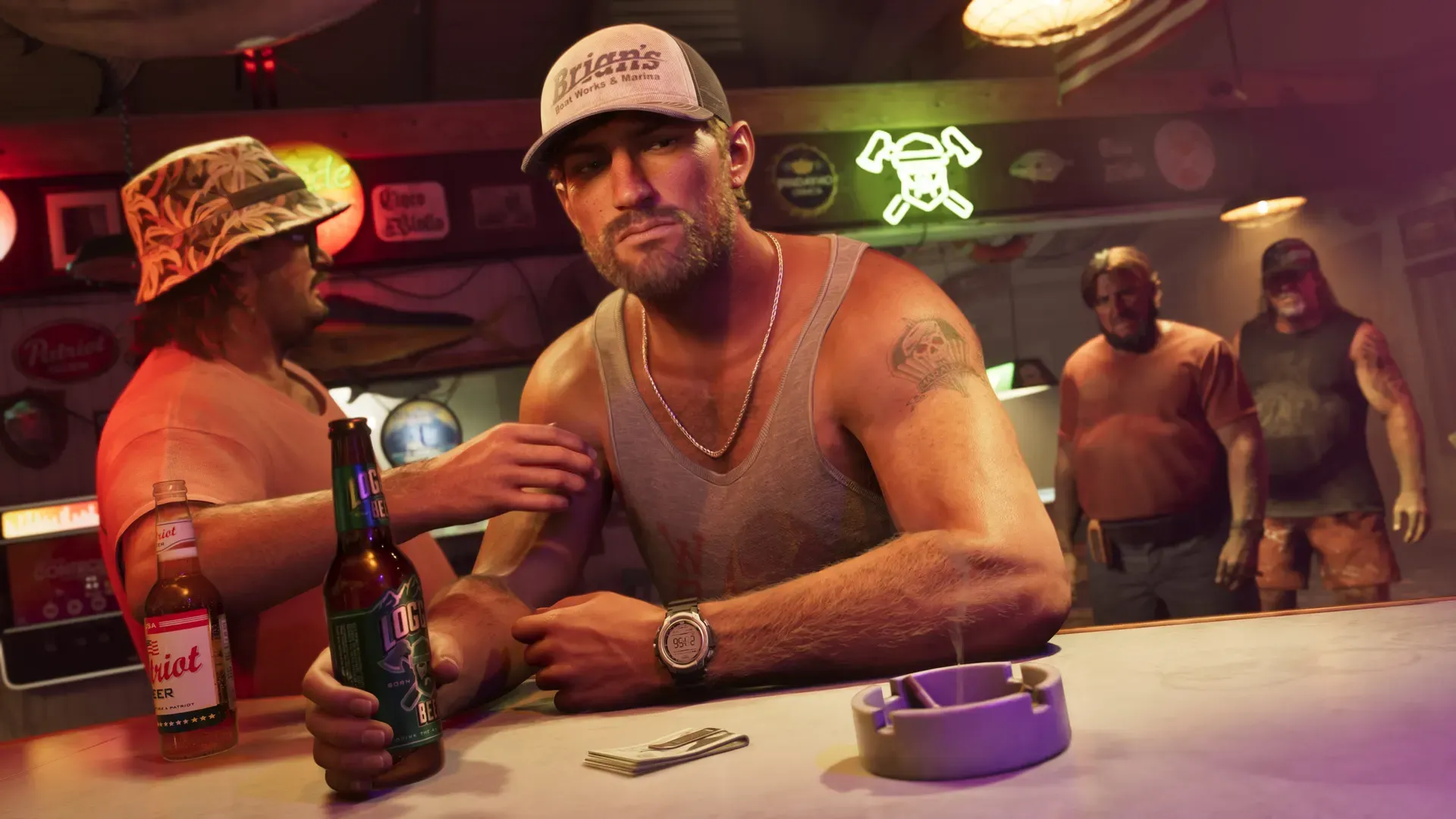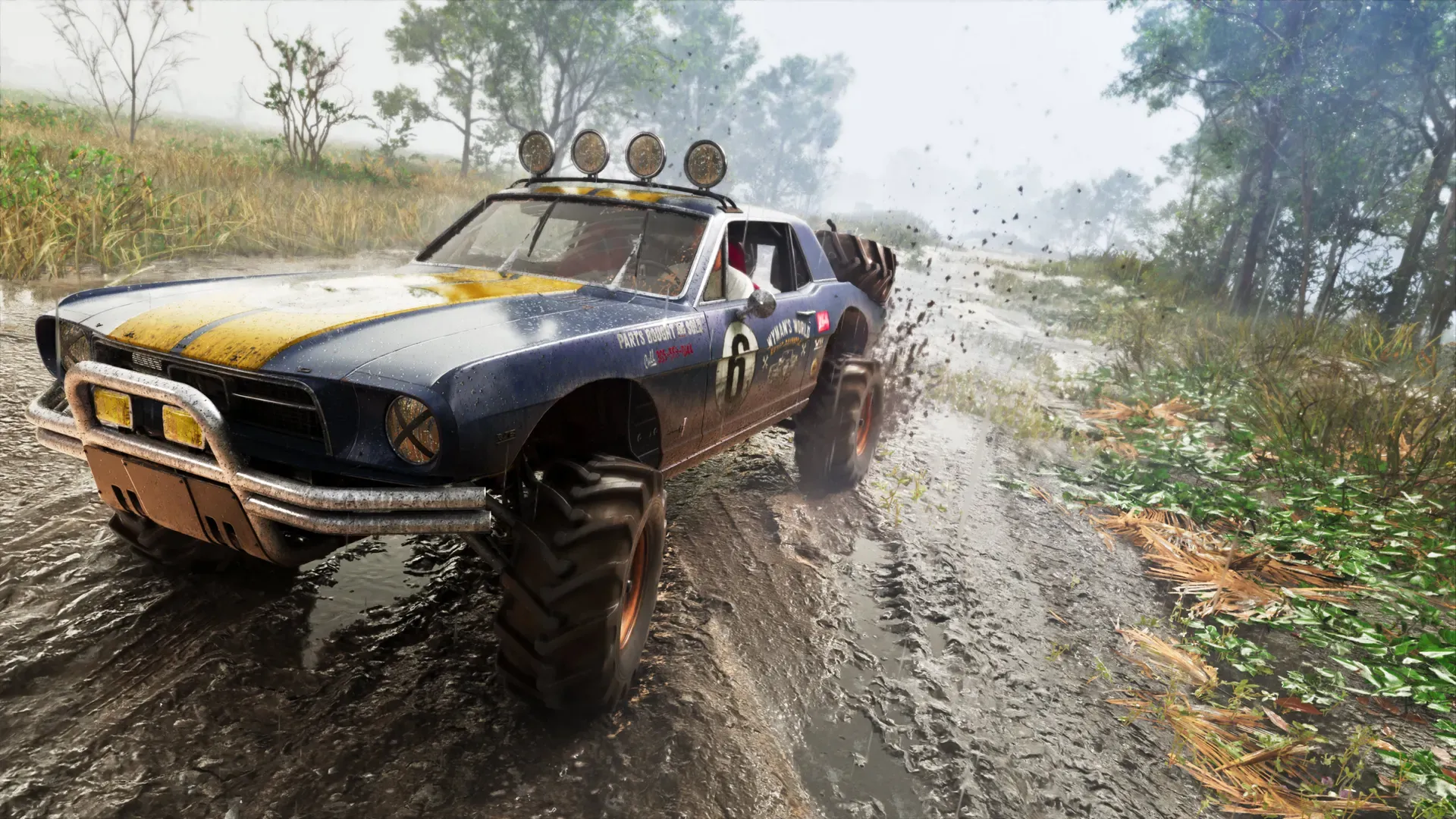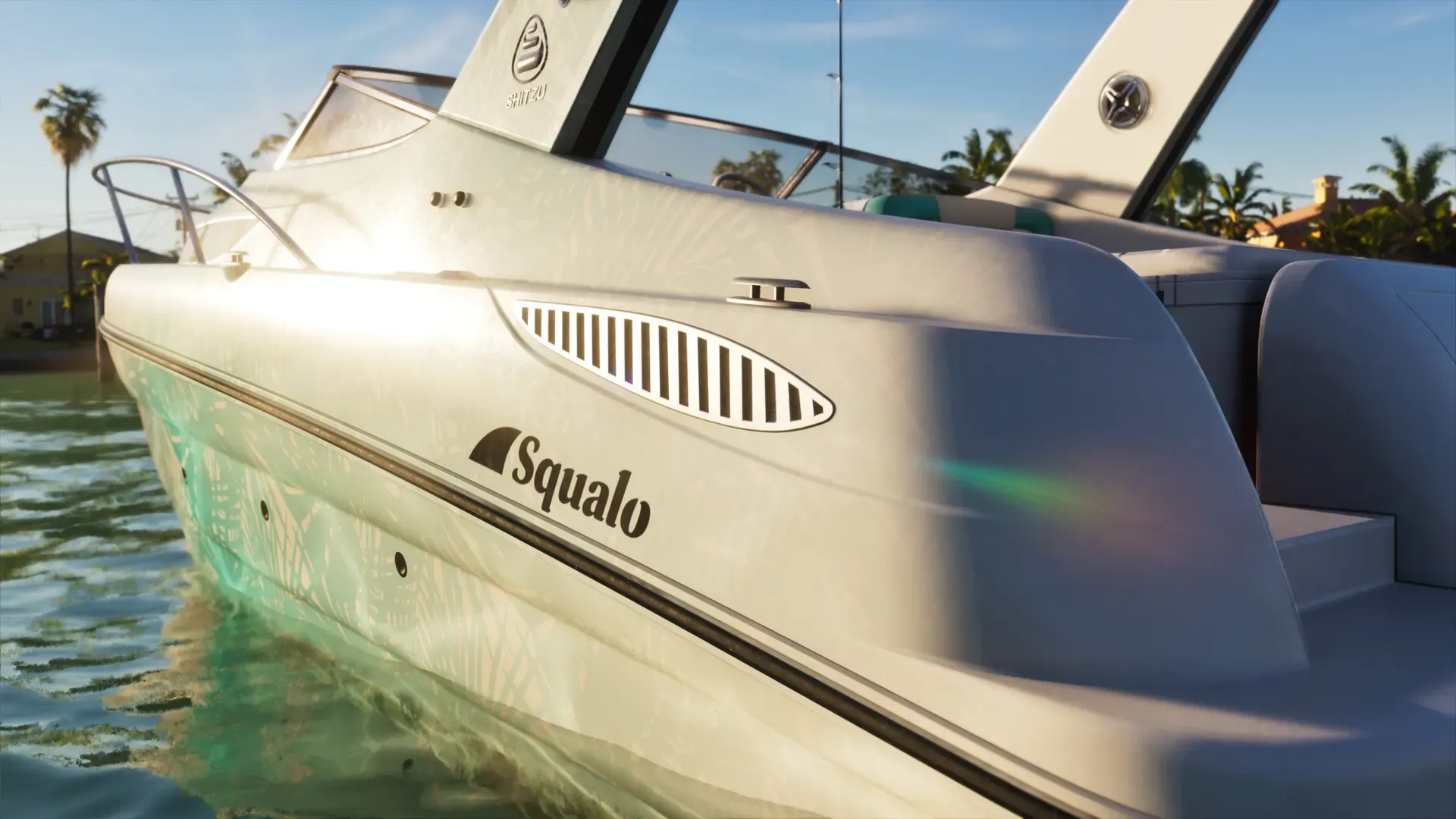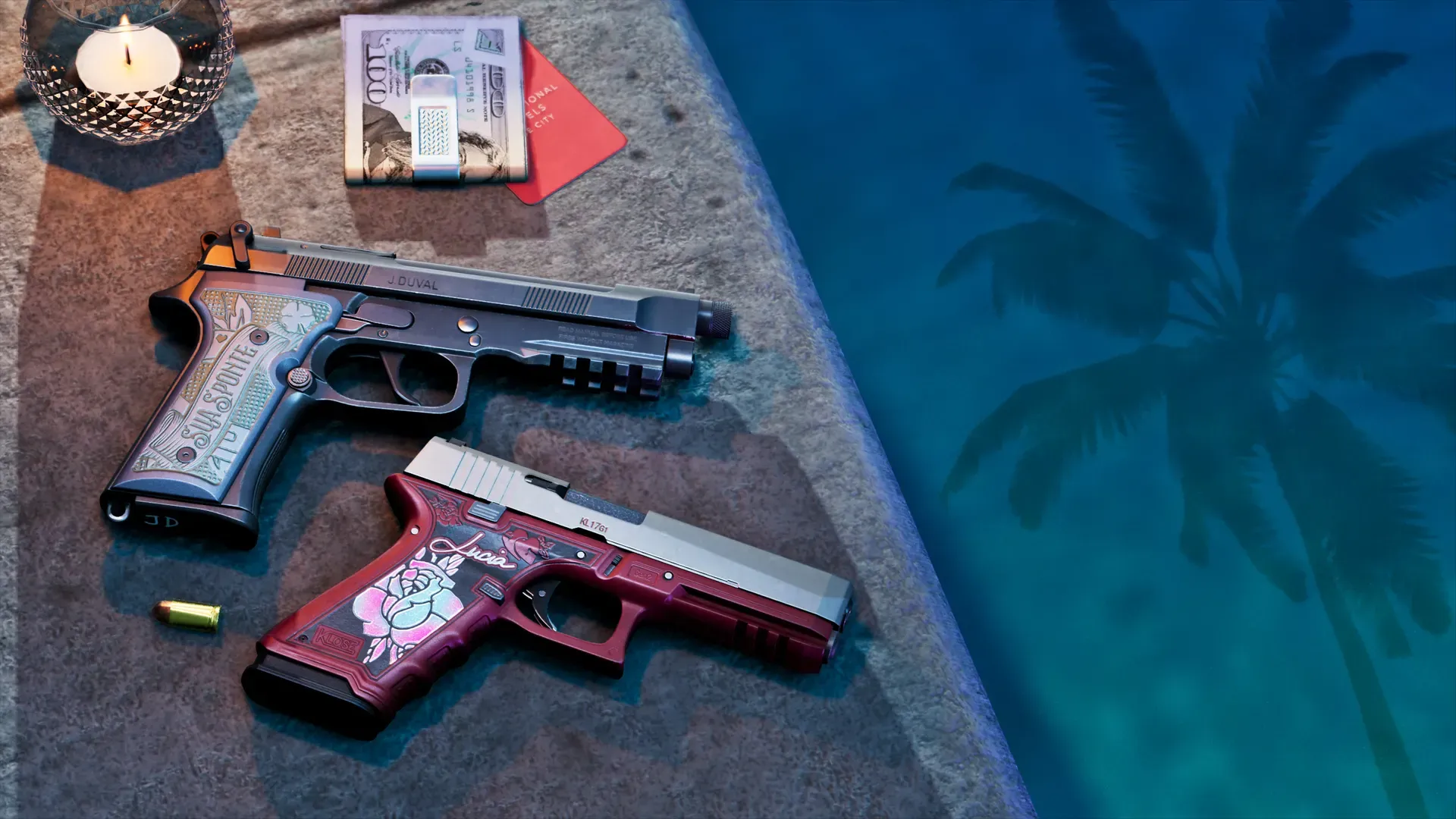
Rockstar hasn’t said whether the Ultimate Edition extras and the Vintage Vice City Pack appear on every save, return when you start the story again, or work for other profiles on the same console. What is confirmed: both are licences held by the PlayStation or Microsoft account that bought them, and their items unlock as Jason and Lucia’s story moves on rather than all at once. The console makers’ sharing rules say how those licences work for other players on your console.
We will update this page once we have played GTA 6 after it unlocks on November 19.
What Rockstar and the stores say
| Ultimate Edition extras | Vintage Vice City Pack | |
|---|---|---|
| How you get it | Buy the Ultimate Edition, or the Ultimate Edition Upgrade on top of the Standard Edition | Buy any edition before the deadline (PlayStation Store: by November 19; Rockstar Store: before November 20) |
| When items appear | Confirmed Rockstar’s store FAQ: “new items uncovered behind each chapter” | Confirmed Xbox listing: “available to Jason and Lucia as their story progresses” |
| Needs the base game | Yes | Yes, the Xbox listing says GTA 6 is required to use it |
| Every save, new story | Not announced | Not announced |
Rockstar’s store FAQ answers the question “how do I get them” for the Ultimate bonuses only with the chapter line above. Its editions page says the items are threaded across the story. Neither page mentions saves, slots or profiles. The full list of items is on our Ultimate Edition page, and the pack’s contents are in our preorder bonuses guide.
The fine print on the PlayStation and Xbox listings says some content may need an internet connection, a Rockstar Games account, a single-use serial code or “unlocking with gameplay”. Not announced It does not say which of those apply to which item.
On a second save or a new story
Not announced Rockstar hasn’t described GTA 6’s save system at all, so it hasn’t said how bonus items behave across saves either. Our saving guide tracks what is known.
Analysis Because the items are tied to story chapters, expect them to unlock again as you reach each chapter on a fresh save, not to be waiting at the start. That is our reading of the store wording, not something Rockstar has stated. Treat any claim that a new save loses your bonuses, or that it hands them all over at once, as unconfirmed until players report it from the released game.
For other profiles on the same console
The extras and the pack are bought on your console account, so the console’s sharing rules decide who else can use them.
PS5
- Confirmed The PlayStation Store listings for the Ultimate Edition and the Ultimate Edition Upgrade say you can download and play the content on the main PS5 linked to your account through Console Sharing and Offline Play, and on any other PS5 when you sign in with the same account.
- PlayStation says that with Console Sharing and Offline Play on, anyone who uses that PS5 can play the games and media you bought and downloaded.
Analysis Read together, other profiles on your home PS5 should get the upgrade and the pack as well as the game. PlayStation’s sharing page talks about games and media and doesn’t mention add-ons by name, so check it on launch day. Setup steps are in our two PS5s guide.
Xbox Series X|S
- Xbox Support says friends and family who sign in to your home Xbox can use your games and content, even when you aren’t signed in.
- It also warns that some content can’t always be shared, naming preorder bonuses and special edition content that can only be redeemed once, and in-game currency.
Not announced Rockstar hasn’t said whether the Vintage Vice City Pack or the Ultimate extras fall under that warning. Analysis On Xbox, plan for the possibility that only the buying profile gets them. Our two Xbox consoles guide covers setting your home Xbox.
The free month of GTA+
This is not a GTA 6 item, but it is the one bonus with clear account rules. Confirmed The PlayStation Store says the month can only be claimed on the account that preordered or bought the game, once per account, and that the Ultimate Edition Upgrade doesn’t count for it. Rockstar’s store FAQ tells Xbox buyers to sign in with the same account that preordered. More in our GTA+ explainer.
Buying the upgrade later
Confirmed Rockstar’s store says Standard Edition owners can upgrade to the Ultimate Edition on the PlayStation Store at any time, and the Xbox listing sells the Ultimate Edition Upgrade as a $20 add-on. Both store listings describe the upgrade’s items the same way as the full edition’s: spread across the story, chapter by chapter.
Not announced Rockstar hasn’t said what happens to a save that is already past some chapters when you add the upgrade. Boxed copies are Standard only; see how to redeem a boxed copy code before upgrading, and editions and price for the full comparison.
If a bonus is missing
PlayStation’s add-on help notes that some extra content only unlocks at a certain checkpoint or location, so first check how far into the story you are. Then:
- Sign in with the account that bought the edition, upgrade or preorder, and check its transaction history.
- On PS5, open the game in Game Library, scroll to Add-Ons and make sure the item is downloaded.
- Restart the console.
- On PS5, go to Settings > Users and Accounts > Other > Restore Licenses. PlayStation lists a missing add-on as a reason to do this, and says it doesn’t affect your data.
- If it still doesn’t show, contact PlayStation or Xbox support with your purchase details.
Common questions
Do I need the Ultimate Edition to get the Vintage Vice City Pack?
No. It comes with either edition bought before the deadline, digital or boxed. See GTA 6 preorder bonuses.
Do the bonuses carry over to a second PS5 or Xbox?
On PS5, yes: the store listing says the content works on any other PS5 when you sign in with the buying account. Xbox Support says your digital games play on any Xbox while you are signed in and online; the Xbox listings don’t spell out the same for the upgrade or the pack. Saves are a separate question, covered in both two-console guides.
Sources
Questions and comments
No comments yet. Ask a question or share a tip.