
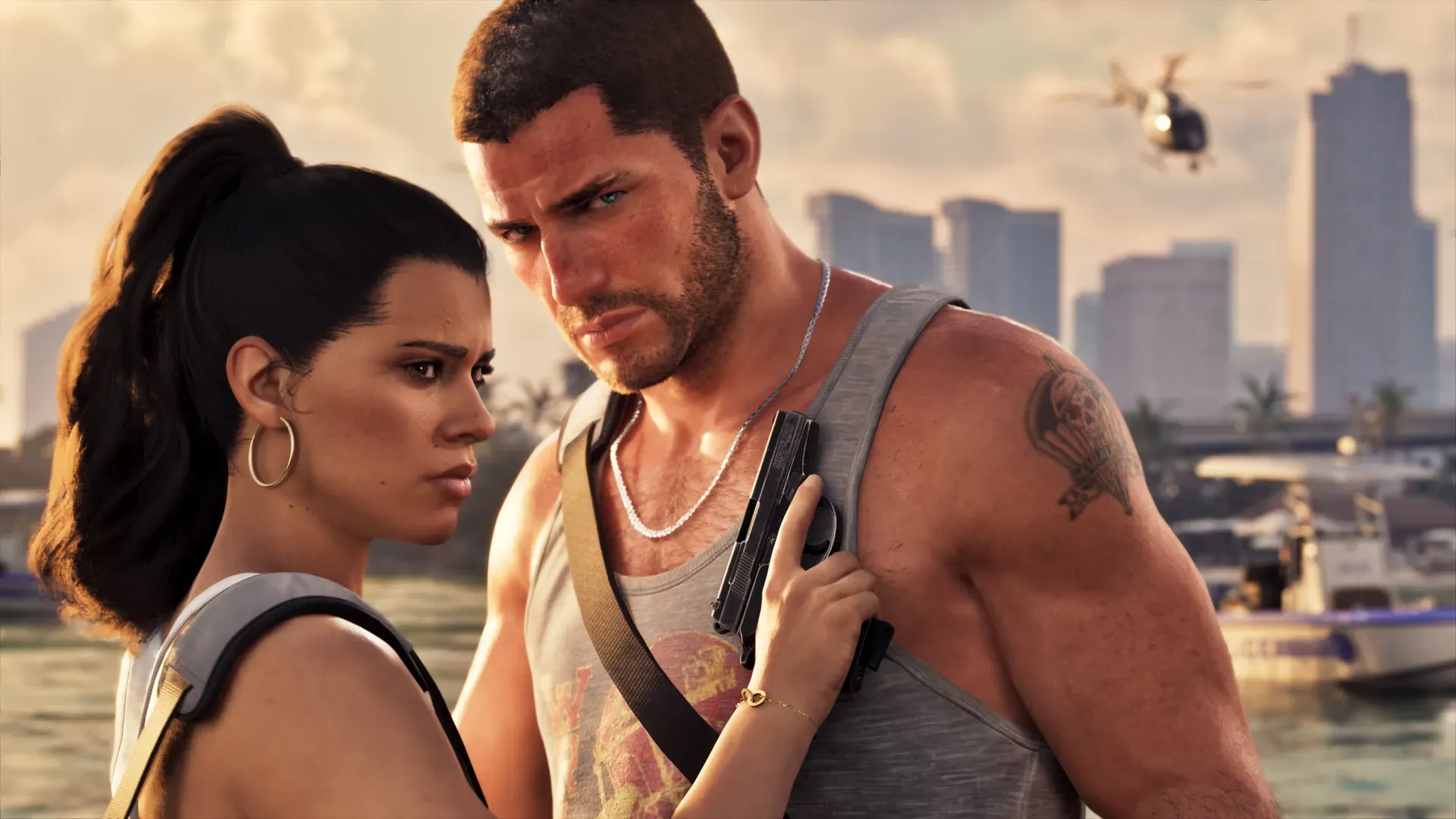
Turn on Console Sharing and Offline Play on the PS5 your household uses most, and play on any other PS5 by signing in with the account that bought GTA 6. Sony lets you switch the setting on for one PS5 at a time. On that console, everyone with their own account can play your downloaded games. On a second PS5, the game works for the buyer’s account while it is signed in.
Everything below comes from PlayStation’s own support pages. It is how Sony says game licences work on PS5, not a workaround.
What the setting does
Console Sharing and Offline Play marks one PS5 as the home console for your account. PlayStation says that on that console:
- anyone who uses it can play the games and media you bought and downloaded
- your games and media work even when the console is offline
- other users get some of your PlayStation Plus benefits
PlayStation also says it switches on automatically on the first PS5 you sign in to. If GTA 6 is your first PS5 game on a new console, it may already be on.
How to turn it on or off
- Sign in to the PS5 with the account that bought GTA 6.
- Go to Settings > Users and Accounts > Other > Console Sharing and Offline Play.
- Select Enable to turn it on, or Disable to turn it off.
If the setting is already on for another PS5, turn it off there first. PlayStation says you need to disable it on the previous console before you can activate a new one.
The one-console limit
Confirmed You can turn on Console Sharing and Offline Play on one PS5 at a time. PlayStation says this does not affect your other console activation limits, and that you can share games and PS Plus benefits with accounts on one PS5 plus your primary PS4. A friend’s console in another home can’t be added as a second sharing console.
If you sold or lost the old PS5 and can’t turn the setting off on it, PlayStation says you can deactivate all devices from Account Management on its website. You can only do this once every six months, so keep it for when you really need it.
What happens on the second PS5
PlayStation says you can sign in to your account to play the games in your collection on any PS5 console. On the second PS5:
- sign in with the account that bought GTA 6 and download the game there
- other accounts on that console can’t play your copy, because sharing is switched on for your home console instead
- Analysis keep the second console online while you play, since the offline part of the setting only applies to the home console
Another option is Remote Play. PlayStation says you can stream PS5 games from your PS5 to another PS5 or PS4 over a home broadband wired network, as long as both consoles use the same account. The store listing marks GTA 6 as Remote Play supported.
Disc or digital: why it matters less for GTA 6
For PS5 disc games, PlayStation says you keep the disc inserted every time you play, so the disc goes wherever you play. GTA 6 is different.
Confirmed Rockstar’s store says physical versions only contain a download code and that no disc comes in the box. Once you redeem the code, the game sits on your PlayStation account like a digital purchase, so the sharing rules above apply to every copy. Our preload and download guide covers redeeming the code.
Family members with their own accounts
Give each person their own account on the home PS5 rather than sharing yours. With Console Sharing and Offline Play on, they can play GTA 6 from their own profile without buying a second copy.
- PlayStation says child family members on the console can get some shared benefits, limited to age-appropriate content.
- Analysis GTA 6 is rated for mature players (rating details). Check the parental control settings on younger players’ accounts before launch day.
Do you need PlayStation Plus?
Confirmed Rockstar calls GTA 6 a single player experience, and the PlayStation Store listing shows 1 player, Offline play enabled, and no PS Plus requirement. See GTA 6 single player and online for what has been said about online.
PS Plus only comes into this if you share its benefits. PlayStation says the home console shares online multiplayer (subject to parental controls), downloaded monthly games and catalog games, but not online storage, auto patch download or discounted store purchases.
Not announced Rockstar hasn’t announced an online mode for GTA 6, so no GTA 6 feature needs PS Plus at launch.
For the rest of the console checklist, from storage to Rest Mode downloads, see GTA 6 launch day setup.
Common questions
Can a friend in another house play my copy at the same time?
No. PlayStation says you can only share games with accounts on one PS5 with the setting on, plus your primary PS4. A friend’s console isn’t covered.
Why does my game show a padlock?
PlayStation says a padlock can point to a licence or network problem. Check that the account that bought the game is the one that turned on the setting, that your PS5 system software is up to date, and that PlayStation Network has no outage on PlayStation’s status page.
Do saves move between my two PS5s?
Not announced Rockstar hasn’t said how GTA 6 handles saves. We will add it once the game is out.
Related pages
 How to play GTA 6 on two Xbox consoles
 How to set up PS5 parental controls for GTA 6
 GTA 6 editions and price
 GTA+ explained: price and rewards
 How to preorder GTA 6