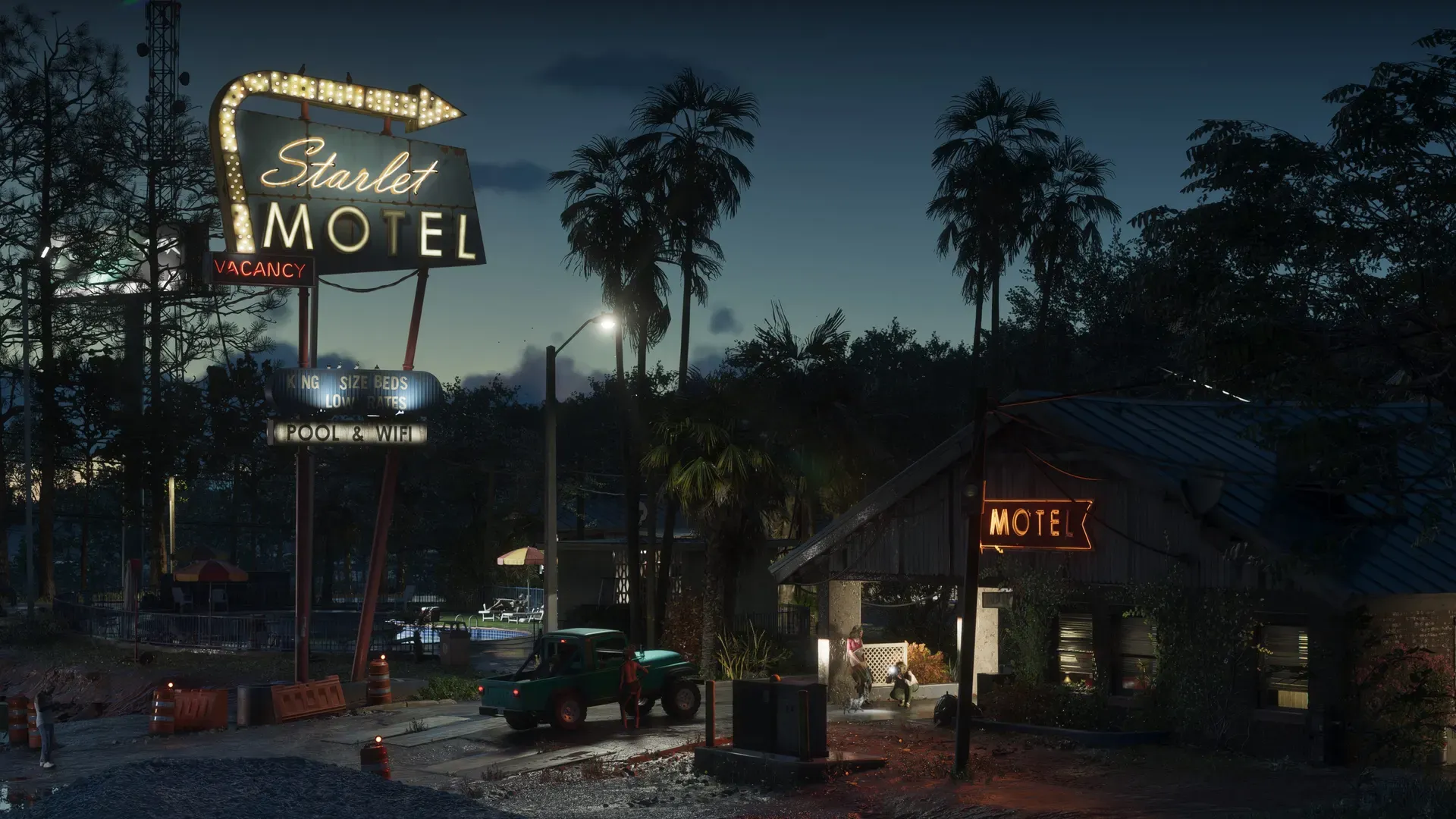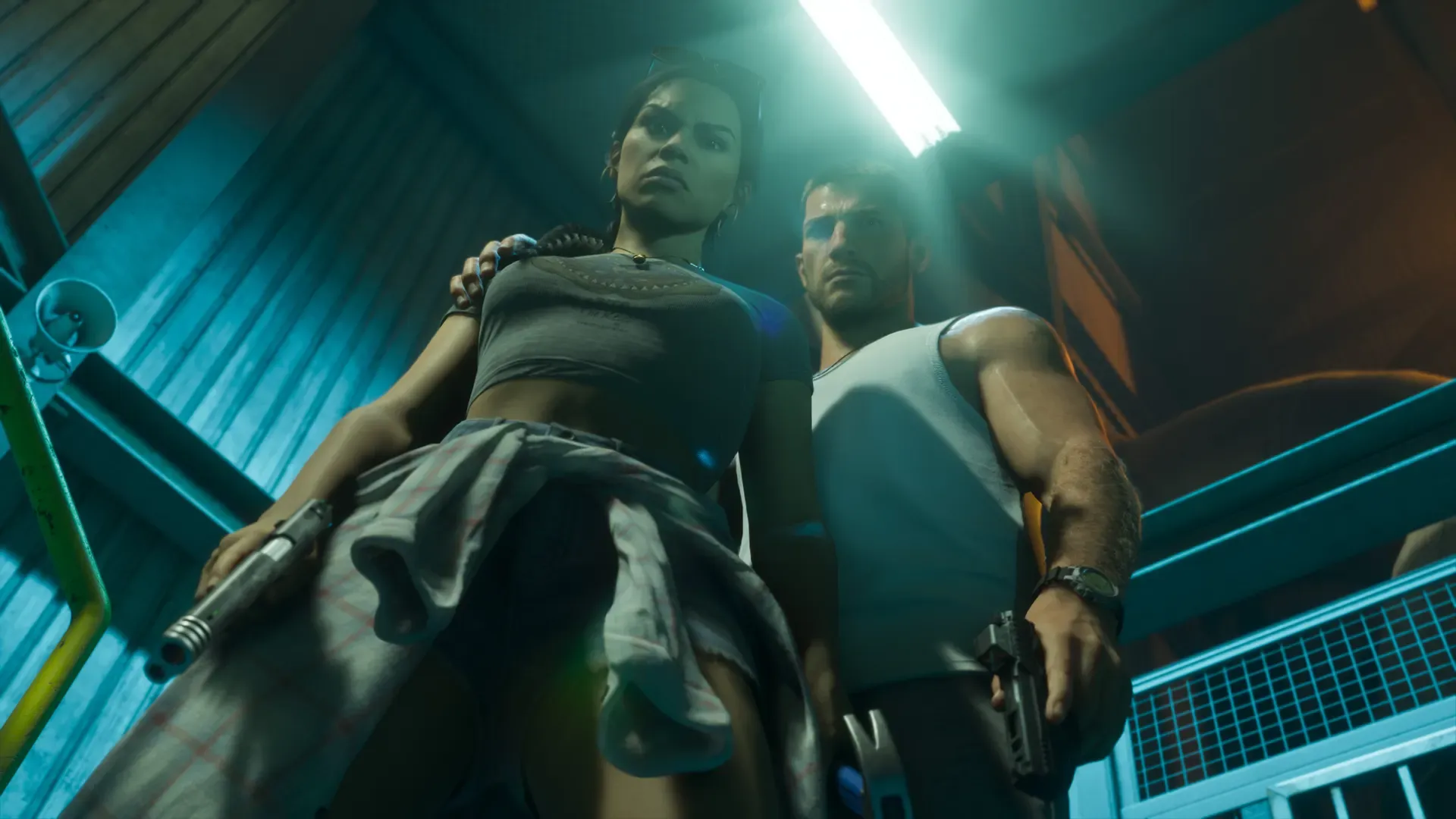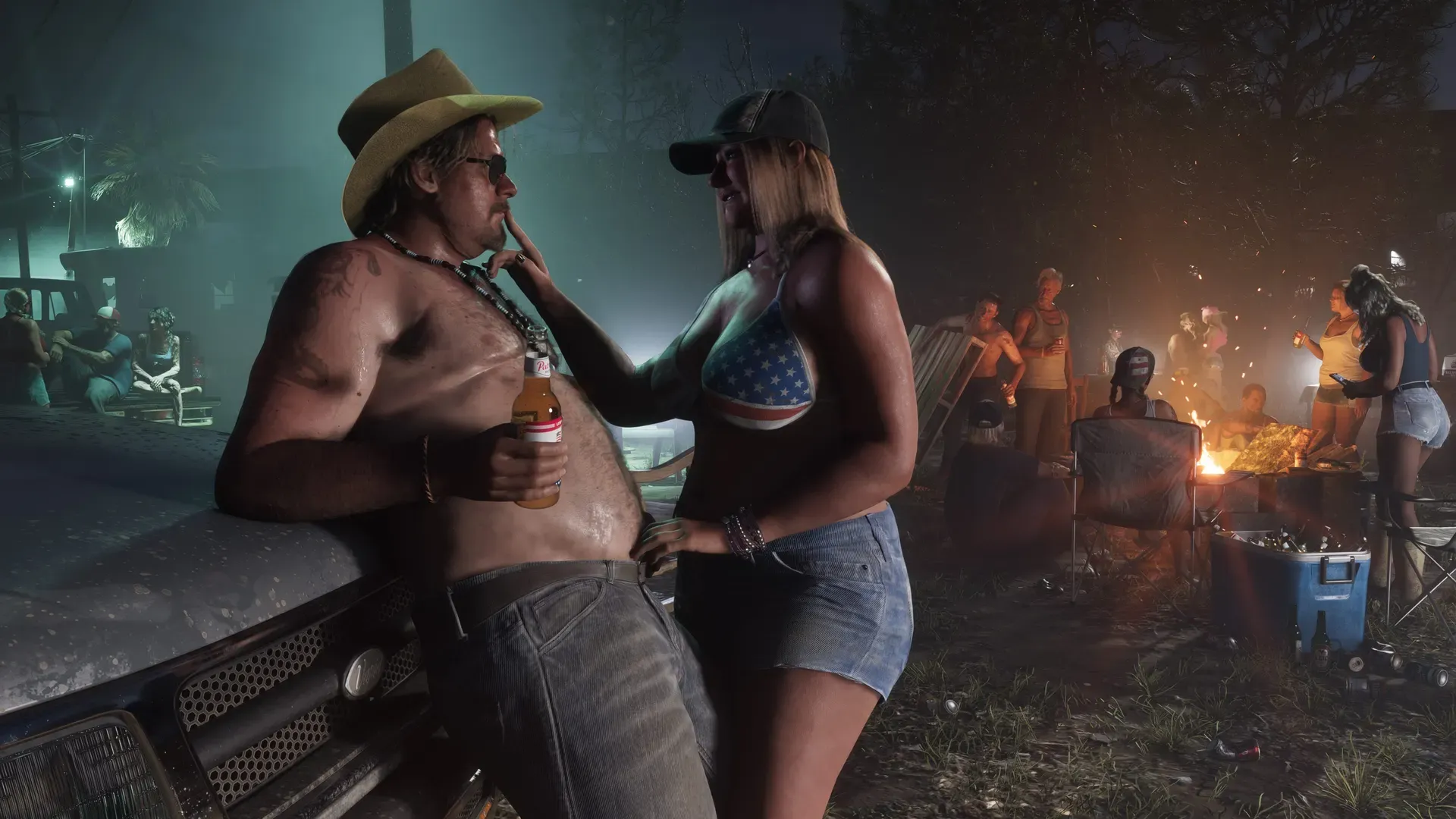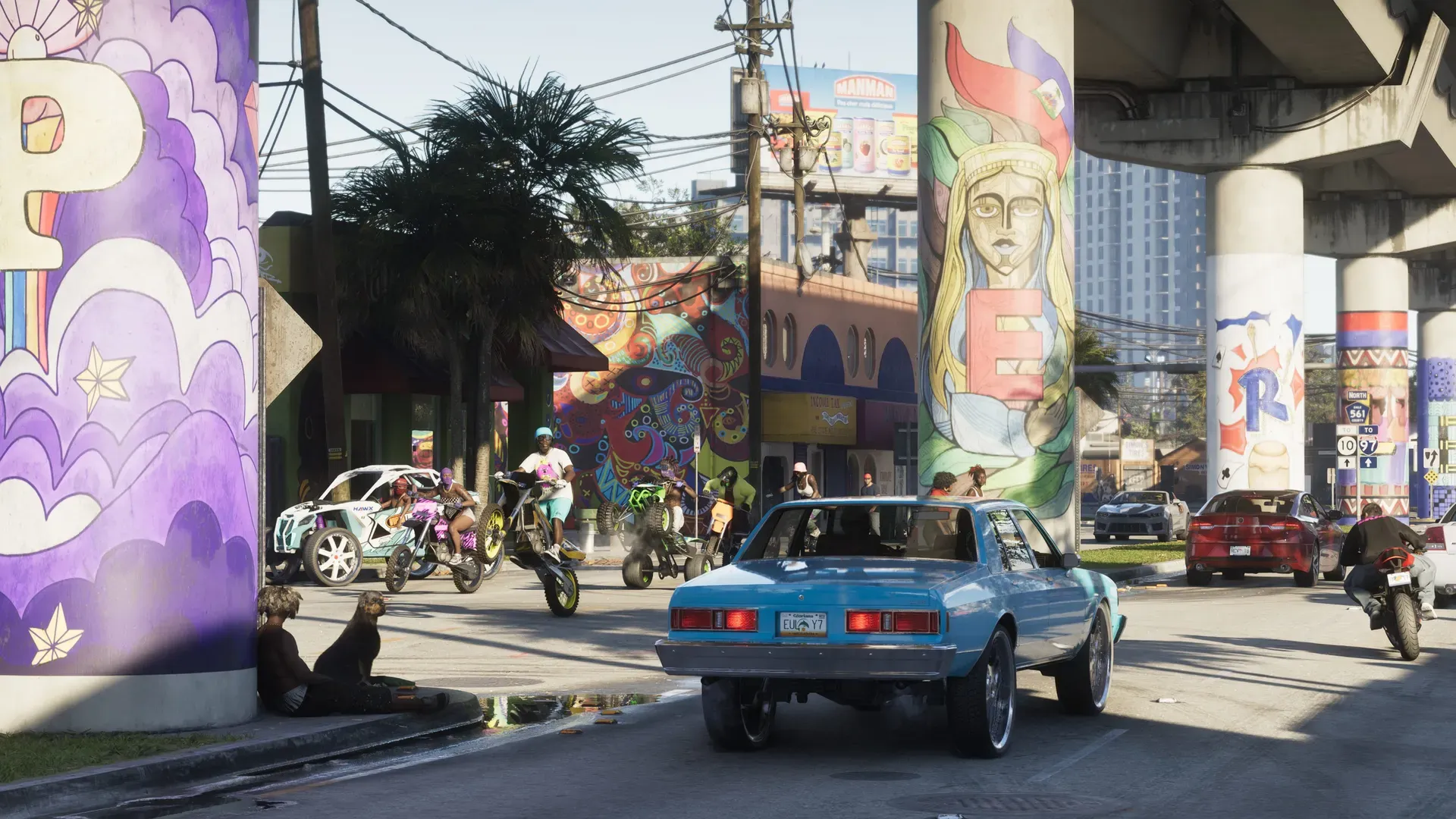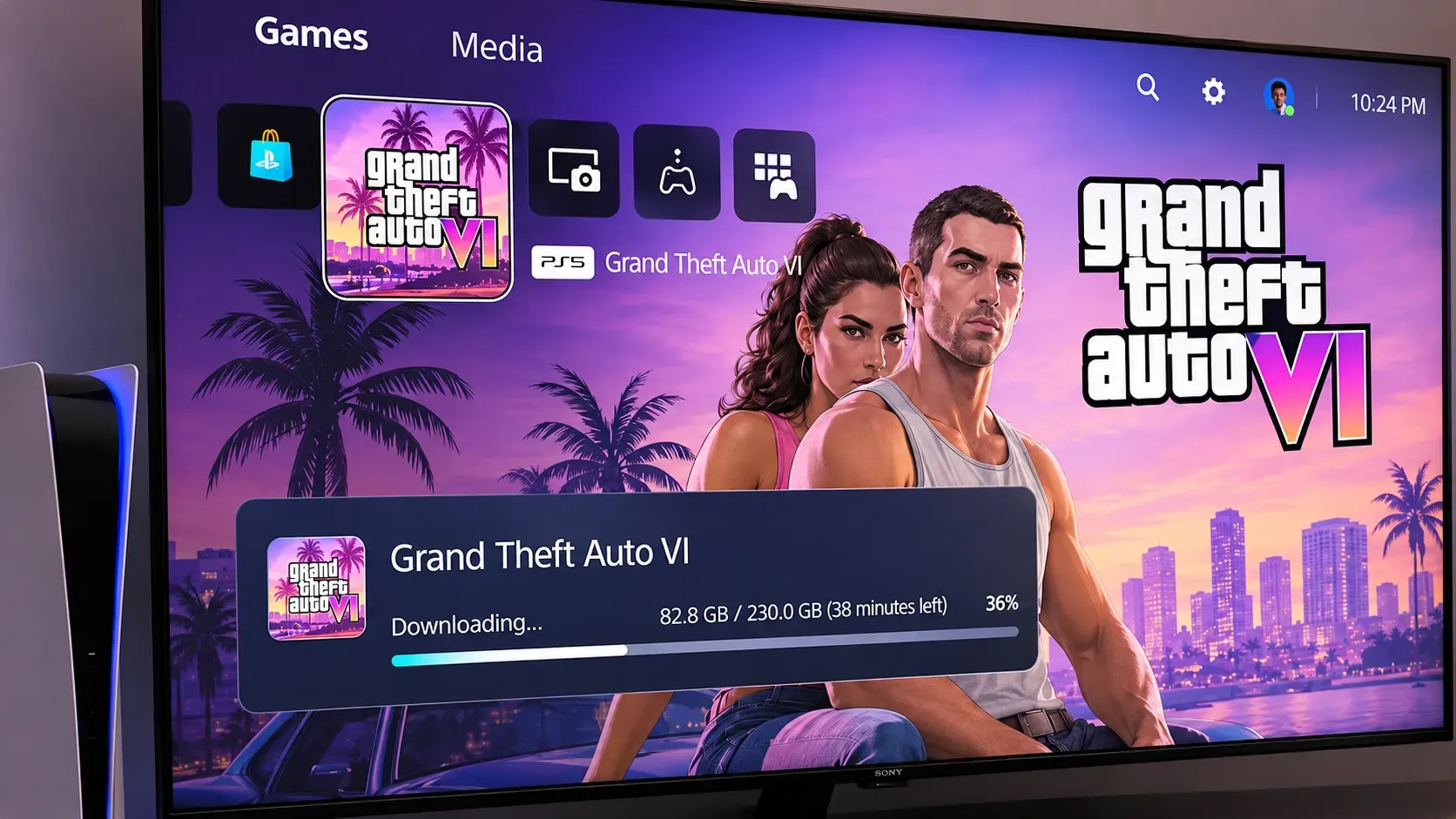
GTA 6 preloading is now open around the world. Confirmed On Xbox Series X|S it opened everywhere at once, at 12 a.m. GMT on November 10 (7 p.m. ET and 4 p.m. PT on Monday, November 9). On PS5 it opens at midnight local time on November 10: GameSpot reported New Zealand and Australia going live first on November 9, and Rockstar’s schedule then takes it west through Asia and Europe to the Americas. The last places to open are the US west coast, at midnight PT (3 a.m. ET), then Alaska and Hawaii. The game still unlocks on November 19.
So if you bought a digital copy and it’s November 10 where you are, you can download it now on either console. If it hasn’t started, check the fixes below.
Where the preload is open
PS5 followed midnight around the world, so it opened region by region. Xbox opened for everyone at once.
| Console | When it opens | What that means |
|---|---|---|
| PS5 | November 10 at midnight local time | New Zealand first, then Australia, Asia, Europe and finally the Americas |
| Xbox Series X|S | November 10 at 12 a.m. GMT, worldwide (open now) | 7 p.m. ET / 4 p.m. PT on November 9 in the US; 1 p.m. on November 10 in New Zealand |
Analysis That gives two odd results. In the Americas, Xbox owners can start hours before PS5 owners. In New Zealand and Australia, PS5 owners get a head start of about half a day over Xbox. Rockstar’s support site has a regional pre-load times page, and our preload time by country table lists every main time zone.
What Rockstar confirmed
Confirmed From Rockstar’s November 3 Newswire post, its pre-load FAQ and Sony’s PlayStation Blog:
| What | Detail |
|---|---|
| Who can preload | Anyone with a digital preorder of either edition |
| PS5 preload | November 10 at midnight local time; Sony says “November 10 local midnight” |
| Xbox Series X|S preload | November 10 at 12 a.m. GMT, the same moment worldwide |
| Space | Up to 212 GB, depending on your console; Sony asks PS5 owners to clear “at least 212GB” |
| Console settings | Automatic downloads on, and the console switched on or in Rest Mode |
| Boxed copies | A download code in the box, no disc; available from retailers from November 12, and the code can preload from then |
| Launch | Midnight local time on November 19, on PS5 and Xbox Series X|S, in every region |
The 212 GB figure is how much free space Rockstar tells you to clear. It is not an exact download size for each console, and Rockstar hasn’t published one. Our file size guide shows how much of each console’s storage that takes up.
Rockstar moved digital preloading up from November 12, the date Take-Two gave when preorders opened in June. Our post on the change covers the rest of that announcement.
How to install GTA 6 on PS5
Confirmed These steps follow PlayStation’s own GTA VI support page.
- Check your order. Sign in on PlayStation Store, select your avatar and open Order History to make sure the GTA 6 preorder went through. Bought a boxed copy? Choose Redeem Code from the same menu and enter the code from the box (it holds a code, no disc; boxed copies are on sale from November 12).
- Make room. Go to Settings > Storage and check you have up to 212 GB free. A USB drive can store games you aren’t playing, but GTA 6 must sit on the internal SSD or an M.2 drive to play.
- Find the game. On your games home, open Game Library > Your Collection and select GTA 6. A timer counting down to November 19 appears.
- Start the download. Select the timer and tick the box next to GTA 6 so it downloads automatically. If the preload is open where you are and nothing has started, choose the download option to start it yourself.
- Let it finish overnight. Turn on Settings > System > Power Saving > Features Available in Rest Mode > Stay Connected to the Internet, then put the console in Rest Mode from the control center (Power > Enter Rest Mode). Don’t switch it fully off, or the download stops.
- Keep the console up to date. Under Settings > System > System Software > System Software Update and Settings, turn on automatic download and install of updates, so a launch-day patch can arrive by itself.
Sharing the console with family? Turn on Settings > Users and Accounts > Other > Console Sharing and Offline Play, so other accounts on that PS5 can play the game too.
PlayStation Support’s short video shows where downloads are on PS5 and how to delete games to make space:
How to install GTA 6 on Xbox Series X|S
- Check your order. Sign in with the account that bought the game. For a boxed copy, redeem the code in the Microsoft Store first.
- Make room. Clear up to 212 GB. Our space guide covers what to move or delete.
- Install it. Open My games & apps, find GTA 6 in the list of games ready to install, and select Install. You can also start it from the game’s page in the store.
- Let it finish. Set the console’s power mode to Sleep, so downloads carry on while it’s off.
Xbox’s own walkthrough, filmed on a Series S, covers downloading and installing; the part on pre-installing starts at 2:20:
On both consoles the preload only shows on the account that bought the game. The full guide with more detail is how to preload and download GTA 6.
How long will it take?
Analysis At a steady 100 Mbps, 212 GB takes about 4 hours 43 minutes. At 50 Mbps it takes about 9 hours 25 minutes, and at 25 Mbps nearly 19 hours. On the first night of a release this big, downloads often run slower than your plan’s top speed, so start as soon as it opens and leave the console downloading overnight in Rest Mode. A wired connection usually beats Wi-Fi.
Preload not starting? Common problems and fixes
Confirmed PlayStation has a GTA VI support page with its own fixes for a PS5 preload that won’t start. In order:
- Check it has started. Go to Game Library, select GTA 6 and select the countdown timer. If the download hasn’t begun, choose the option to download and it starts by hand.
- Stuck in Downloads/Uploads? Open Downloads/Uploads from the control center, select the GTA 6 download, then Pause and Resume.
- Still not moving? Select the download, choose Cancel and Delete, go back to Game Library, select GTA 6 and turn auto-download back on.
- Still nothing? Sony says to check that you’re signed in to the account that preordered the game (or redeemed the boxed code), that the console is online, that there’s enough free space, and that the system software is up to date.
Sony also lists the settings to switch on so the download runs by itself: auto-download ticked on the game’s timer, Stay Connected to the Internet under Settings > System > Power Saving > Features Available in Rest Mode, and automatic system updates. Then put the PS5 in Rest Mode, not fully off. If you share your console, turn on Console Sharing and Offline Play so other accounts can play the game.
Analysis When we wrote this, no approved outlet had reported widespread store or download errors. Most of the problems in a staggered preload come from one of these:
- “It says it’s not available yet.” It may not be your time yet. On PS5 it opens at midnight in your own time zone, and in the Americas that is hours after Xbox. Check your country’s time.
- Not enough space. A download that won’t fit won’t start. Clear up to 212 GB first: see how to free up space. A USB drive can hold PS5 games you’re not playing, but GTA 6 has to run from internal storage or an M.2 SSD.
- Boxed copy. The code in the box can’t be used before November 12, so there’s nothing to preload until then. Sony says the box holds only a download code, no disc; if your code is missing or unreadable, contact the retailer.
- Want the Ultimate Edition instead? Sony says upgrades from the digital or boxed Standard Edition are sold only on PlayStation Store.
- Read an old article that says November 12? That was the first plan. Digital preloading moved to November 10; November 12 is now only the date for boxed copies.
- Xbox stuck or slow? Pause and resume the download, or restart the console. Our server status page links to PlayStation Network and Xbox network status if the stores themselves are struggling.
More fixes are in our guide’s preload not starting or stuck section. Confirmed Sony splits the help: PlayStation Support handles downloads, installs, codes and refunds, and Rockstar Support handles gameplay issues, patches and bugs. Rockstar’s pre-load FAQ covers the timings.
Want to see it happen? Ducky Reloaded, Olli43 and GTA Insights streamed or posted videos as the preload went live. They’re in the Watch section at the end of this post. They show each creator’s own setup and region, and aren’t official Rockstar information.
Common questions
Can I play GTA 6 after the preload finishes?
No. The files stay locked until midnight local time on November 19. Our release time page shows the unlock time for your country.
I haven’t bought it yet. Is it too late to preload?
No. Analysis With preloading open, a digital copy bought now should be ready to download as soon as the purchase goes through. Our preorder guide compares where to buy. Rockstar’s store says a boxed copy holds only a download code, which works from November 12.
Will there be a day-one patch?
Not announced Rockstar hasn’t said anything about a launch-day update or its size. If one comes, plan for some more space and download time on November 19.
What should I do while it downloads?
Tick off the jobs on our GTA 6 checklist, from settings to accounts, and check the launch week calendar for what else is coming before November 19.
Watch
Sources
What changed
Corrections policy- Update: Preload is now open worldwide, and the post now has step-by-step install instructions for PS5 (from PlayStation's GTA VI support page) and Xbox.
Comments
No comments yet. Ask a question or share a tip.