
GTA 6 unlocks on November 19, 2026. This plan fills your first hour with things Rockstar has actually shown: named places, confirmed activities, the six radio stations revealed so far and the vehicles in each edition. Nothing here is a guess about how the game plays.
A note on spoilers. Rockstar has not revealed the opening missions, where you start or when the map opens up. We won’t spoil the story here, and we won’t pass on leaks. If the first hour turns out to be mostly story, that is fine: keep this plan for the moment you are let loose.
If you only have 20 minutes
- Set subtitles, brightness and camera sensitivity, then press start.
- Play the story until you are free to roam. Don’t rush the opening.
- Cycle the radio once so you know where Flash FM and the other five stations sit.
- Take one screenshot of a place you recognise from the trailers.
- Save, and note where you stopped so tomorrow starts with a plan.
Before you press start
Rockstar hasn’t published the GTA 6 options menu, so we can’t list its settings. Check the options menu for the things most Rockstar games include:
- Subtitles and their size, because radio hosts and passers by talk over each other.
- Brightness or HDR calibration, set once on the first screen you see rather than mid chase.
- Camera and aim sensitivity, plus any accessibility options such as control remapping.
- Audio balance between music, speech and effects, so the radio doesn’t drown out instructions.
Then set up your screenshot button, because the photo section below depends on it.
- PS5: Sony’s support page says to press the Create button and select Take Screenshot. To skip the menu, go to Settings > Captures and Broadcasts > Captures > Shortcuts for Create Button and choose Easy Screenshots.
- Xbox Series X|S: Microsoft’s support page says the Share button, between View and Menu, captures screenshots and game clips.
Make sure the full download has finished first. Our preload and download guide covers that, and the release time page shows when it unlocks where you live.
The first 15 minutes: let the story lead
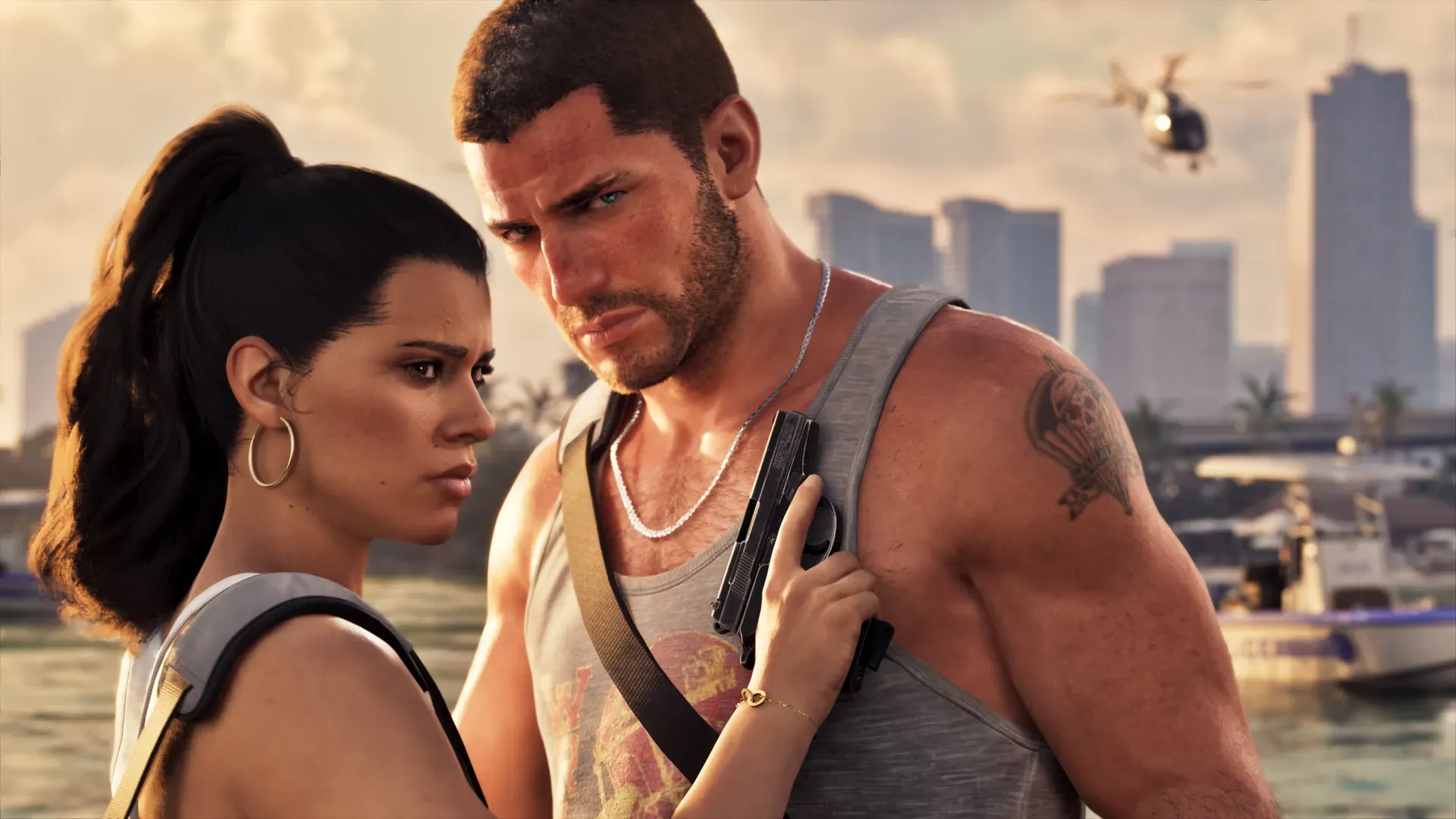
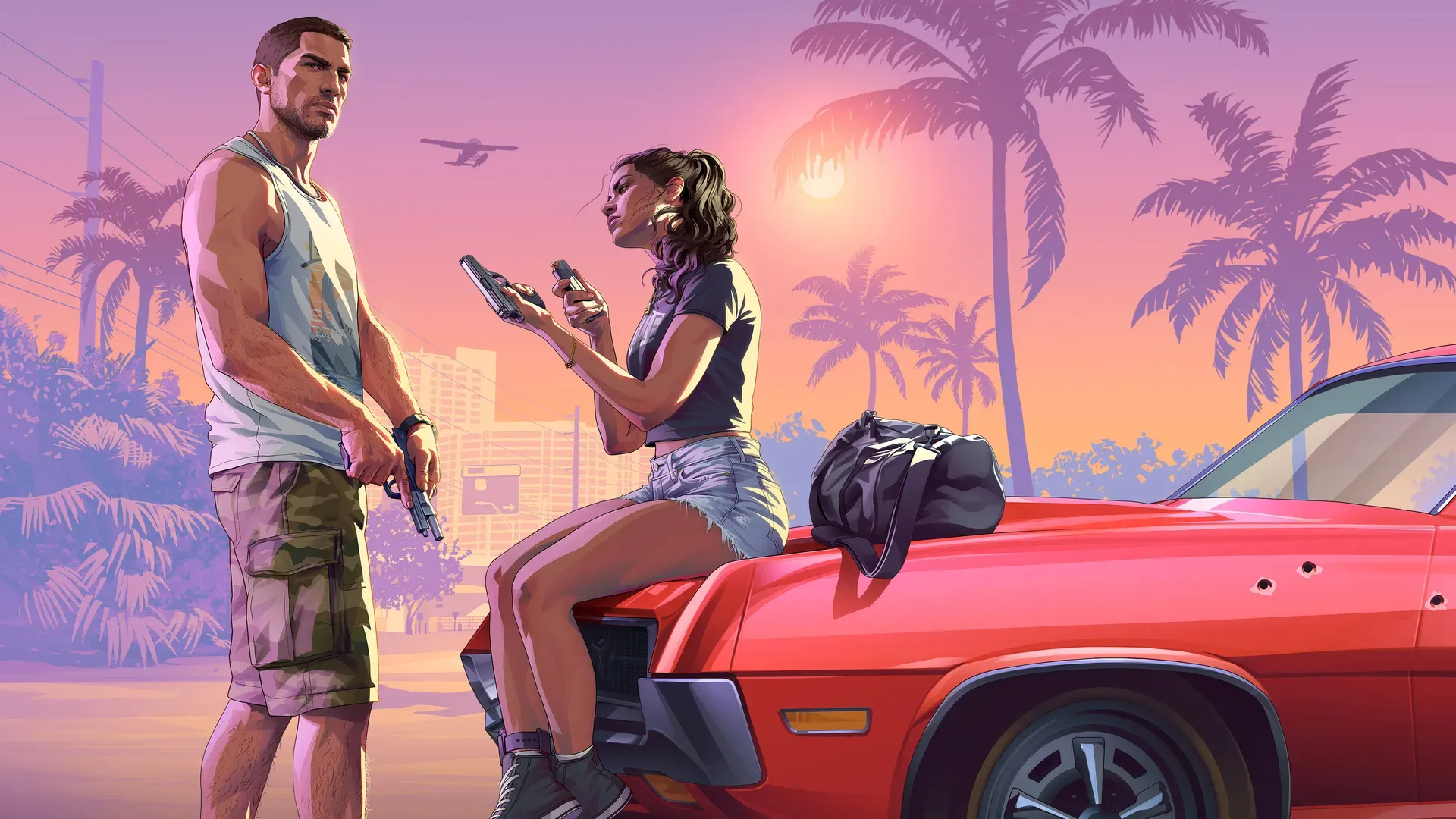
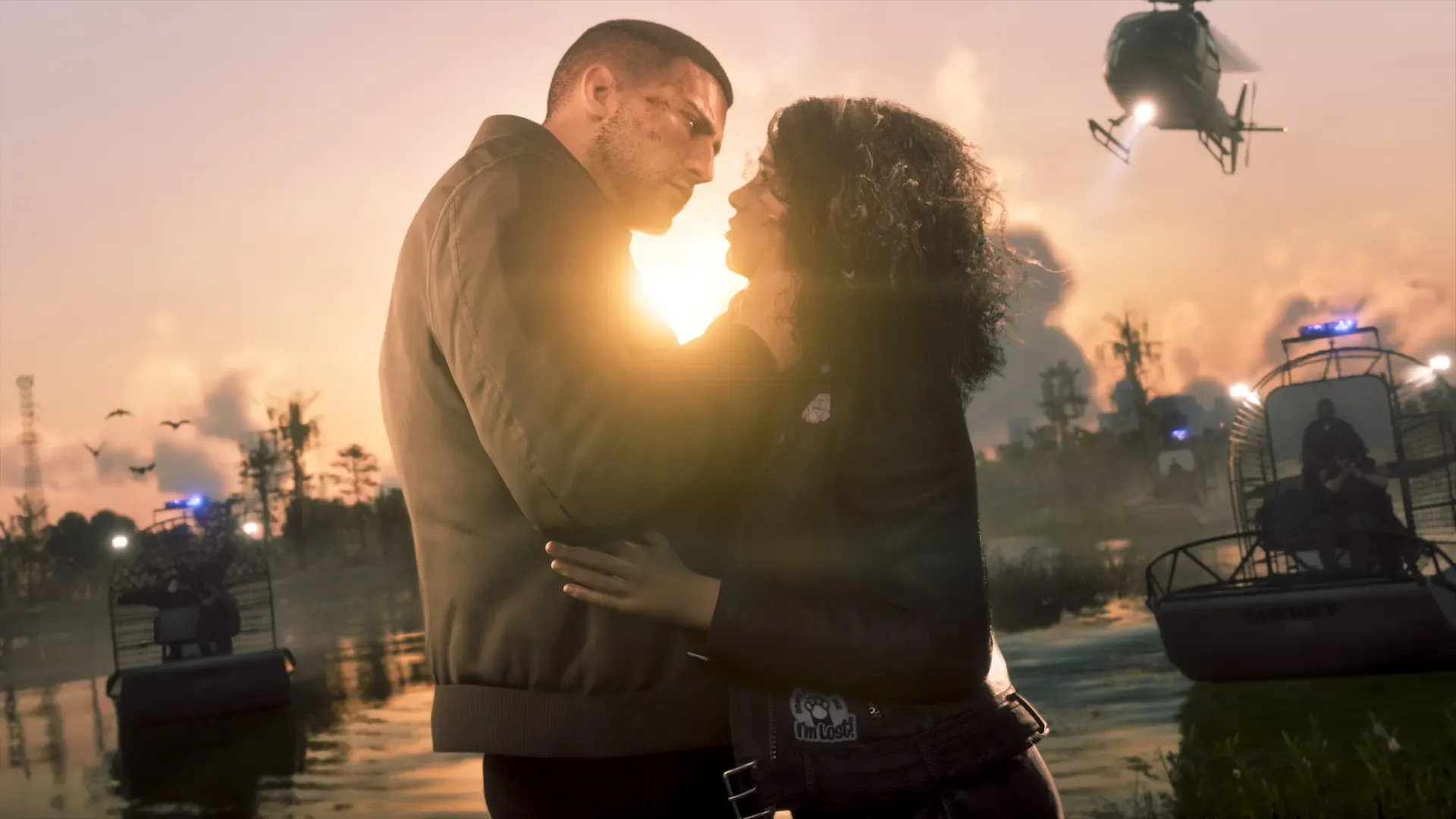
Play whatever Rockstar puts in front of you, without skipping cutscenes. You are meeting Jason Duval and Lucia Caminos, and Rockstar has framed the whole game around the two of them.
In GTA V, the opening was a fixed prologue before the map opened, and it’s likely something similar happens here too, but Rockstar hasn’t confirmed it for GTA 6. Treat any free time in this block as a bonus.
Minutes 15 to 30: drive, listen, look
Once you can move freely, pick a direction and drive without a goal. Use this time to learn the radio.
Rockstar has named six stations. A neat test is to match each one to the region it suits:
- Flash FM for cruising Vice City. It is the pop station Vice City fans will remember.
- Back Country Radio, which Rockstar says is beamed out to the Grassrivers and Port Gellhorn.
- Cocoteo FM, AfroBank FM, The Chamber 106.6 and Dirty South Classics for everything else.
Rockstar calls this its widest range of radio yet, from classic rock to talk radio, plus on demand podcasts. Neither of those two genres is among the six named so far, so there are more stations still to be revealed. The radio stations news post lists hosts and preview songs.
If you are in Vice City, look for the four neighbourhoods Rockstar has named: Ocean Beach with its pastel art deco hotels, Little Cuba and its bakeries, the Tisha-Wocka flea market and VC Port. Rockstar hasn’t said where any of them sit, so finding them yourself is half the fun.
Minutes 30 to 60: try one activity and one vehicle
Pick one confirmed activity
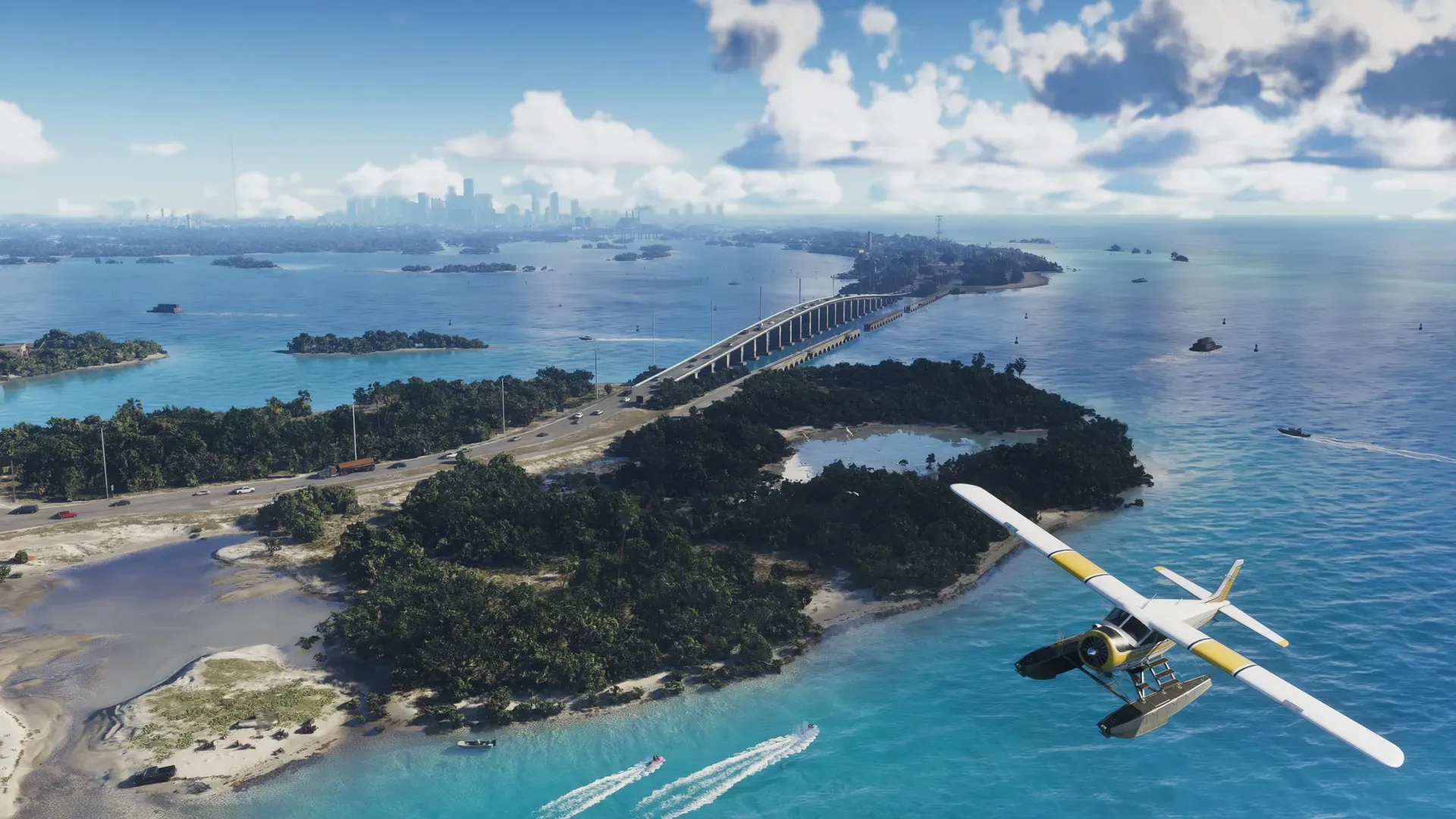
Choose one thing from our side activities list and give it ten minutes. Rockstar has shown fishing, hunting and off road trails in Mount Kalaga, scuba diving and jet skiing in the Leonida Keys, airboats in the Grassrivers, a gym and mini golf. We don’t know which ones open early, so have a second choice ready.
Check your vehicles
Jason’s own Vapid Ganado pickup is the truck Rockstar keeps showing him in; the Ultimate Edition adds its Retro Build mods. The extras below depend on what you bought, and neither pack is promised in the first hour.
| You have | Look out for | When it appears |
|---|---|---|
| Vintage Vice City Pack | ‘55 Vapid Stanier and the Shore Court garage near Ocean Beach | “As their story progresses”, says the Xbox listing |
| Ultimate Edition | ‘95 Grotti Cheetah, Dinka Enduro, Crest Kayak, Shitzu Squalo, ‘67 Vapid Dominator Buggy | “New items uncovered behind each chapter” |
Ultimate owners also get shops such as Rideout Customs and Sara’s Unisex Salon. The editions guide has the full list, and our properties page covers the garages.
Take three photos
End the hour with a small photo set of places Rockstar has described:
- Ocean Beach hotels, ideally at sunset, to match Rockstar’s pastel art deco description.
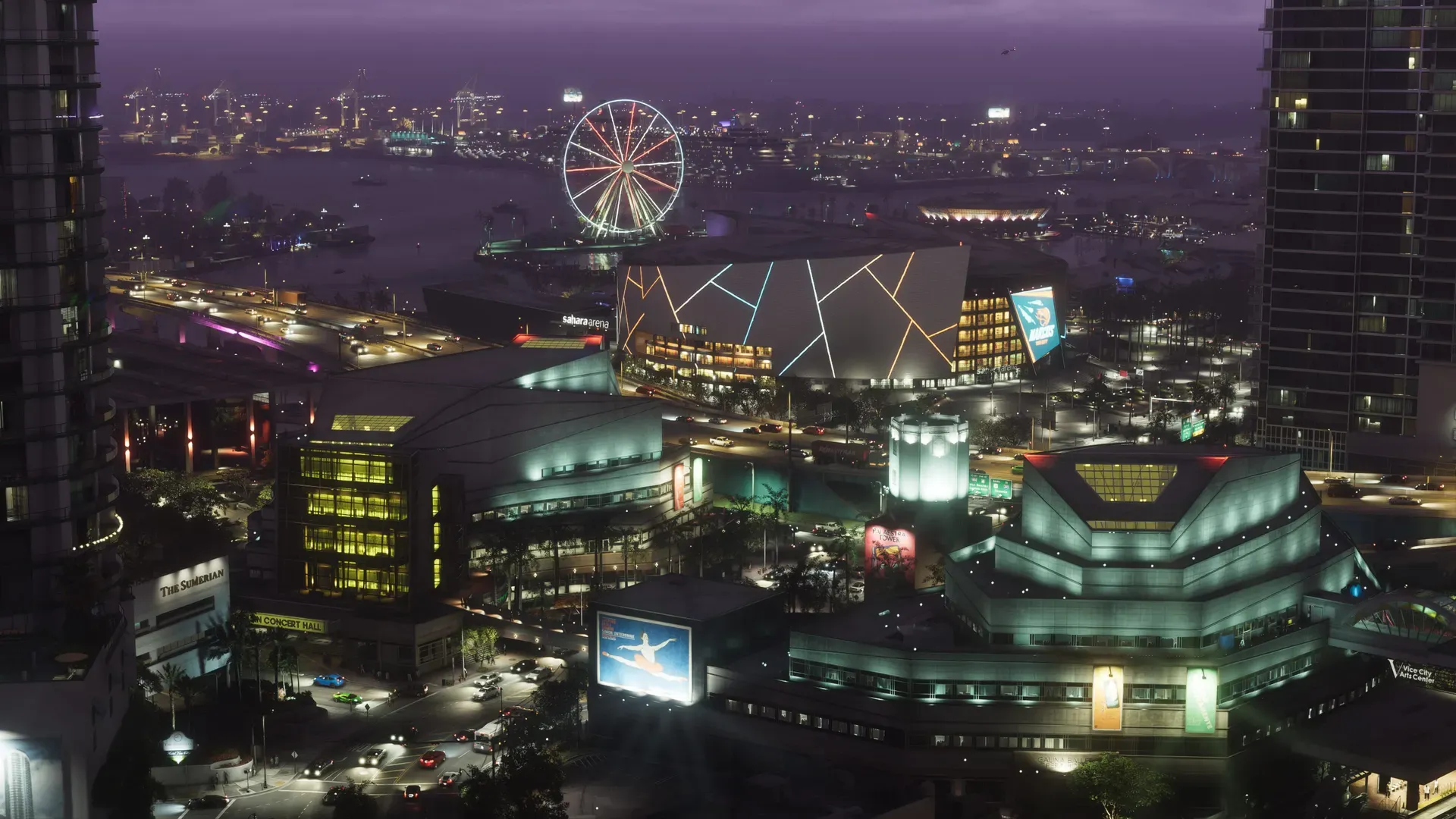
- The Vice City skyline at night. Rockstar’s own still shows a lit ferris wheel.
- Anything with water: a Keys bridge, a Grassrivers airboat, or Lake Leonida.
In GTA V you could take photos with the in game phone, and it’s likely useful here too, but Rockstar hasn’t confirmed a camera feature for GTA 6. Your console’s screenshot button works either way.
We’ll update this at launch
Once the game is out, we will add the real settings menu, where you start, when free roam opens, which activities unlock first and when each edition’s vehicles appear. Until then, everything above sticks to what Rockstar has shown.